Detailed project overview and creative execution breakdown.
Program / Context
—
Disciplines
—
My Role
—
Tools & Tech
—
Overview
⚡ MY ROLE & CONTRIBUTION
🛠 TOOLS & PRODUCTION
Production Breakdown
REPORTED OUTCOME
Selected Production Gallery
The Challenge
Approach & Creative Direction
Outcome & Impact
Project Overview
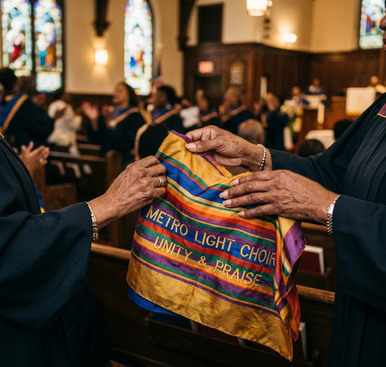
The Creative House for Young Creatives (CHfYC) documentary tells the story of Dana Holness's vision and the creative community she built to help young people develop practical skills and sustainable pathways in the creative industries. Created from production spanning New York, Washington, DC, London, and DL360Tech Studios, the film brings together interviews, musical performances, studio sessions, participant stories, photographs, event material, and other source assets into a unified documentary narrative.
The production evolved significantly as the material was reviewed. What began primarily as Dana's story increasingly became the story of what she built—the young creatives, mentors, collaborators, and broader community brought together through Creative House.
Michael Kingsberry led the documentary's production structure, narrative development, and post-production, organizing multi-location source material into a cohesive story and developing visual solutions for moments where meaningful historical footage did not exist.
AI-assisted tools supported selected stages of preproduction, visual development, editorial review, narration, music, and story-supporting visual generation. Story structure, editorial judgment, visual selection, pacing, authenticity, and final creative decisions remained human-directed.
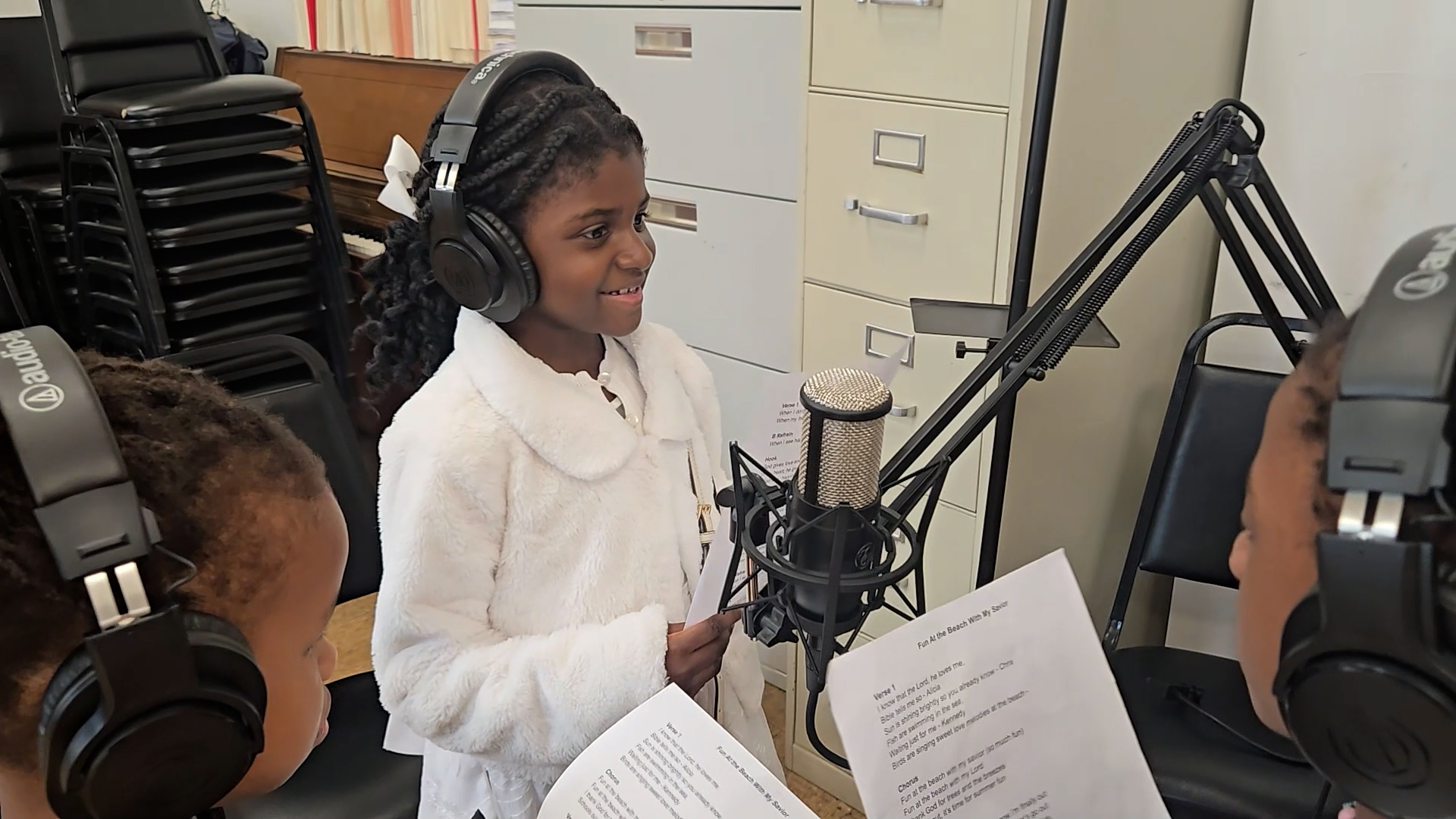
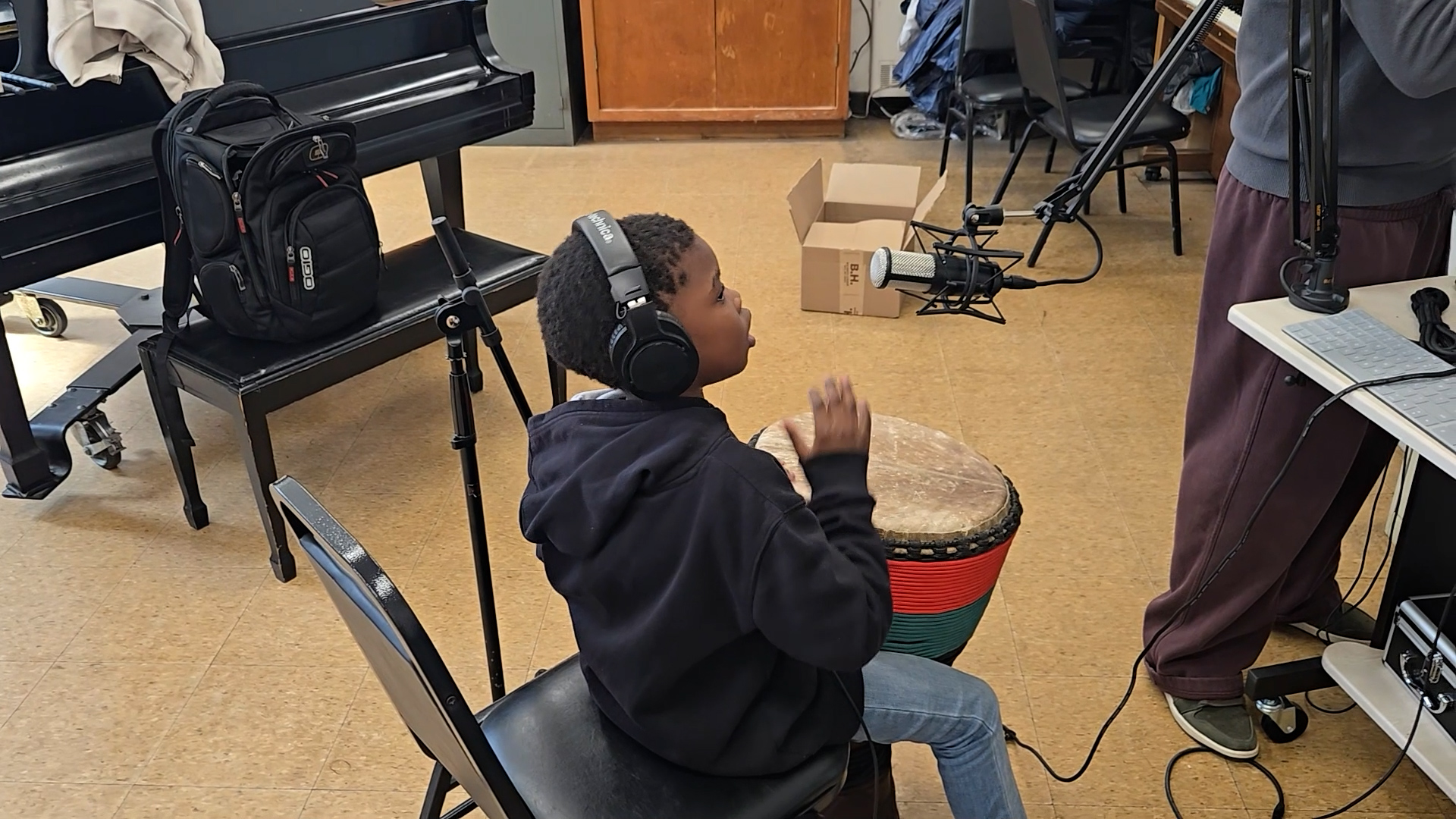
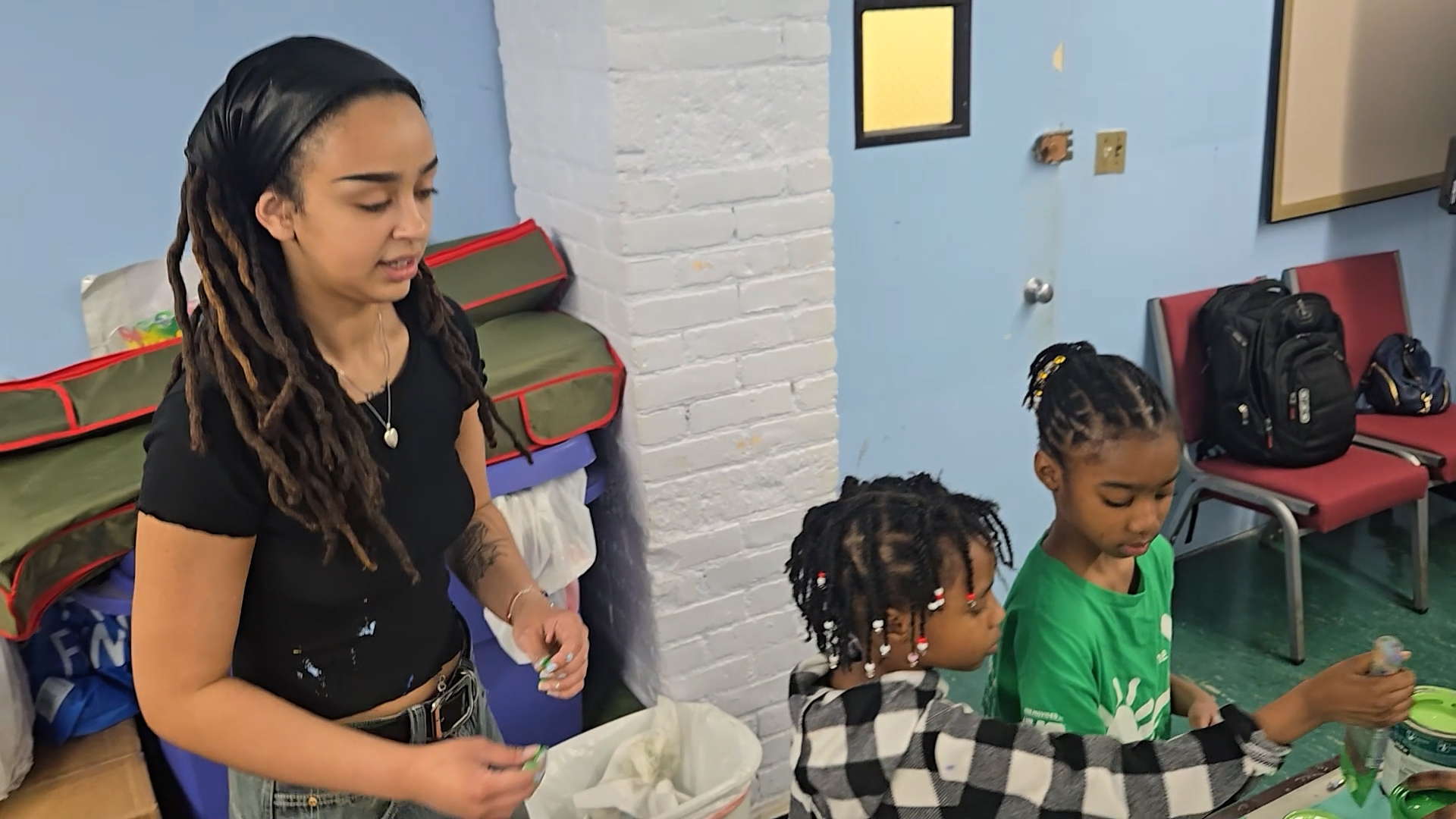
Documentary Still: Youth recording session in HarlemDocumentary Still: Creative workshop collaborationDocumentary Still: Youth mentorship & community
The Production Challenge
The documentary brought together independently captured material from New York, Washington, DC, London, and studio production sessions, along with interviews, performances, photographs, historical material, narration, and partner content. The challenge was not simply assembling footage—it was creating a consistent documentary language and coherent emotional narrative from material produced across different locations, contributors, formats, and stages of the project.
Key Technical & Creative Requirements
Manage multi-location footage and production variability across New York, Washington, DC, London, and studio sessions.
Unify different contributors, recording environments, and varied source media formats.
Organize large volumes of interviews, musical performances, photographs, event material, and supporting assets.
Address inconsistent availability of historical footage for critical narrative moments.
Establish narrative structure and emotional continuity across disparate documentary material.
Execute within a compressed production and premiere schedule.
Maintain centralized editorial organization and controlled asset management.
The Story Evolves: Editorial Direction
The film evolved significantly through the editing process—a key demonstration of human editorial documentary judgment.
Initial Emphasis
Dana's Personal Story
Expanded Emphasis
Dana's Vision & Philosophy
Final Narrative Arc
Young Creatives & Community
The completed documentary became more than a personal biography—it became a story about the Creative House mission, the people surrounding it, and the young creatives at the center of that mission.
Structured Preproduction & Production Pipeline
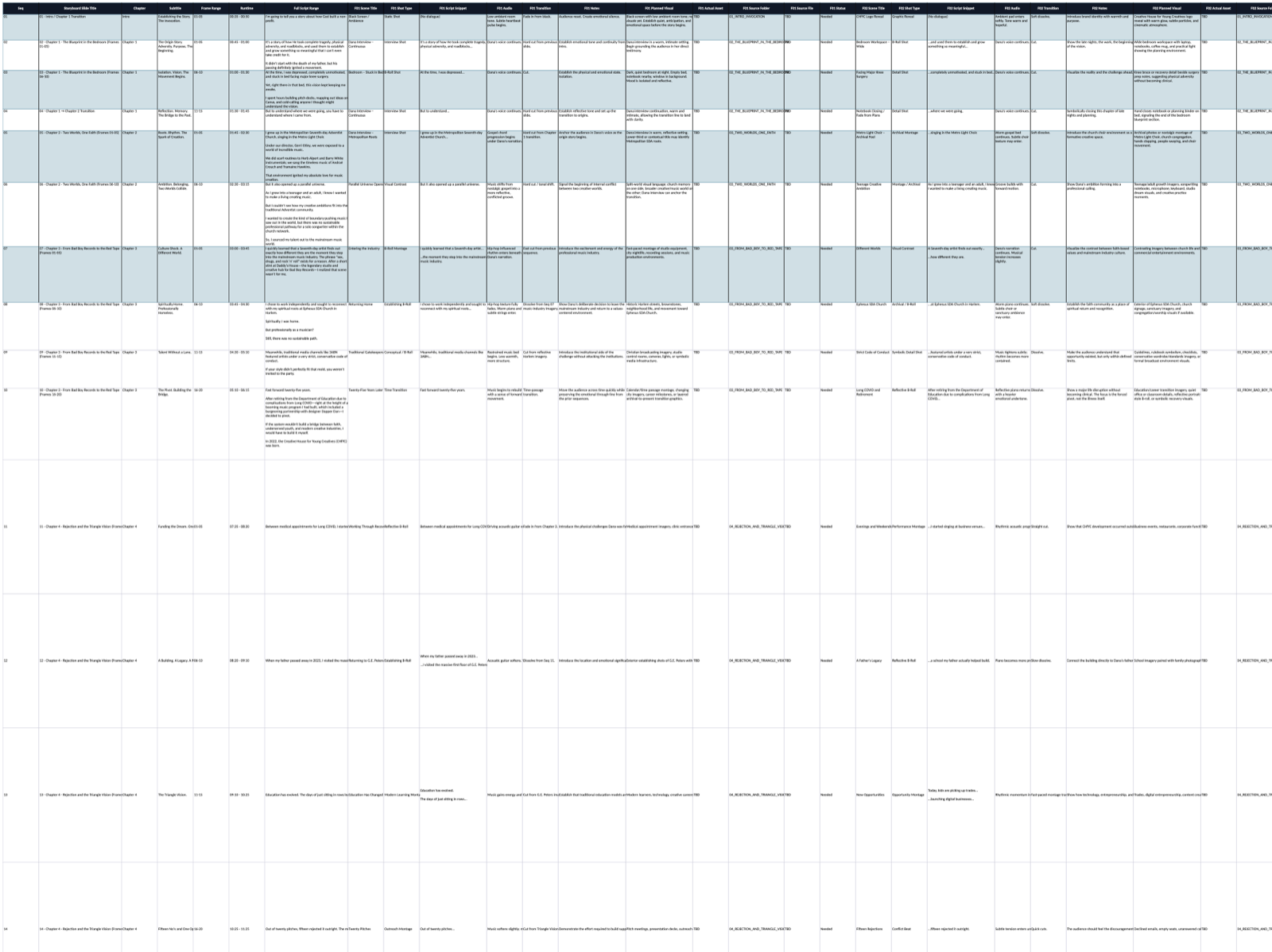
To transform raw documentary script and source assets into an organized production system, AI-assisted workflows helped structure information before and during editing. Content was organized for script, audio, transitions, and visual requirements within structured preproduction workbooks prior to storyboard assembly.
01 / InputScript & Source Assets
02 / DataStructured Preproduction
03 / VisualsFrame Visualizations
04 / ReviewScene Contact Sheets
05 / BoardStoryboard Framework
06 / EditEdited Sequence
07 / FinalFinal Documentary
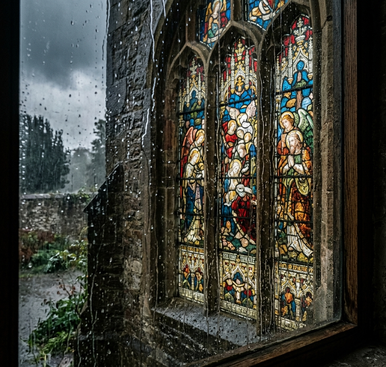
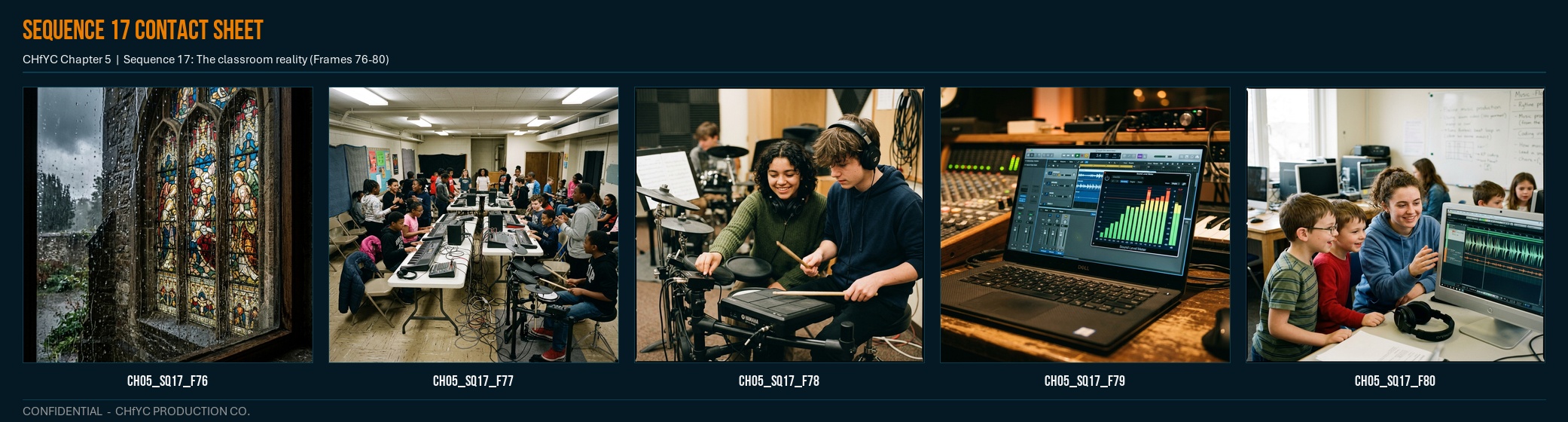
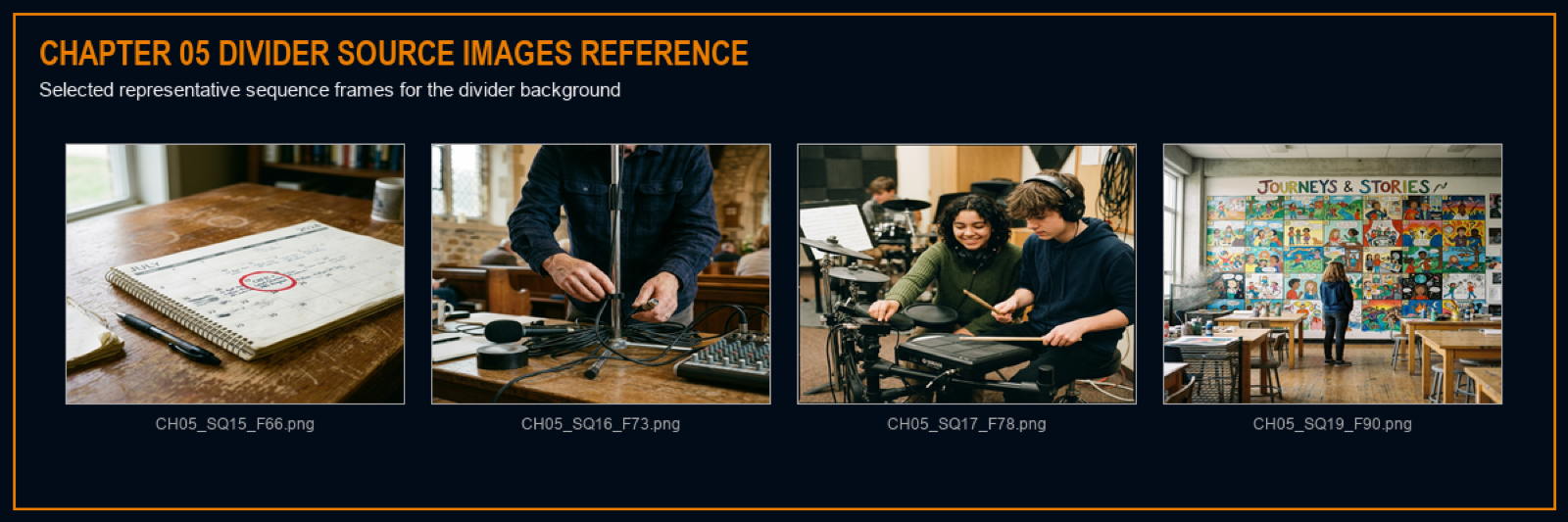
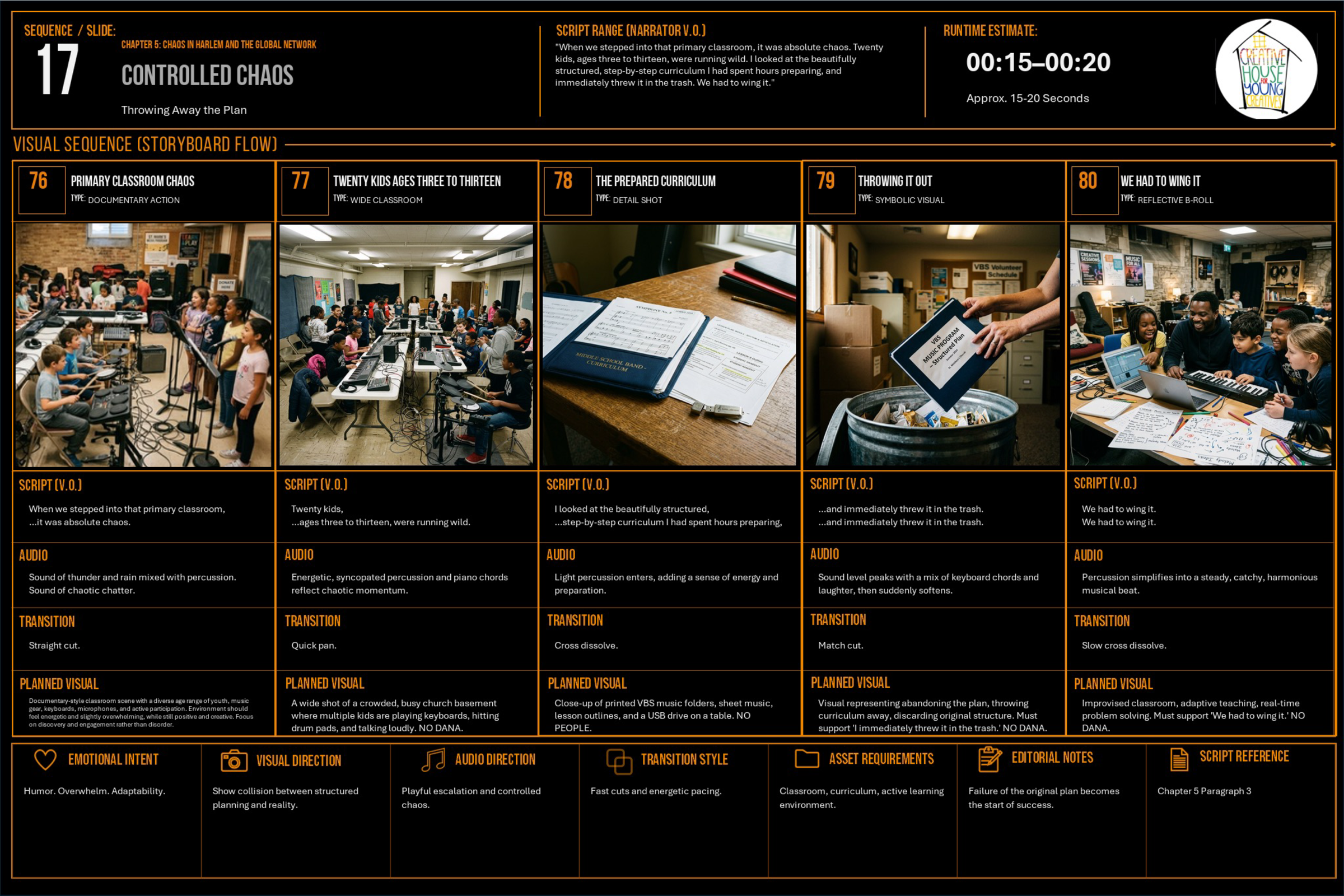
01. Structured Production DataMaster Excel workbook organizing script, audio, transitions, and frame requirements.02. Preliminary Frame VisualizationFrame CH05_SQ17_F76 previsualizing the classroom chaos sequence.03. Sequence Contact SheetSequence 17 contact sheet for reviewing scene continuity and pacing.04. Chapter Contact SheetChapter 5 contact sheet evaluating macro chapter continuity.05. Production Storyboard PackageRepresentative production storyboard page: Sequence 17 (Controlled Chaos / Chapter 5).
AI-Assisted Editorial Review
AI-assisted review was used during post-production as an editorial support system to preview individual sequences, evaluate scene/chapter continuity, identify potential issues, and surface possible narrative enhancements.
Sequence 17 contact sheet review interface
01. AI Review
Sequence preview & continuity check
→
02. Human Decision
USEREFINEREJECTSOLVE DIFFERENTLY
→
03. Refinement
Manual editorial assembly & timing
AI recommendations were never automatically applied. Every suggestion was evaluated against human documentary judgment.
When the Footage Didn't Exist: Building Story-Supporting Sequences
The documentary contained key narrative moments for which no authentic source footage existed. Rather than inserting unrelated generic stock footage, selected illustrative motion sequences were built to visually support the narration while maintaining story continuity. Generated material is presented strictly as story-supporting visual sequence material, never as authentic historical documentary footage.
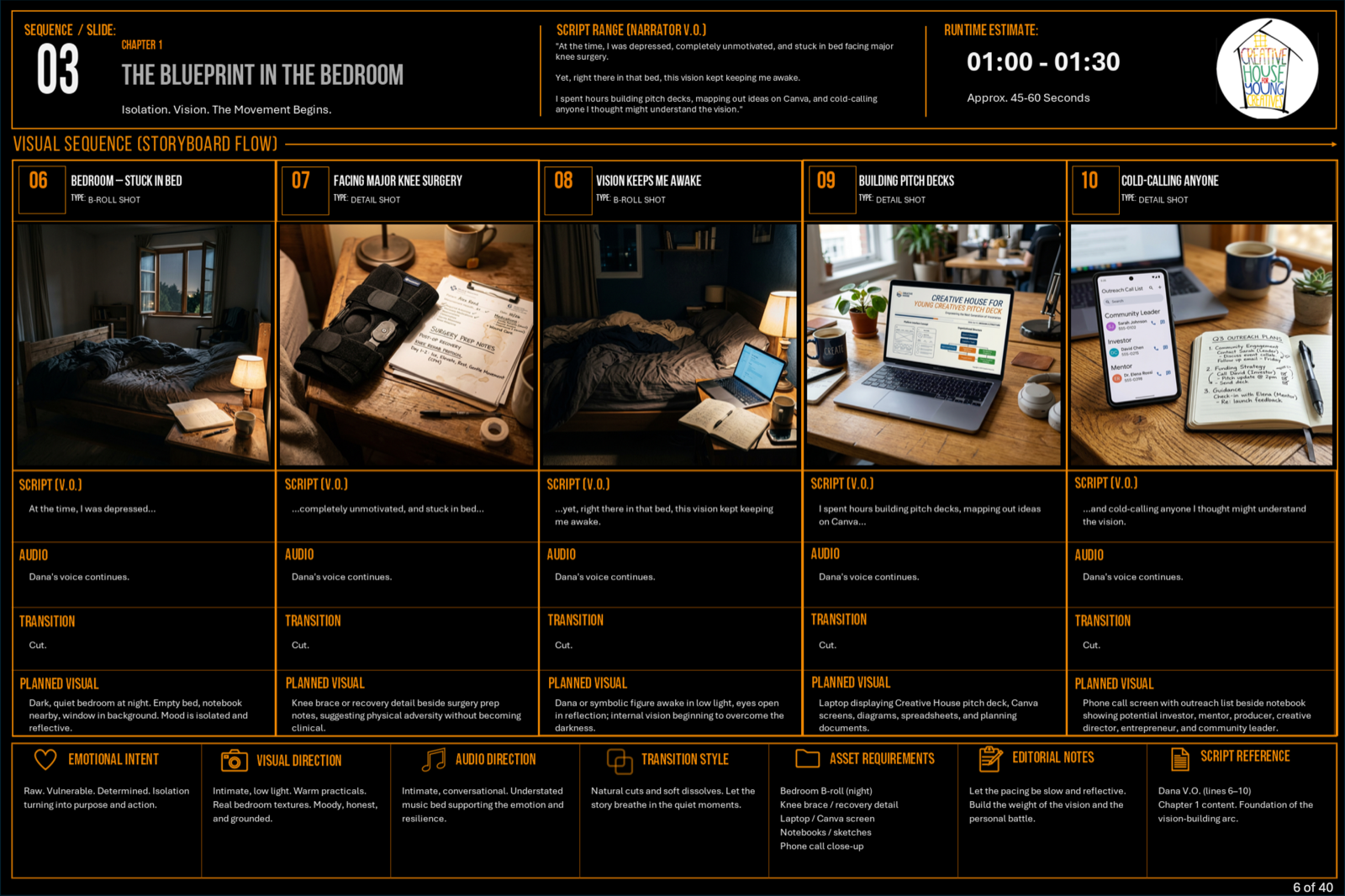
EXAMPLE 1: THE BLUEPRINT IN THE BEDROOM
From Storyboard Plan to AI-Generated Motion Sequence
Narrative Need: Dana describes a pivotal period of recovery, reflection, and quiet strategy following knee surgery:
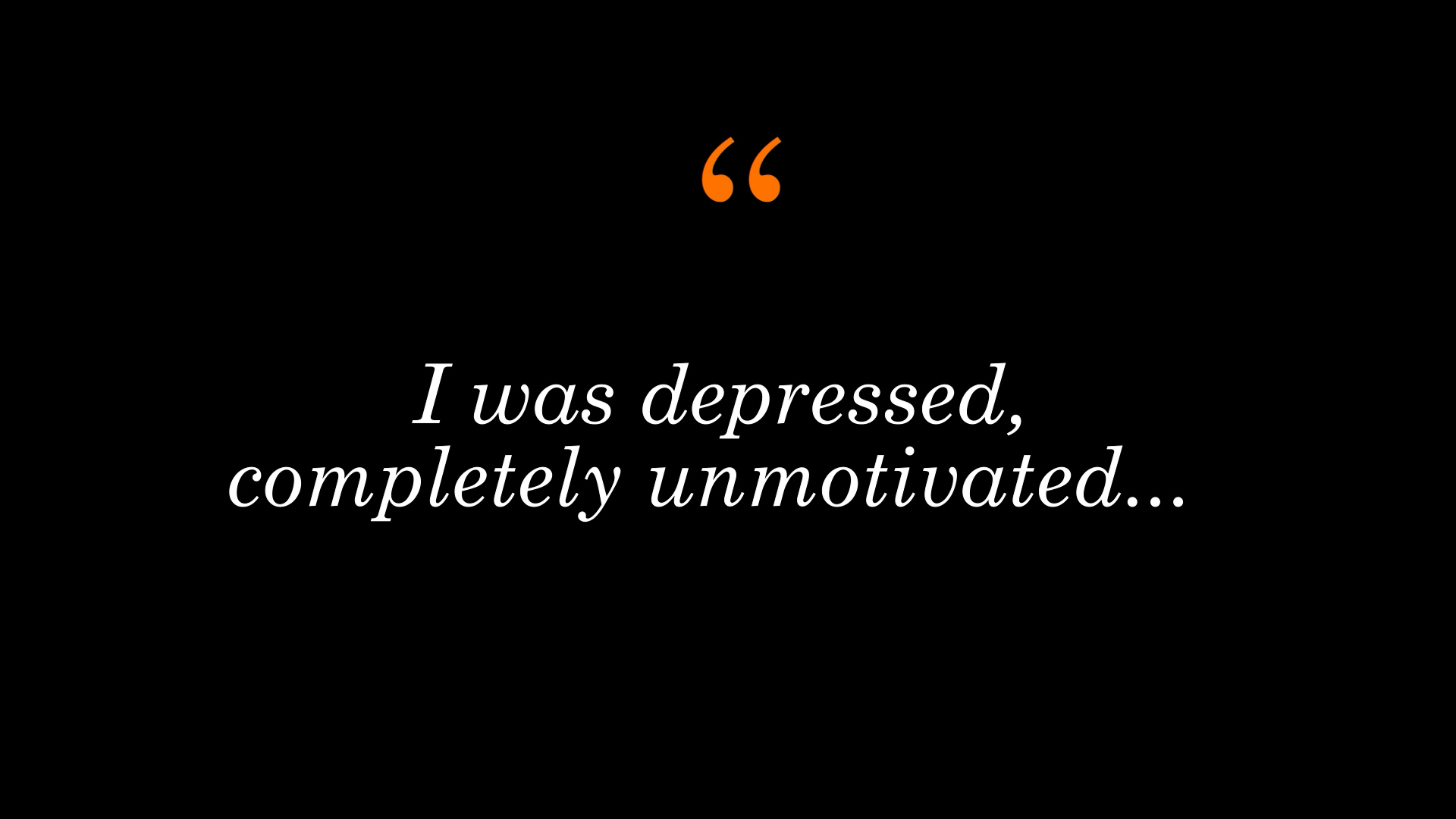
"I was laying in bed for three months... knee replacement surgery... but during that time I was laying out the blueprint for Creative House."
Creative Approach: Rather than relying on static imagery or generic stock, a dedicated storyboard frame was designed to establish camera position, subject placement, and lighting mood. That visual plan was then used to prompt, generate, and edit a multi-shot full-motion sequence supporting Dana's narration in the final documentary cut.
1. Storyboard Plan (Preproduction Document)
Preproduction storyboard establishing visual composition, mood, and scene context prior to visual sequence production.
STORYBOARD PLAN → AI-GENERATED MOTION PRODUCTION → FINAL DOCUMENTARY EDIT
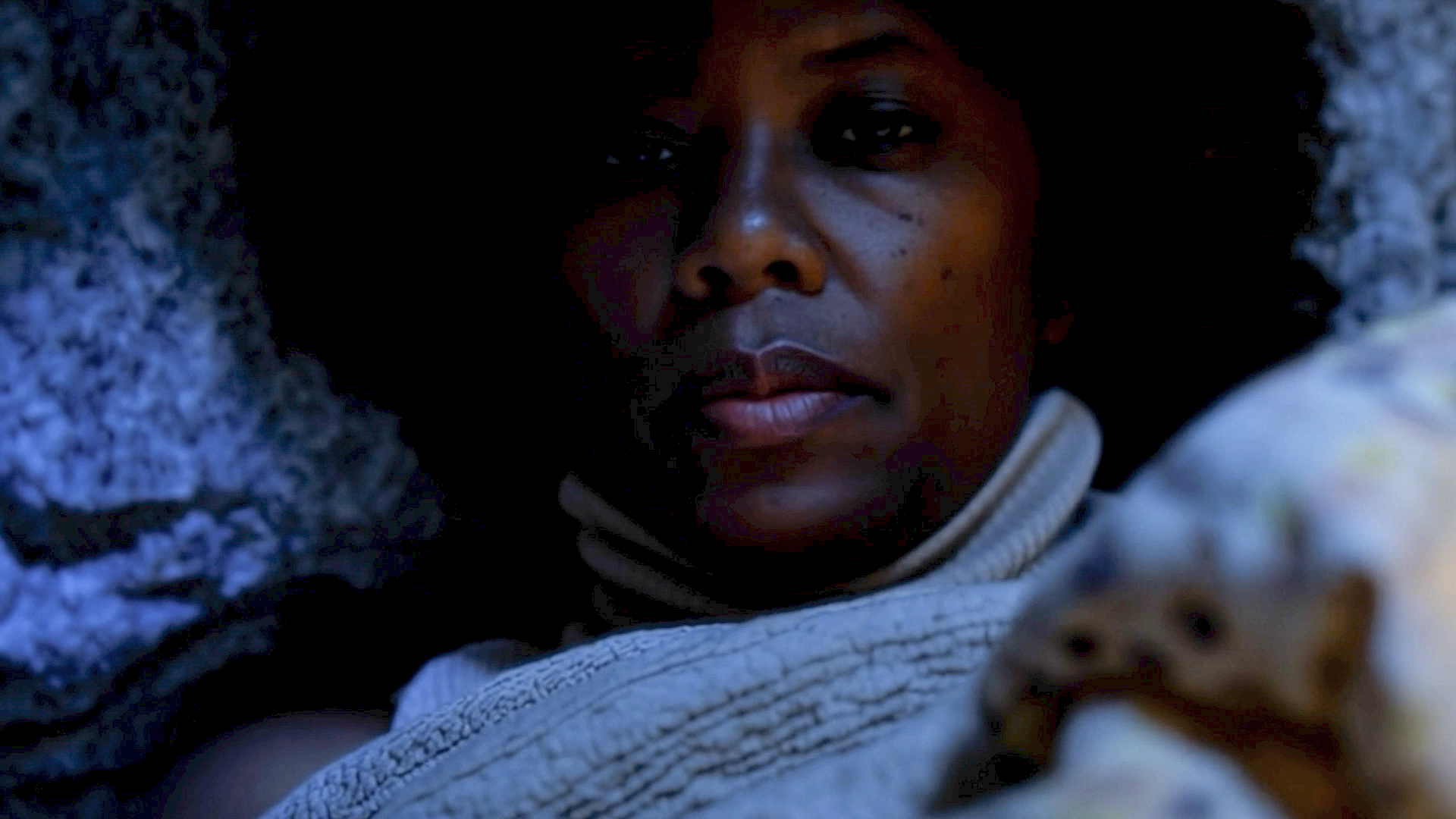
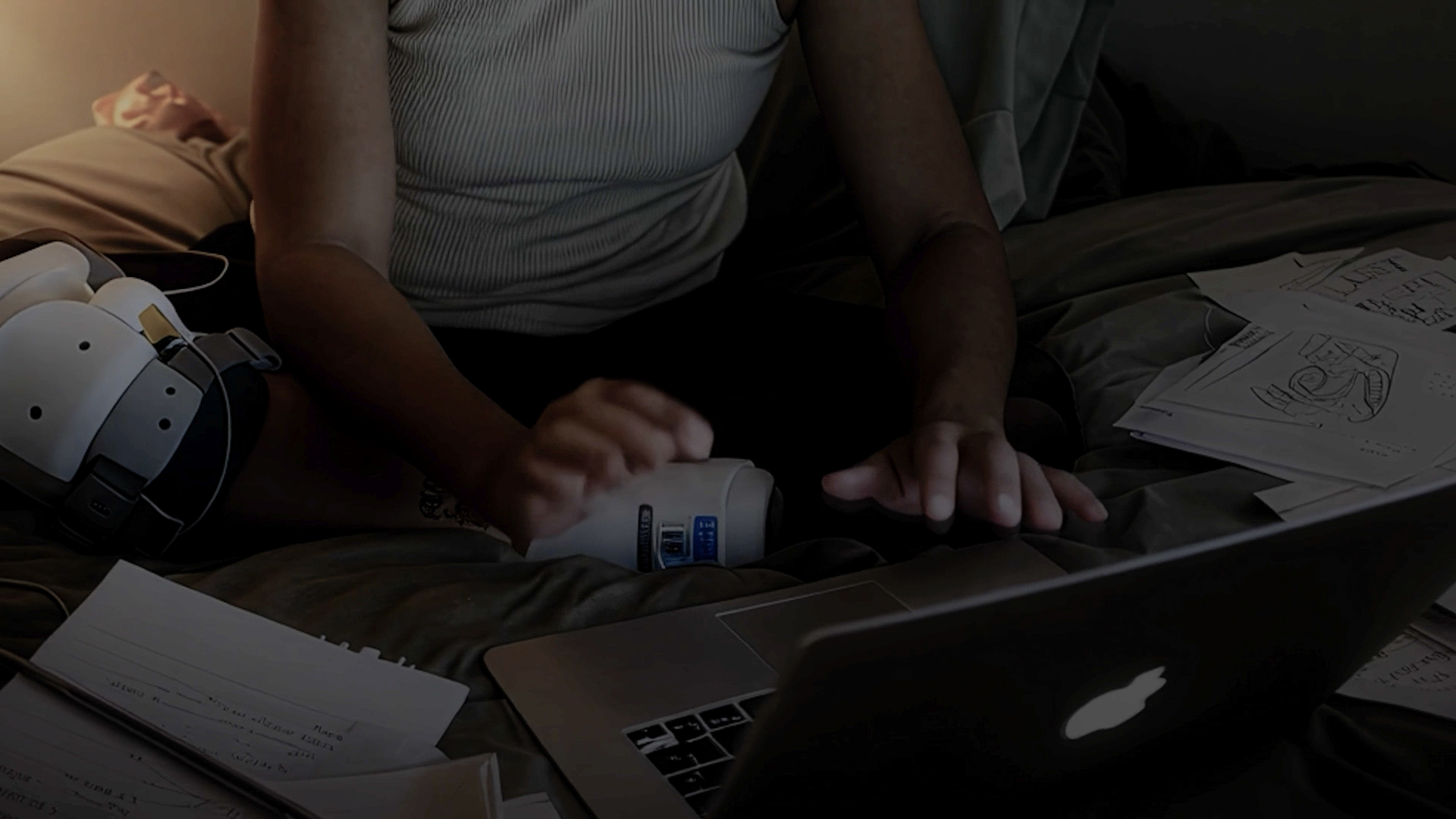
2. Final Documentary Sequence (5 Sequential Stills)
Frame 1Frame 2Frame 3Frame 4Frame 5
5-still sequence from the completed documentary cut demonstrating how preplanned generative visuals were edited into a cohesive narrative scene.
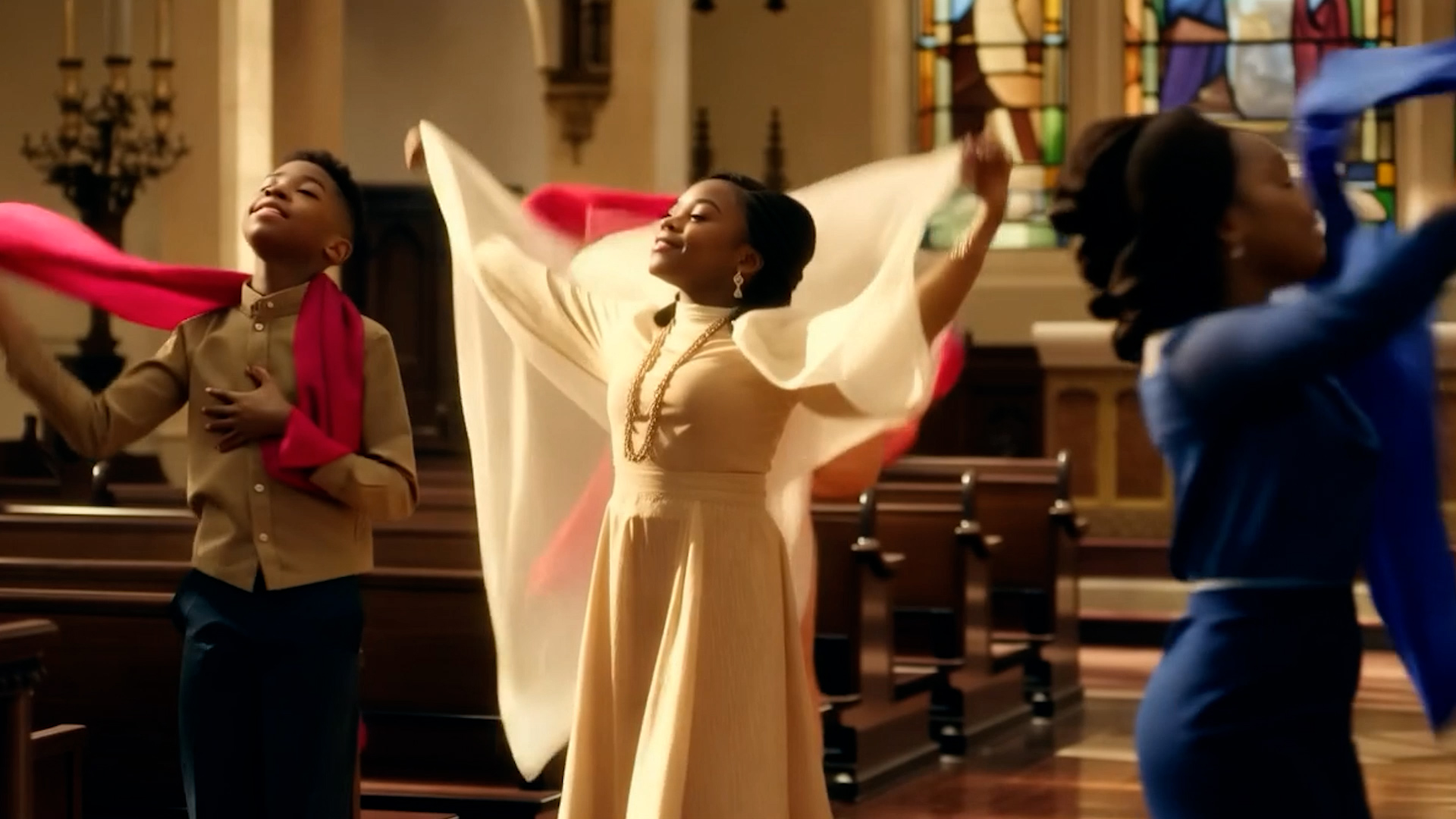
Example 2
Children Dancing with Scarves
Narrative Need: Referencing children in church dancing with scarves to instrumental music.
Solution: Planned visual storyboard matching early childhood musical influences.
STORYBOARDFINAL FILM
Example 3
LinkedIn / London Connection
Narrative Need: Communicating a connection involving Colin and Rowlando across London ("across the pond").
Solution: Conceptual planning frame to final cross-continental connection graphic.
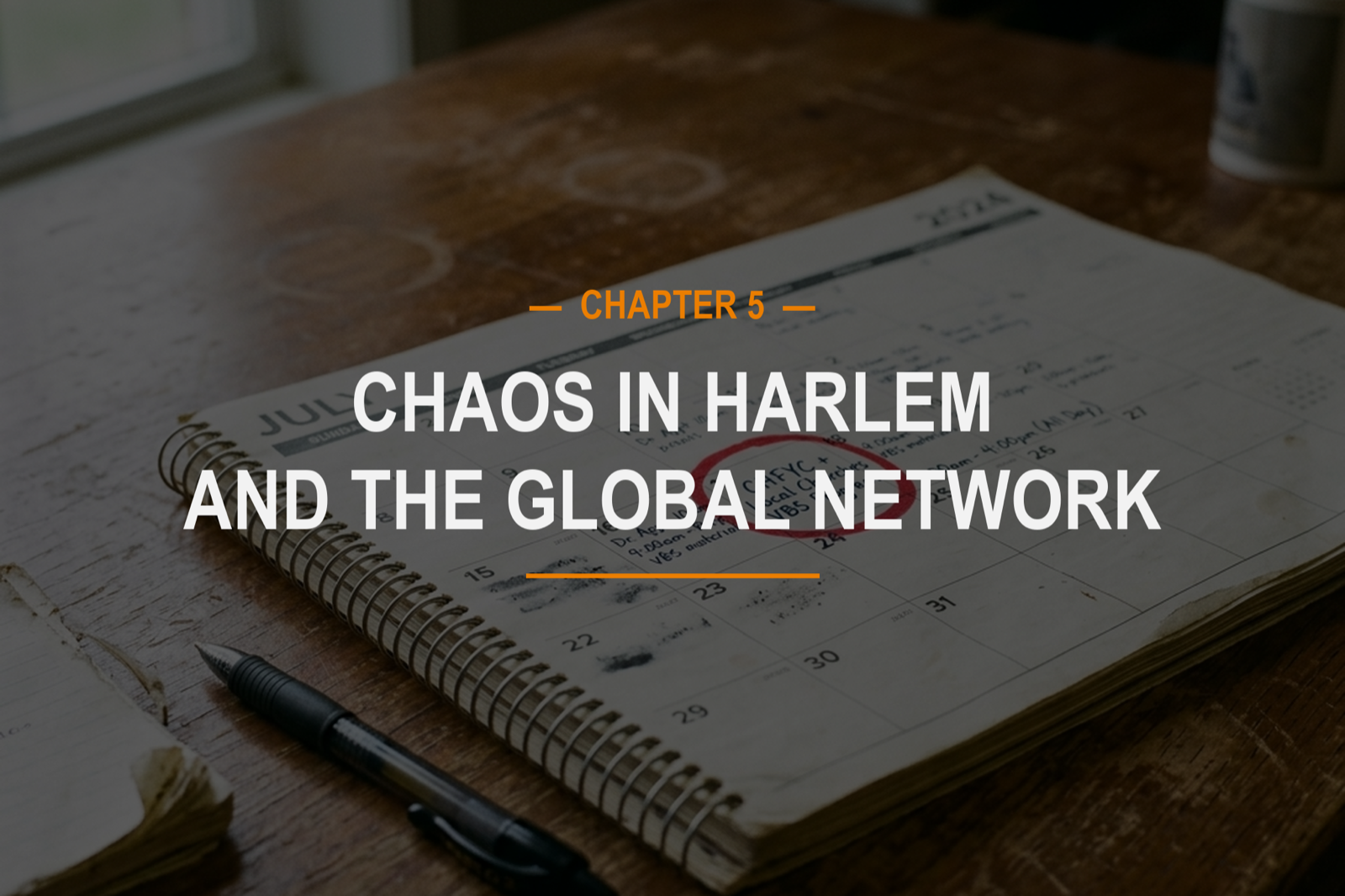
Chapter transition slates initially designed during storyboard development ultimately remained in the completed film, providing visual structure across the documentary's chapters. Narration was developed using ElevenLabs AI voice cloning, with custom music generated via Suno to support emotional tone and pacing.
Proof of Planning: London Connection
Storyboard concept frame → Final documentary implementation comparison.Final Chapter Transition SlateChapter 5 transition slate (Chaos in Harlem and the Global Network).
Governing Principle: Human Creative Control
AI ASSISTED
Preproduction data organization
Preliminary frame visualization
Sequence & continuity review
Illustrative scene generation for missing footage
Cloned AI voice narration (ElevenLabs)
Custom AI music composition (Suno)
HUMAN DIRECTED
Narrative story construction
Documentary editorial judgment
Creative direction & visual style
Sequence selection & pacing
Continuity oversight
Determining generation appropriateness
Final documentary assembly & delivery
Final Documentary & Outcome
The completed documentary brought together interviews, event material, photographs, archival/source content, generated visual support, narration, music, and editorial storytelling into a cohesive film centered on Dana Holness's vision and the young creatives and community surrounding Creative House.
The final film demonstrates a hybrid production approach in which AI-assisted tools supported selected stages of preproduction, visualization, and review, while documentary judgment, narrative construction, and final editorial control remained human-directed.
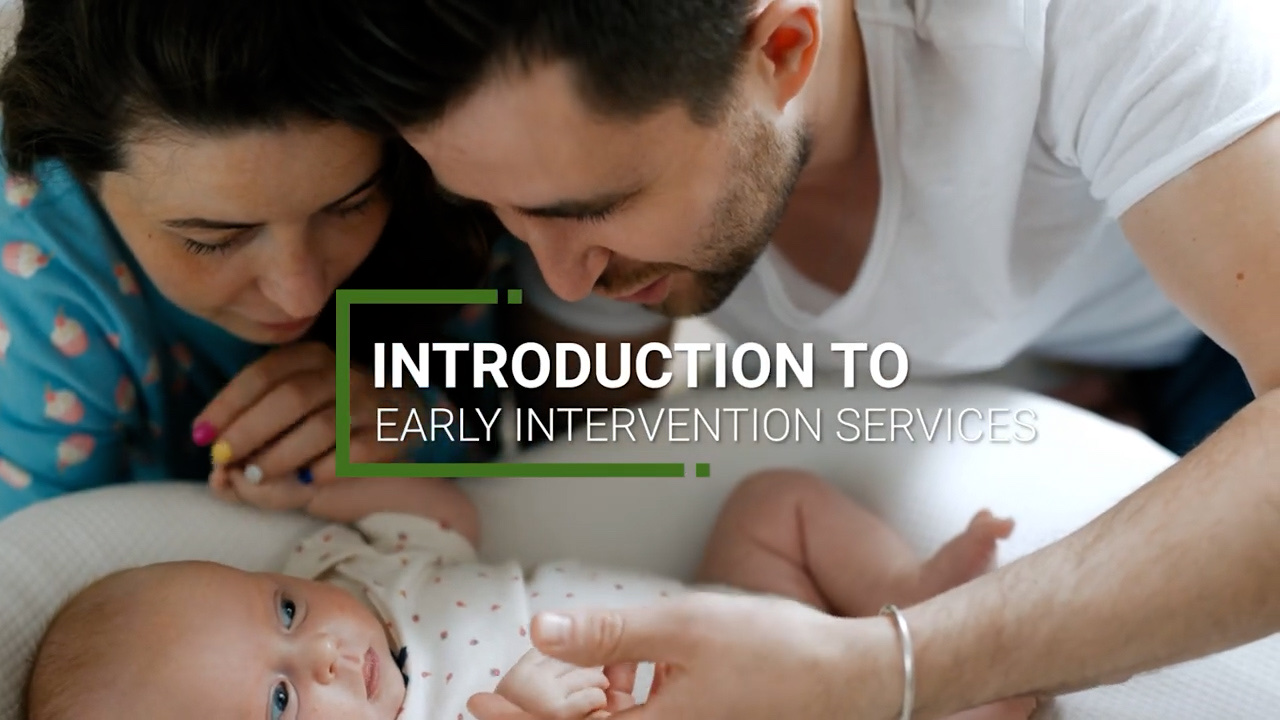
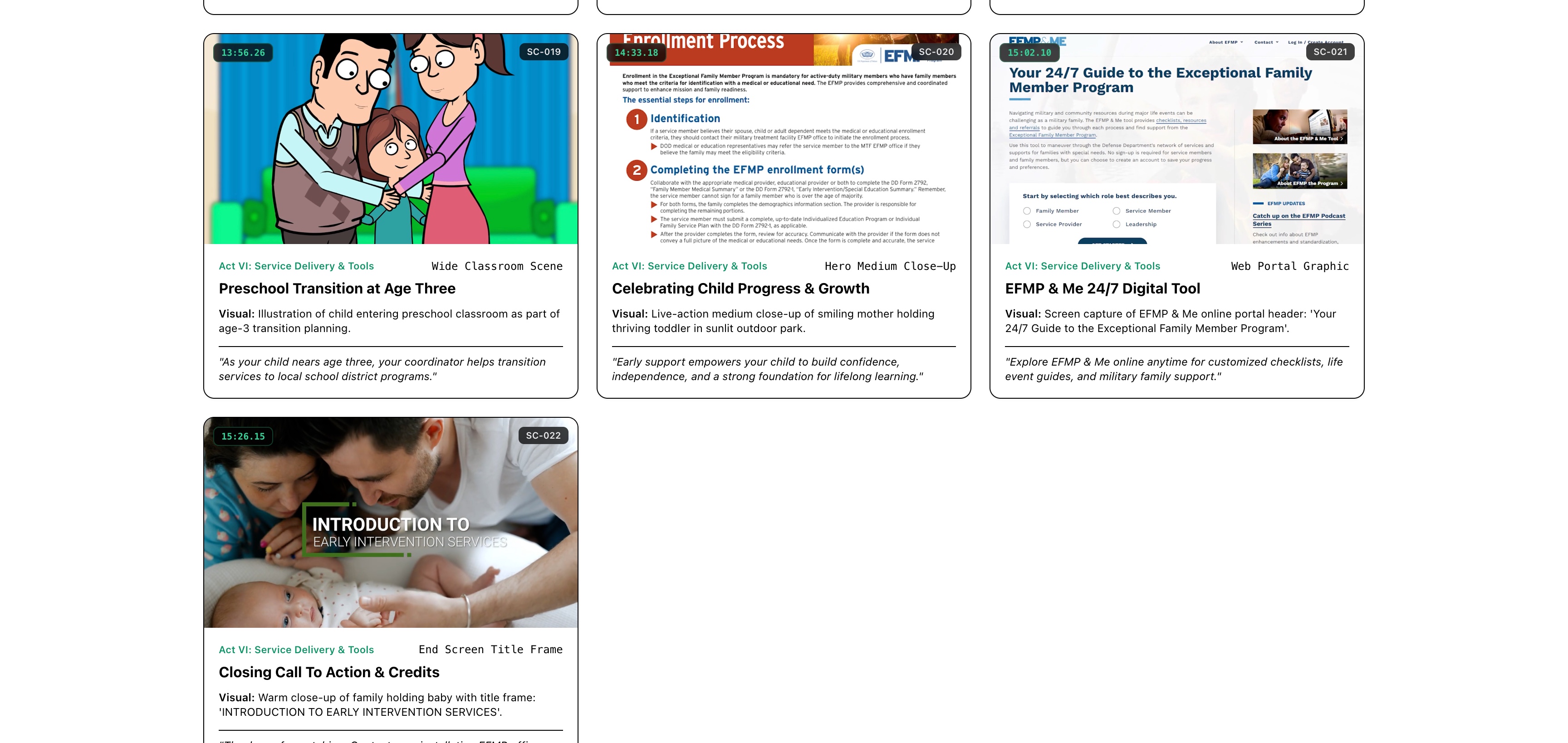
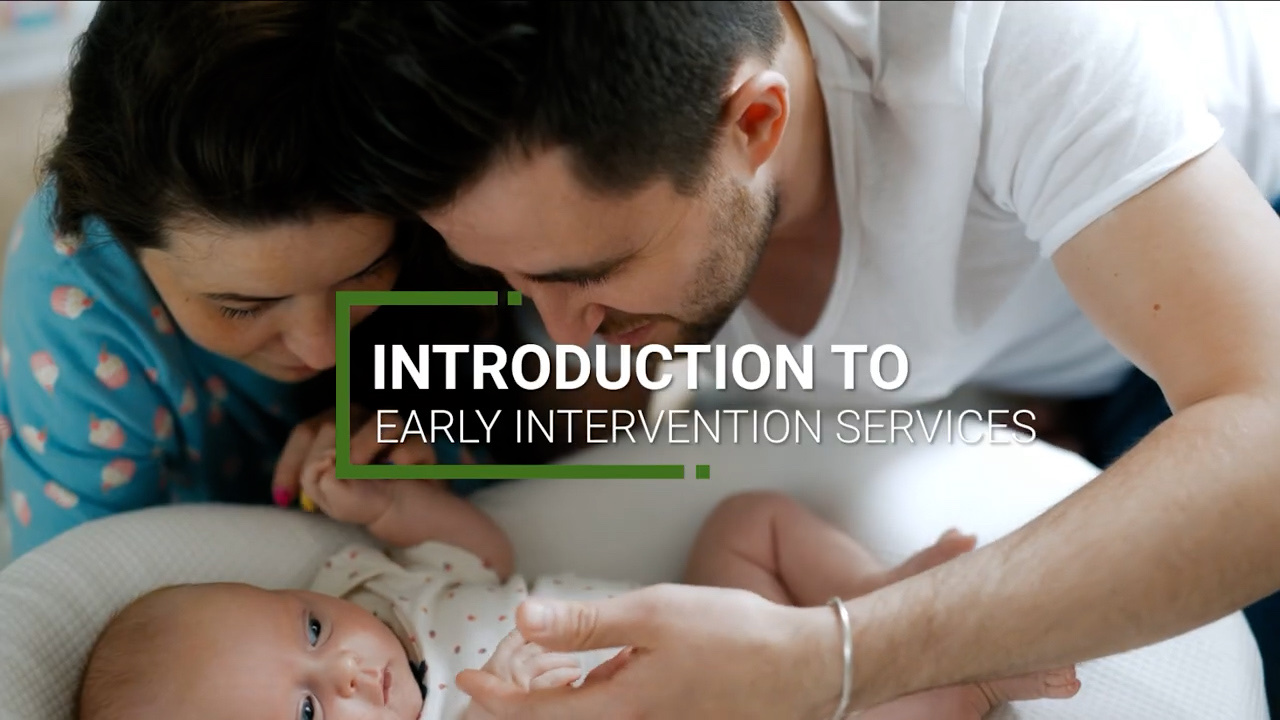
Introduction to Early Intervention Services is a multimedia learning video developed for MilLife Learning to support military families navigating developmental milestones, early intervention referrals, evaluations, Individualized Family Service Plans (IFSPs), medical coverage, natural-environment service delivery, and preschool transition resources.
Rather than presenting complex administrative and medical guidelines as a conventional information-heavy video lecture, the production combines live-action storytelling, 2D vector animation, character-led instruction, kinetic motion graphics, visualized web portals, two AI narration voices, and custom sound design into a cohesive 15-minute visual narrative. As Multimedia Producer, Michael Kingsberry led the end-to-end multimedia production, visual concept development, animation integration, and accessibility workflow.
Military families facing developmental delays need clear, empathetic, and actionable guidance. The primary challenge was transforming dense federal and medical guidelines into an engaging 15-minute multimedia learning experience without sacrificing instructional accuracy, accessibility, or human emotional resonance.
Complex Information
Synthesizing developmental criteria, screening schedules, pediatrician referrals, IFSPs, and coverage policies into digestible visual modules.
Multimedia System
Pacing an extended 15-minute module by pairing relatable character narrative beats with kinetic motion graphics to prevent cognitive fatigue.
Multi-Format Integration
Harmonizing live-action footage, 2D character animation, animated web resource screen captures, and motion-design slates into a unified aesthetic.
Federal Requirements
Ensuring clear typographic hierarchy, strong color contrast, visual reinforcement of narration, and restrained text density across all frames.
Rather than relying on static slides or a single continuous narration style, the creative direction drew inspiration from classic educational media philosophies (such as Schoolhouse Rock): complex information becomes far easier to absorb when embedded in character, visual movement, relatable situations, and intentional visual transitions.
THREE-STAGE CREATIVE NARRATIVE ARCHITECTURE
STAGE 1: REAL WORLDGrounding in authentic live-action military family emotion.STAGE 2: ANIMATED LEARNING WORLDCharacter-led instruction navigating complex guidelines.STAGE 3: RETURN TO REAL WORLDConnecting learning outcomes back to everyday family life.
Real World: Establishing Human Context
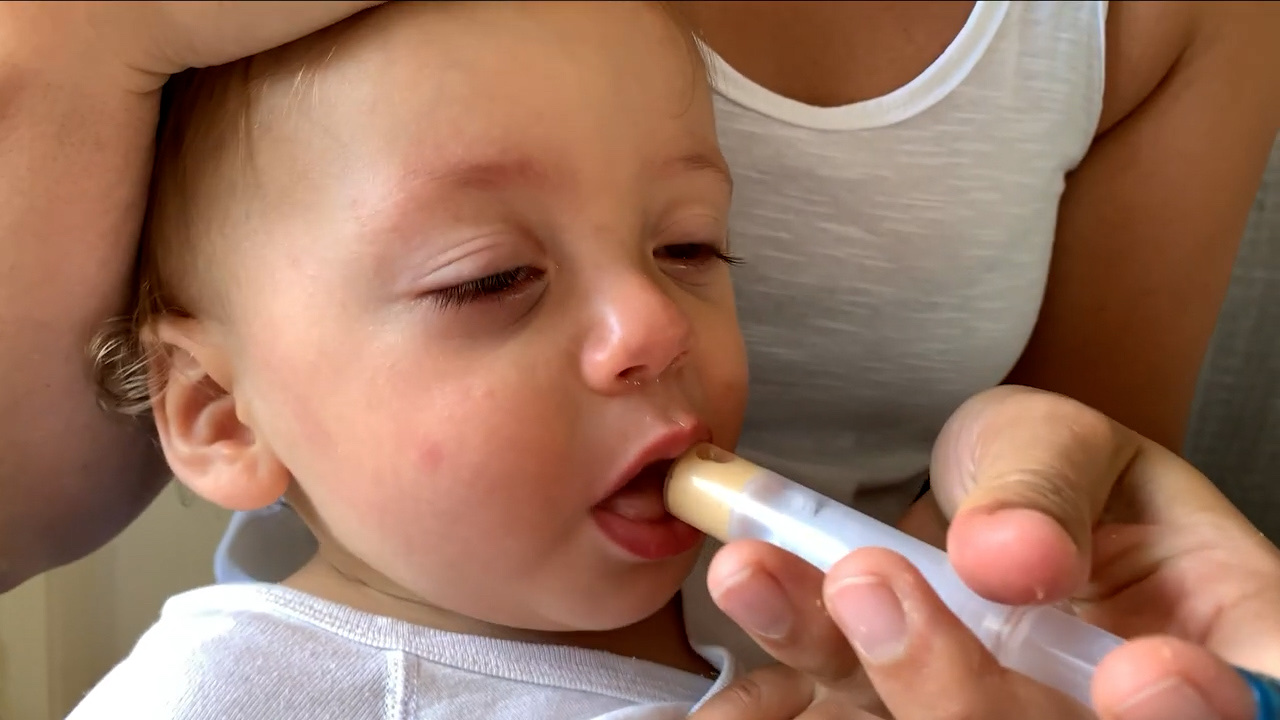
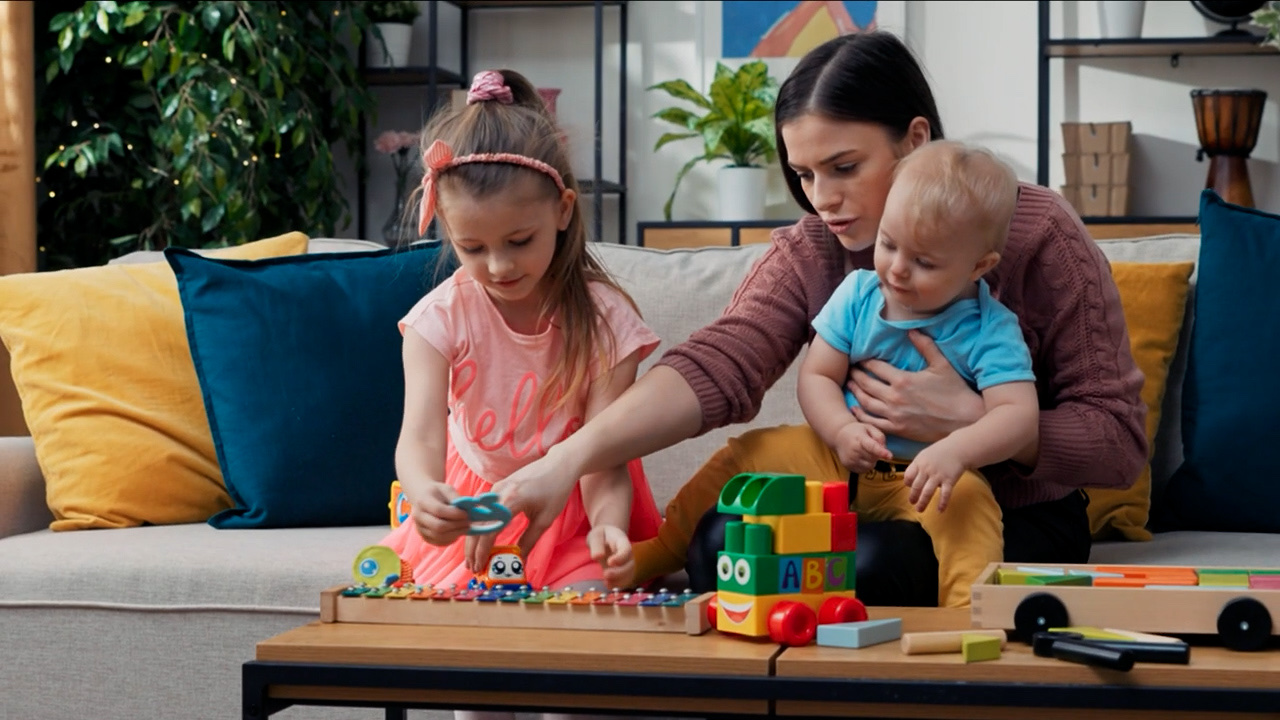
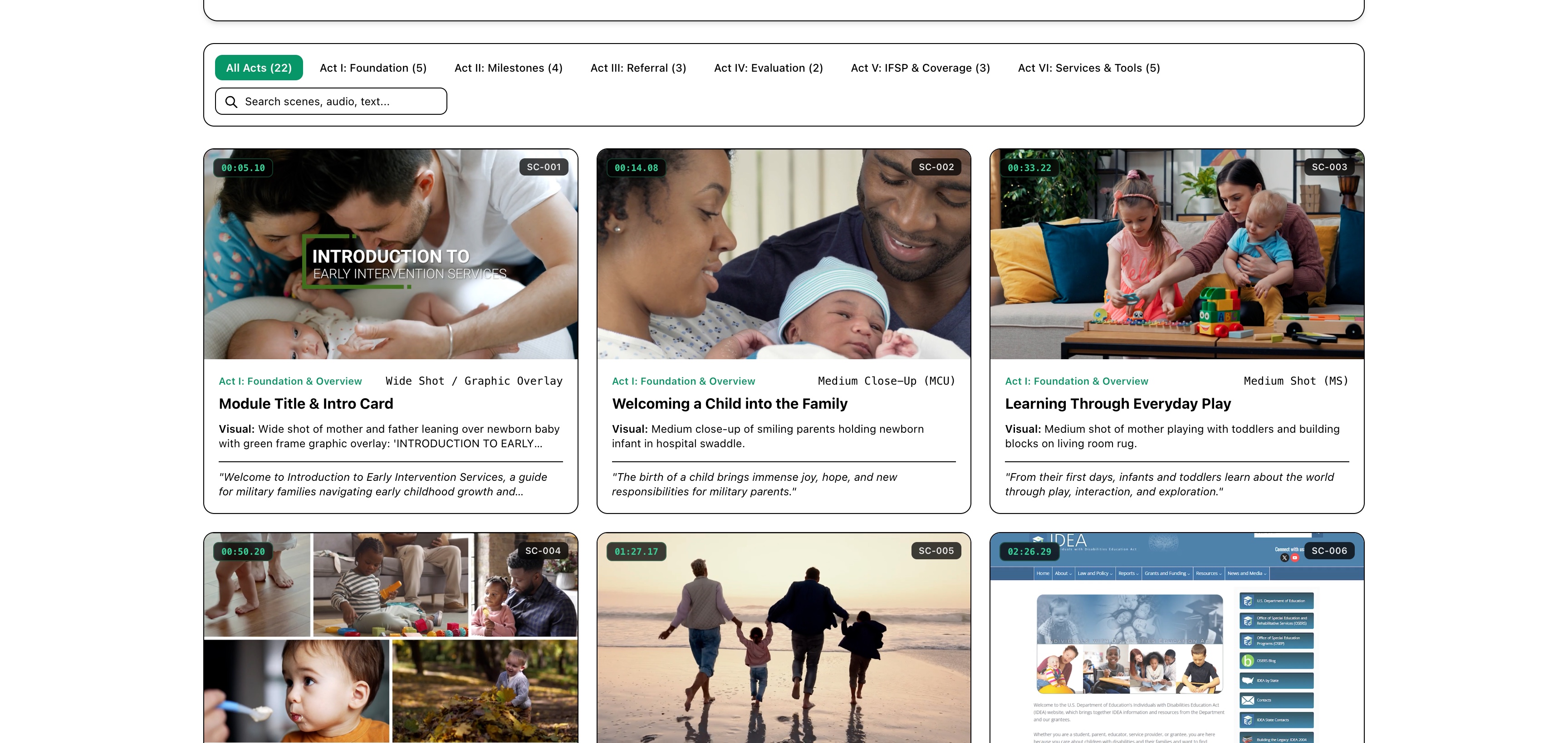
The production opens in the real world with live-action footage of military families, infants, and everyday play routines. This grounds the learning experience in authentic human emotion before introducing technical medical and administrative concepts.
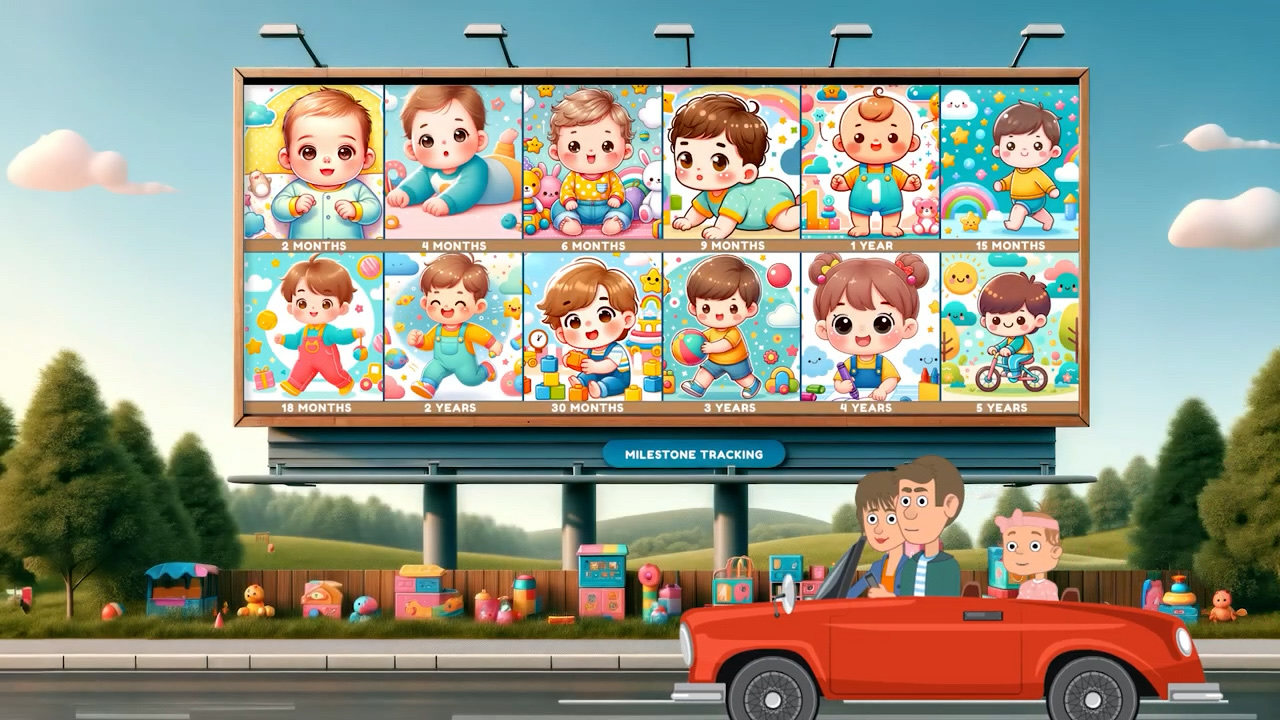
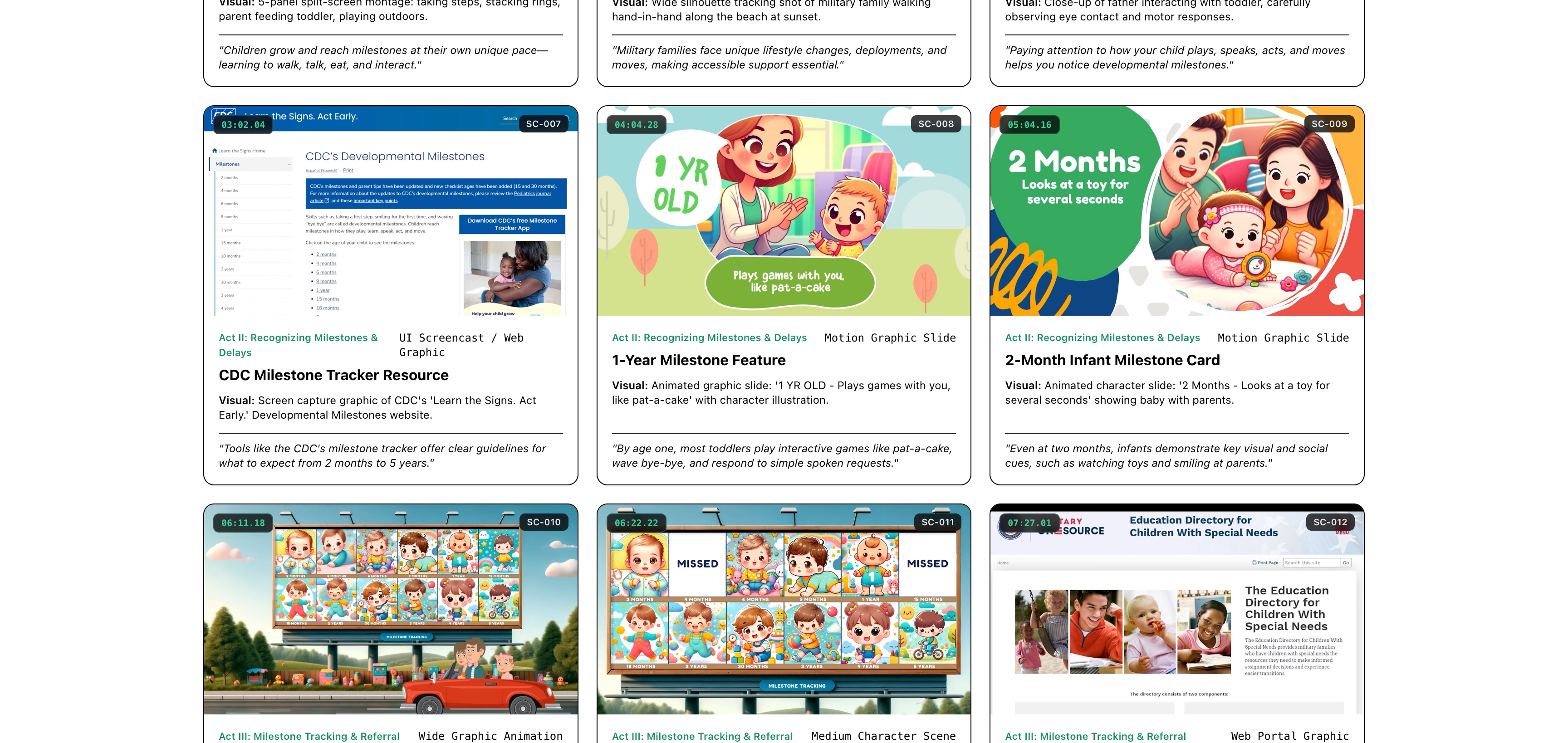
Early Bonding & Family FoundationObserving Developmental PlayMilestone Skill Tracking MontageMilitary Family Resilience Context
Crossing Into the Animated World
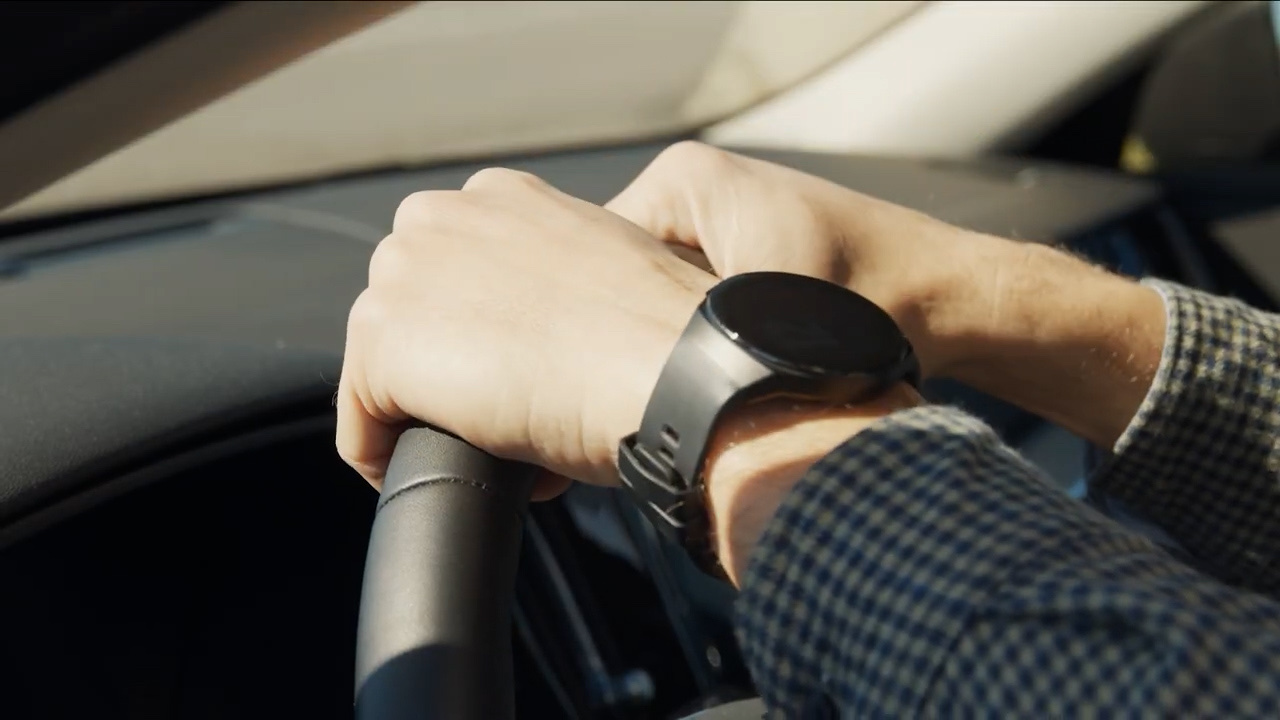
A key creative decision in the production is the seamless visual bridge from live action to 2D animation. As a parent drives down the road, a close-up live-action shot of hands on a steering wheel directly transforms into an illustrated 2D vector perspective—signaling to the learner that they are transitioning into the animated learning environment.
1. REAL WORLD (LIVE ACTION)Live-action driving perspective establishing parent journey.2. ANIMATED WORLD (2D VECTOR)Matching 2D illustrated frame carrying the viewer into the animated lesson.
CONCEPT PROOF: Direct visual match connecting live-action realism with animated instructional storytelling.
Building the Animated Learning World
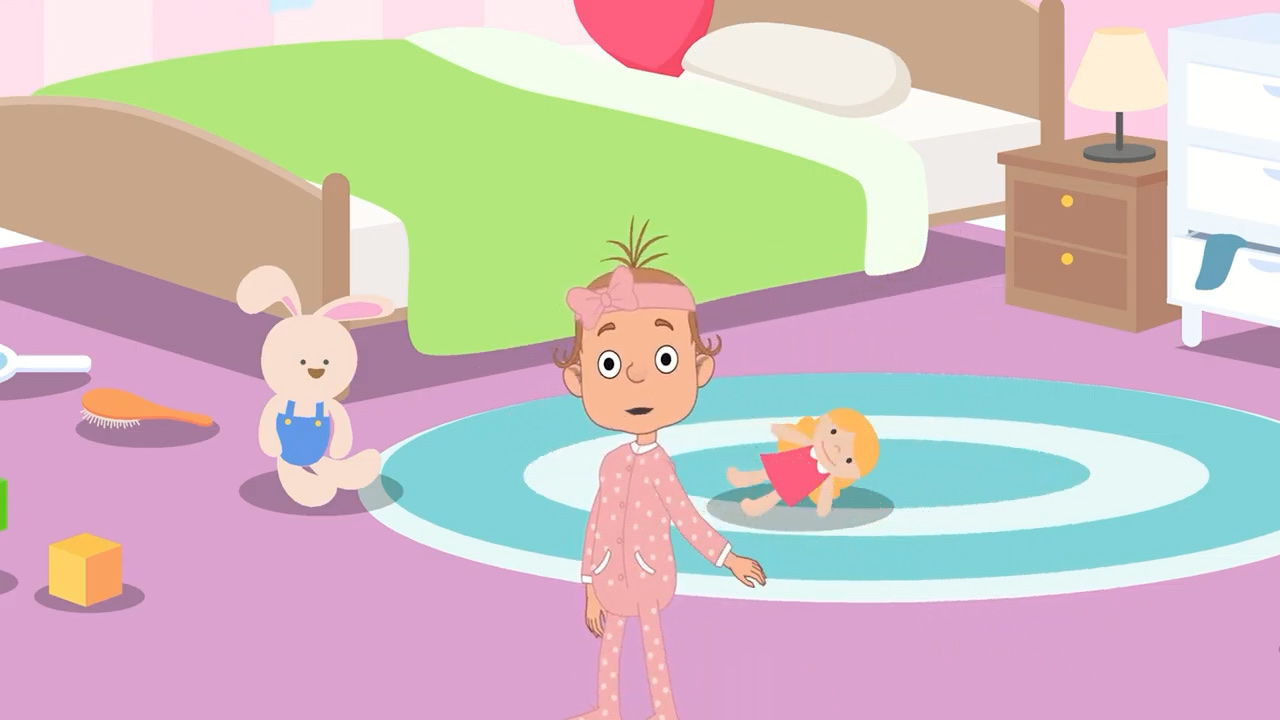
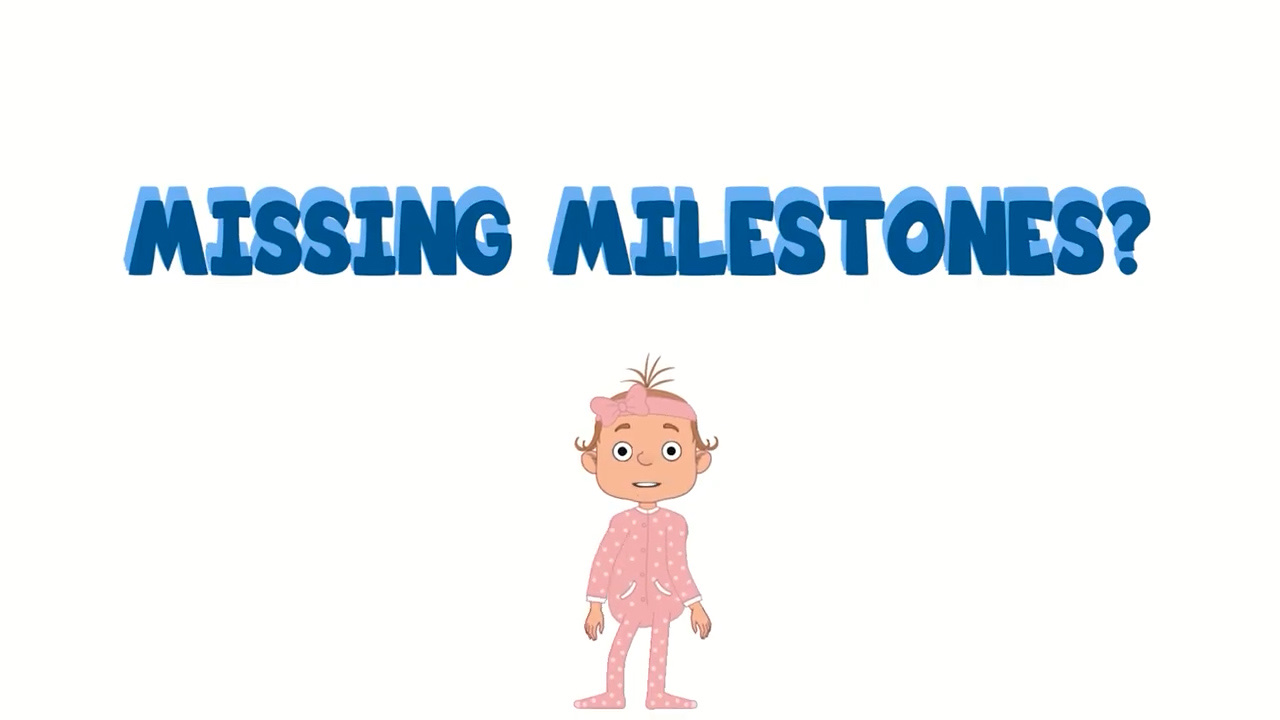
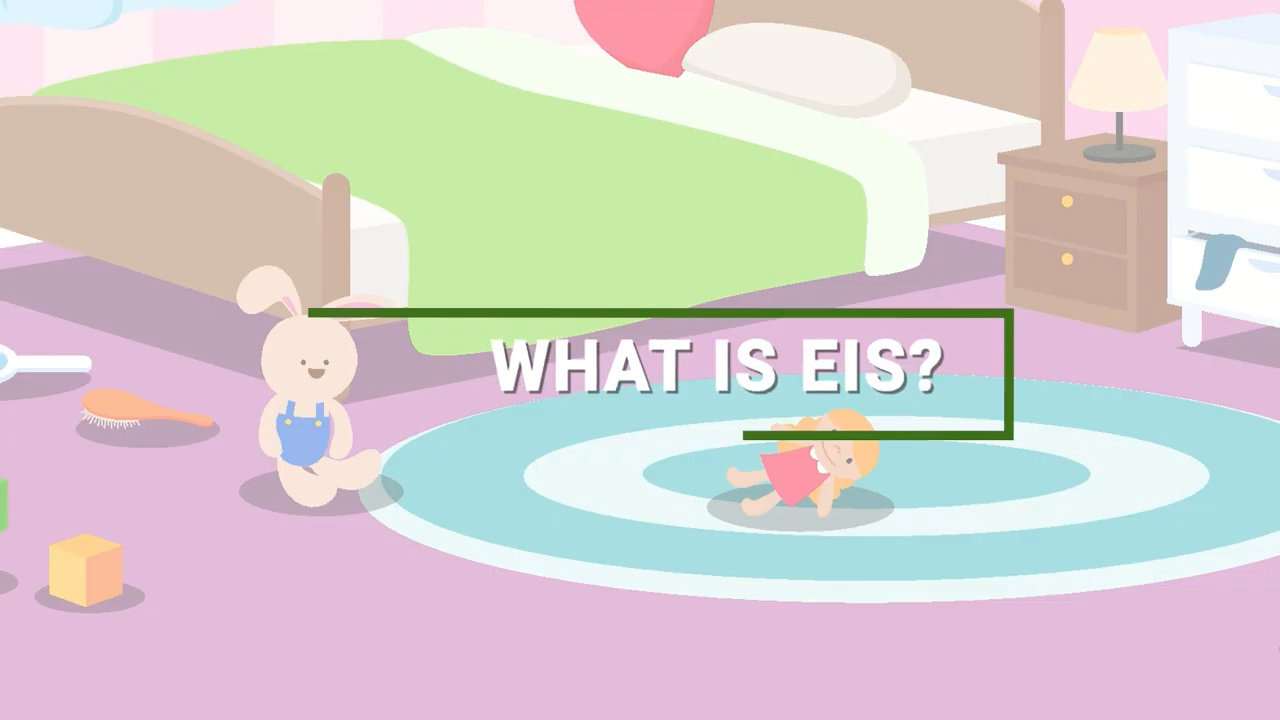
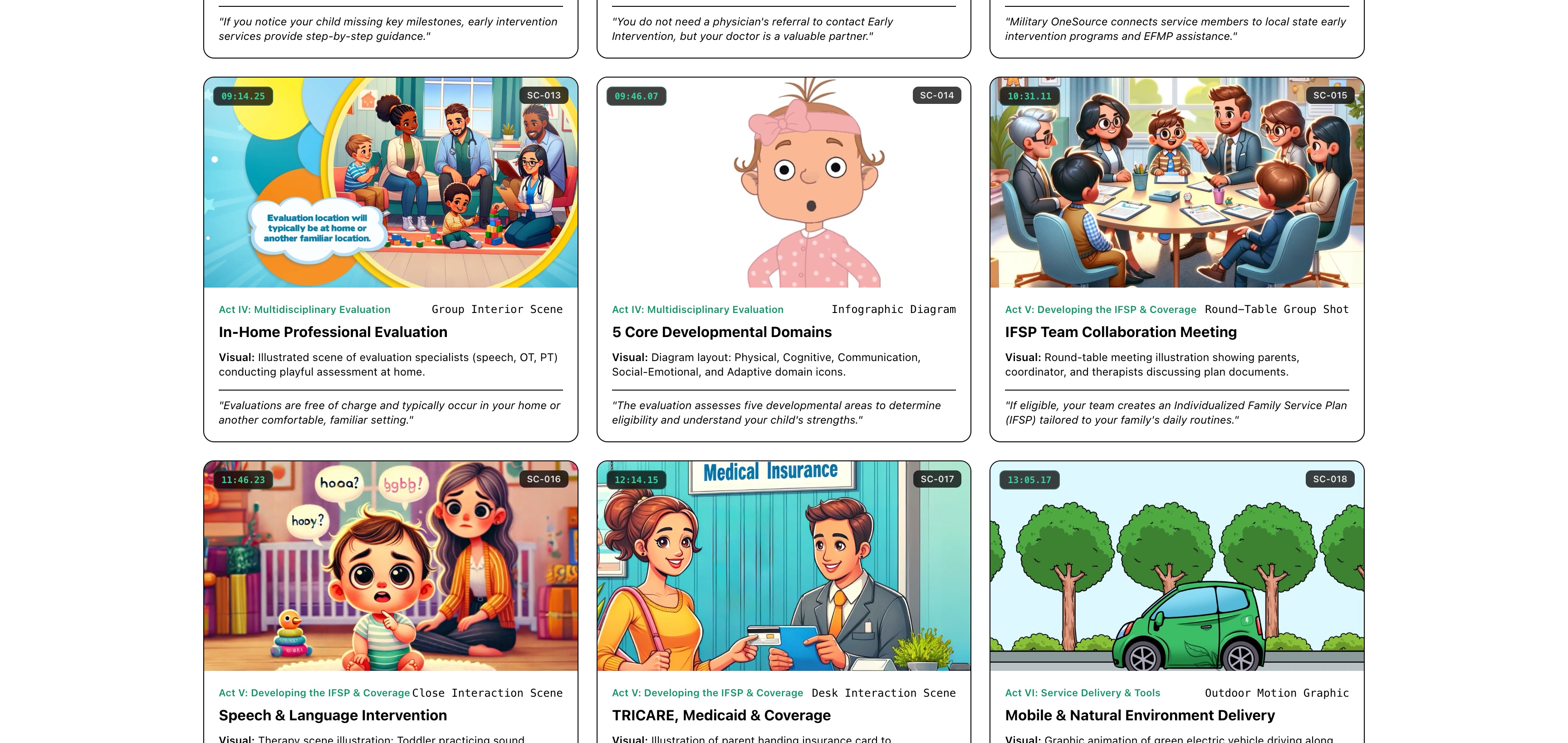
Inside the animated world, a recurring little-girl character in pink polka-dot pajamas anchors the instructional narrative. Character posing and scene rigging (utilizing Reallusion Cartoon Animator and After Effects compositing) established a consistent visual language across pediatric visits, home play, and milestone checklists.
Recurring Child Character: Visual anchor establishing emotional continuity across lessons.Parent-Child Interaction: Illustrating natural environment observation and play-based assessment.Pediatric Consultation: Modeling doctor visits, clinical screening, and developmental referrals.
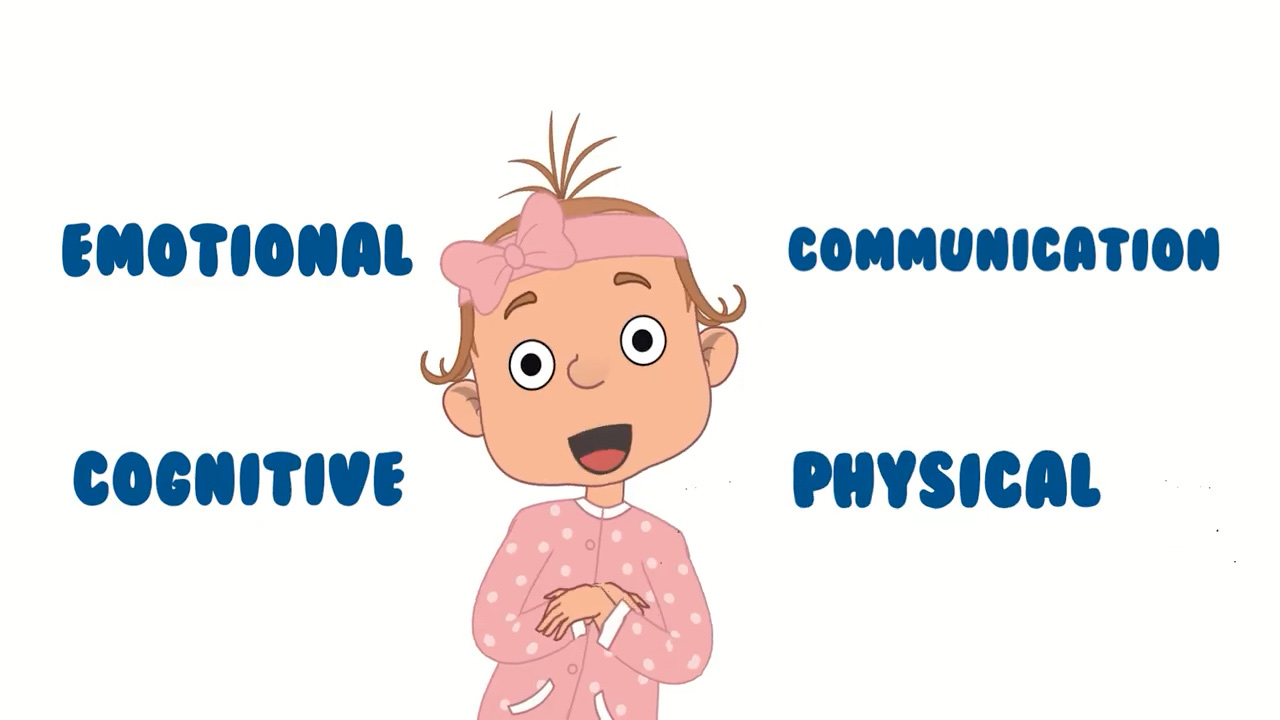
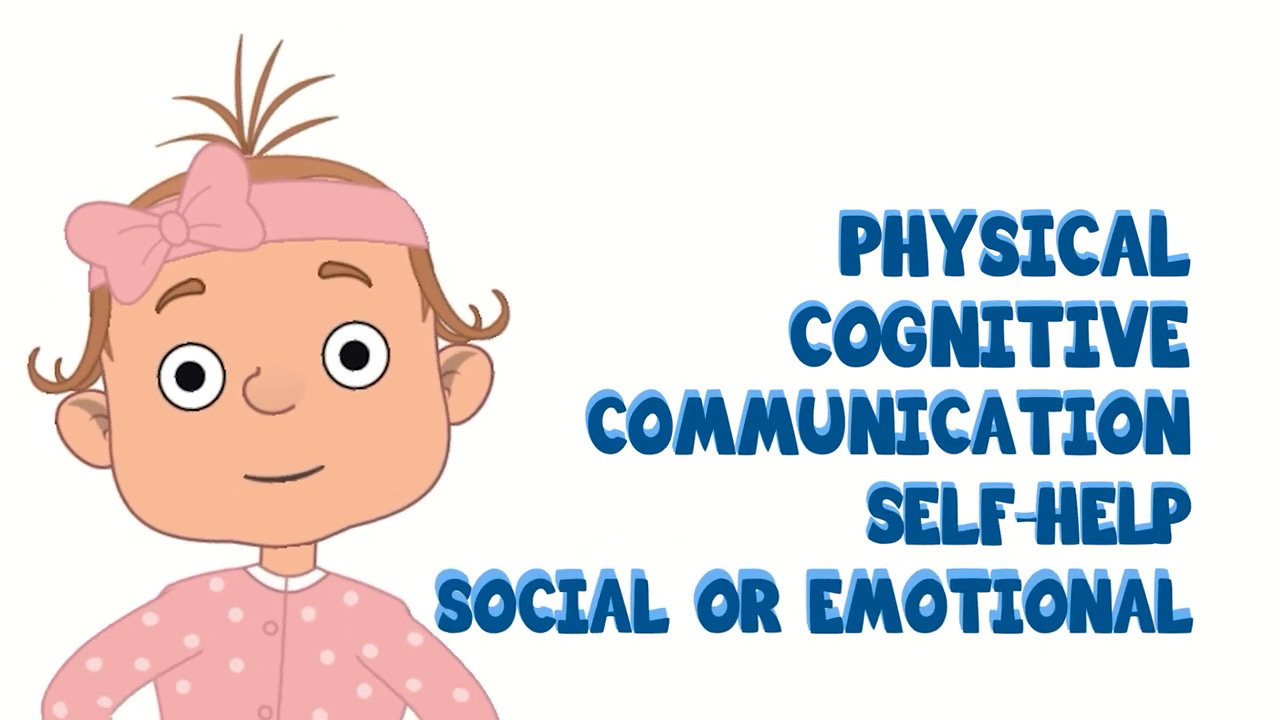
Complex developmental criteria—spanning emotional, communication, cognitive, and physical domains—were organized into kinetic motion-design cards. Adobe After Effects was used to build clear typographic hierarchies, age milestone progression bars, and explanatory infographics.
4 Core Milestone Domains Card: Structured color-coded domain overview.Communication Milestones Slate: Clean typographic bullet hierarchy.5 Core Domains Diagram: Visual relationship model for family orientation.
Milestone Age Progression Bar (2M–2Y)Cognitive Milestones Slate
Real Resources Inside the Visual Experience
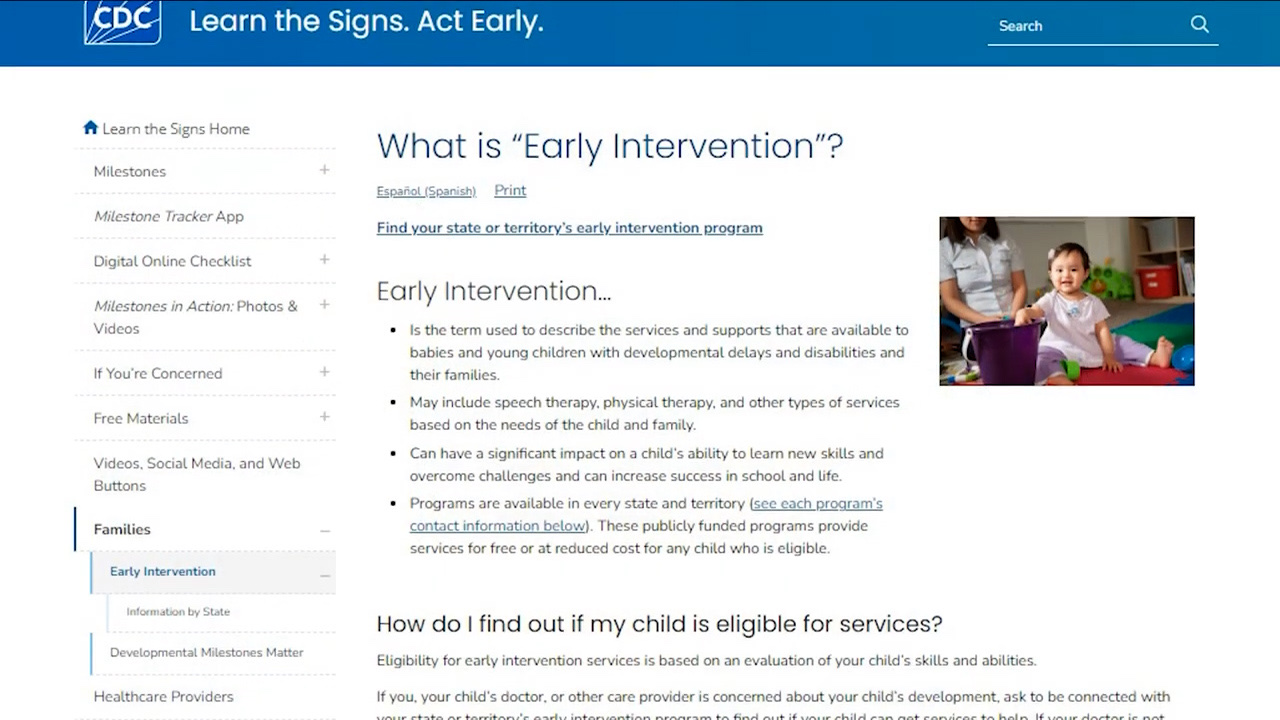
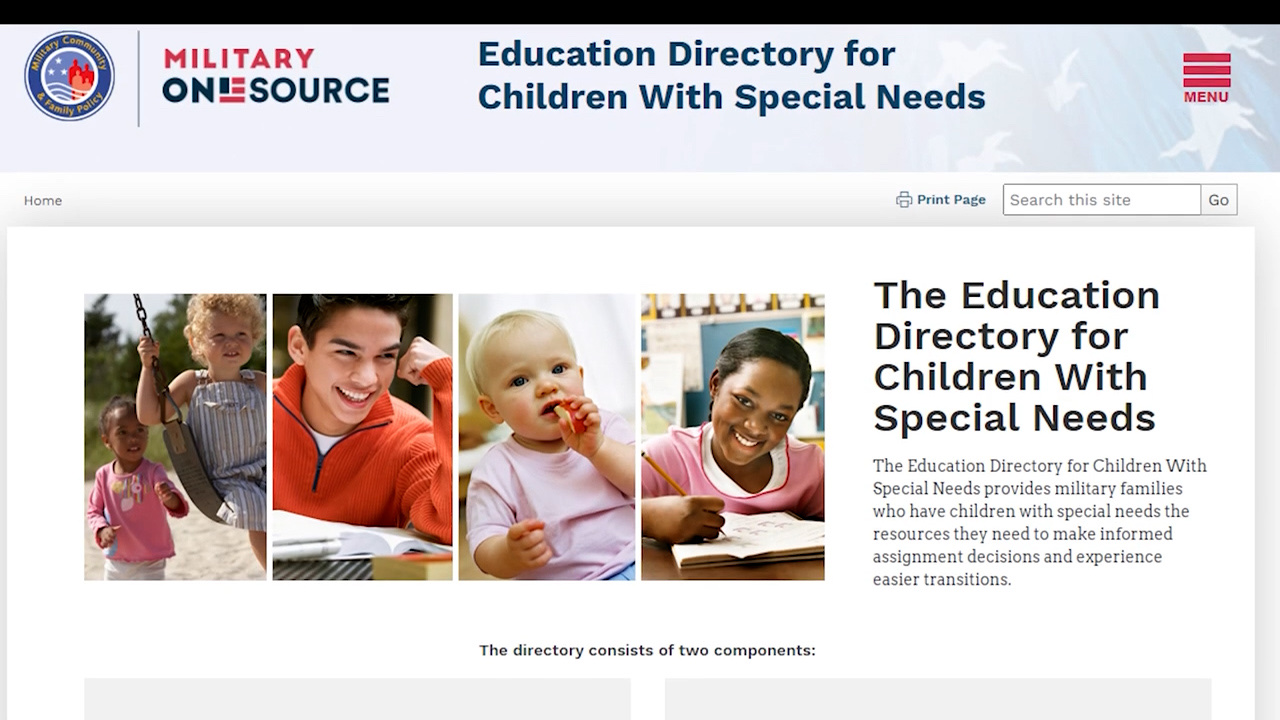
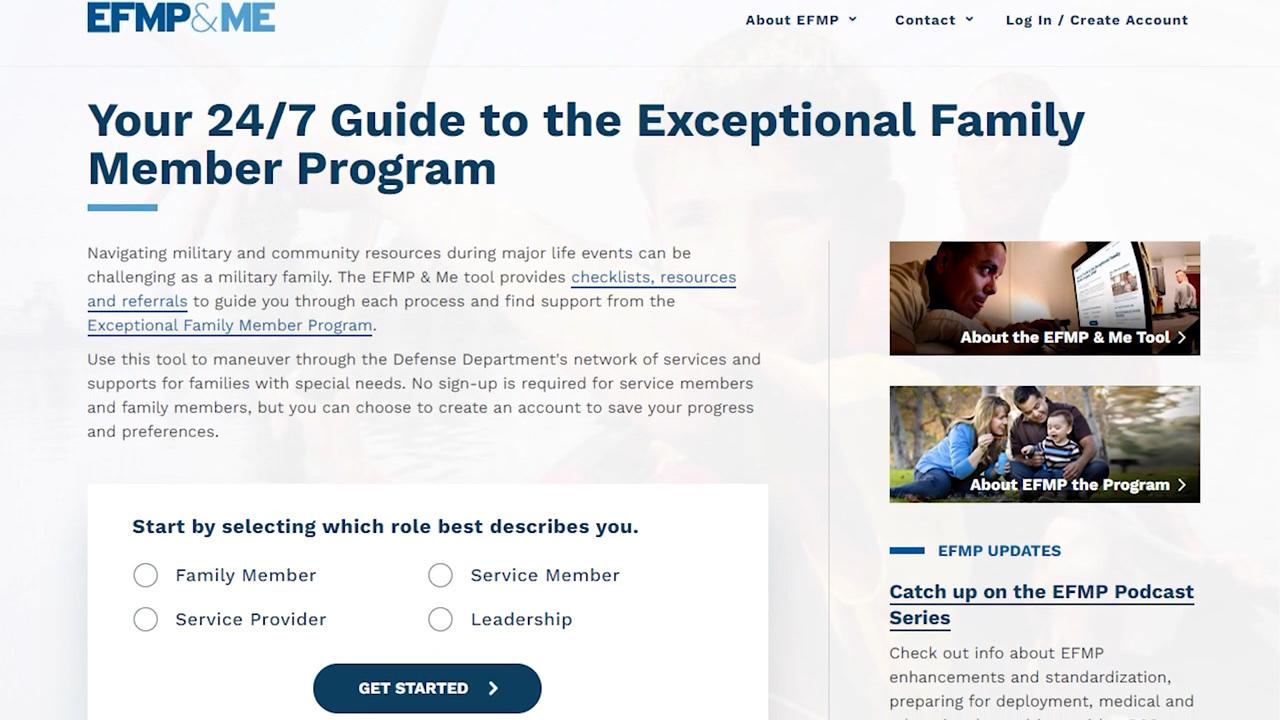
To empower military families beyond the video, actual government and support web portals were animated directly into the visual experience. Screen capture presentations of the CDC, IDEA policy portal, Military OneSource, and EFMP & Me were composited so learners instantly recognize where to access services.
CDC: Learn the Signs. Act Early.IDEA Legislation & Policy PortalMilitary OneSource Special Needs DirectoryEFMP & Me 24/7 Digital Tool
AI-Enabled Production & Two AI Voice Strategy
Artificial intelligence was integrated as an efficiency multiplier across preproduction visual development, graphic generation, and voiceover workflow. Two ElevenLabs AI voices were used to reinforce the production's two visual storytelling environments—one supporting the live-action portions and a second supporting the animated character-led sections.
AI-ASSISTED WORKFLOWS
Storyboard visual development & scene layout
AI-assisted graphic generation integrated into AE
Two ElevenLabs AI narration voices for dual visual environments
Rapid script pacing & audio timing iteration
HUMAN CREATIVE CONTROL
Instructional story structure & narrative pacing
Visual style selection & character direction
Editing & motion graphics compositing
Section 508 accessibility oversight & final assembly
Accessibility & Section 508 Considerations
Accessibility requirements were integrated into the multimedia production workflow, including Section 508 considerations, readable visual hierarchy, visual reinforcement of narration, and caption/transcript support.
SECTION 508 CONSIDERATIONS
Integrated high-contrast color standards and restrained text density per frame for federal courseware delivery.
READABLE VISUAL HIERARCHY
Structured title cards, clear typography, and clean graphic layouts optimized for rapid scanning.
VISUAL REINFORCEMENT OF NARRATION
Spoken instructional points are directly paired with matching motion cards, diagrams, and character actions.
CAPTION / TRANSCRIPT SUPPORT
Prepared closed captioning and synchronized transcript documentation for LMS integration.
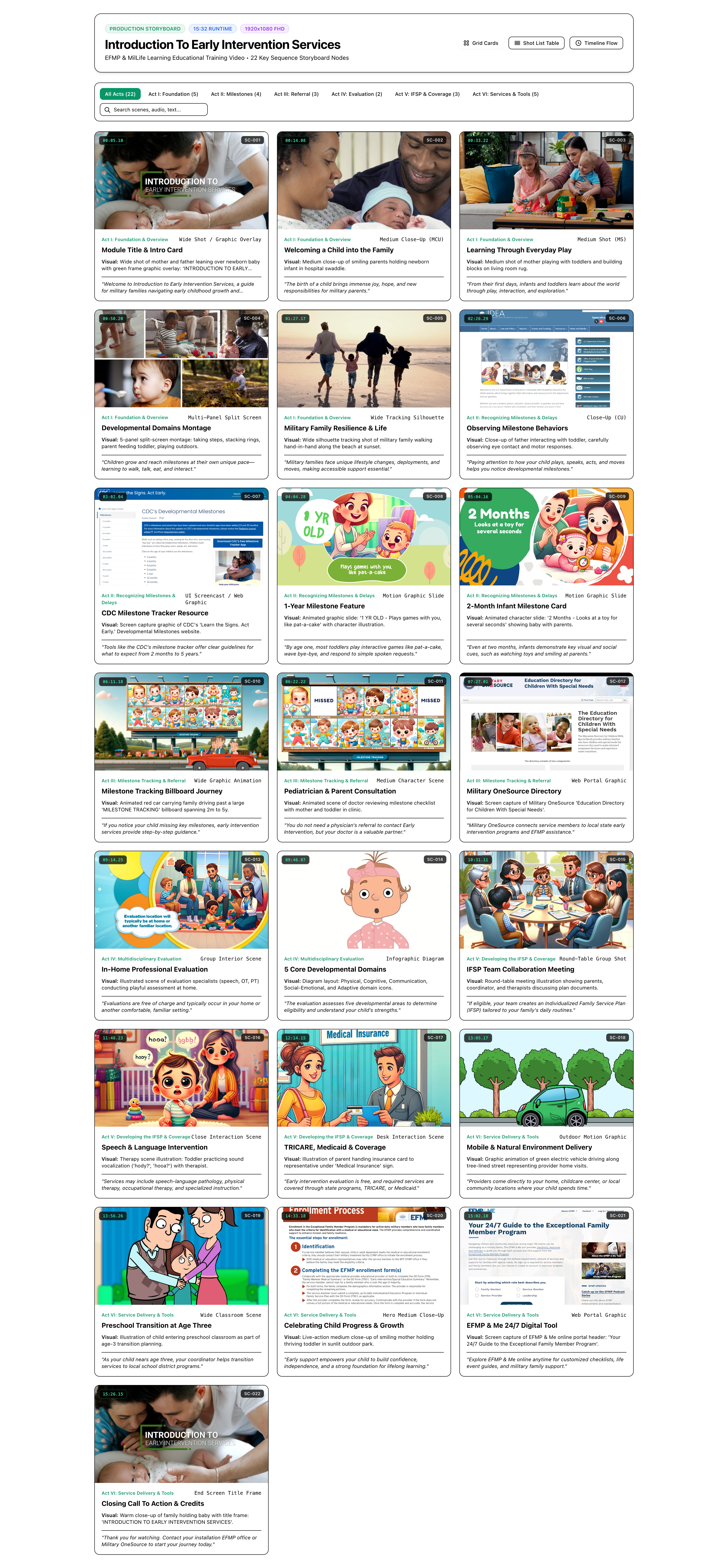
Preproduction Storyboard & Visual Blueprint
A comprehensive production storyboard mapped the visual flow, script timing, audio directions, transition styles, and asset requirements across five core acts.
Completing the visual sandwich, the production transitions out of the animated environment and returns to live-action imagery of children, families, and closing title slates. This reinforces the core message: early intervention tools and support exist to serve real military families in their everyday lives.
Live-Action Child FocusLive-Action Family UnityClosing Title & Module Delivery
Final Experience & Discipline Summary
The completed 15-minute learning experience brings together live action, character animation, motion graphics, resource visualization, two AI narration voices, and accessible instructional design into a single cohesive production supporting MilLife Learning content for military families.
LIVE ACTION2D ANIMATIONMOTION GRAPHICSRESOURCESREAL RETURN
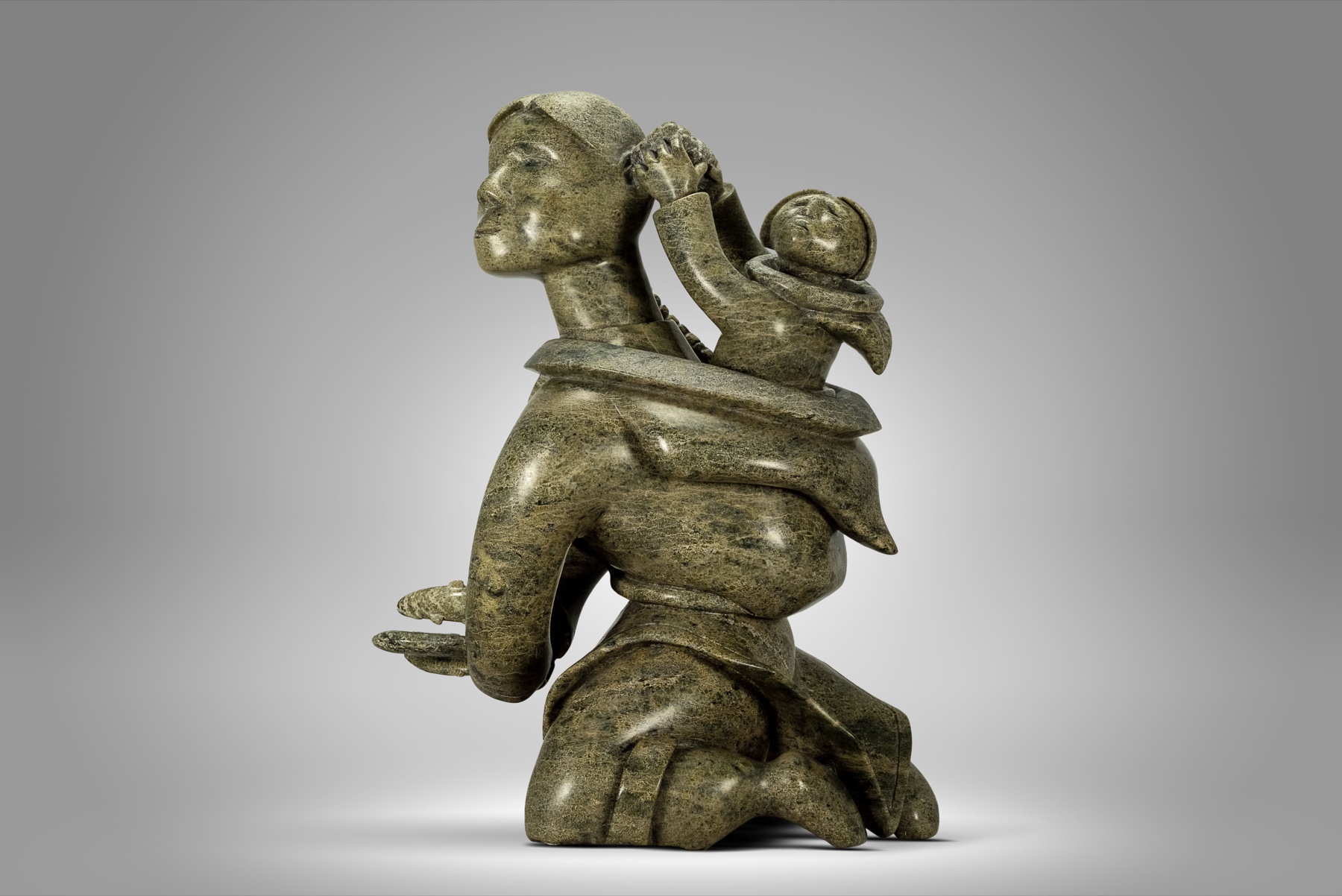
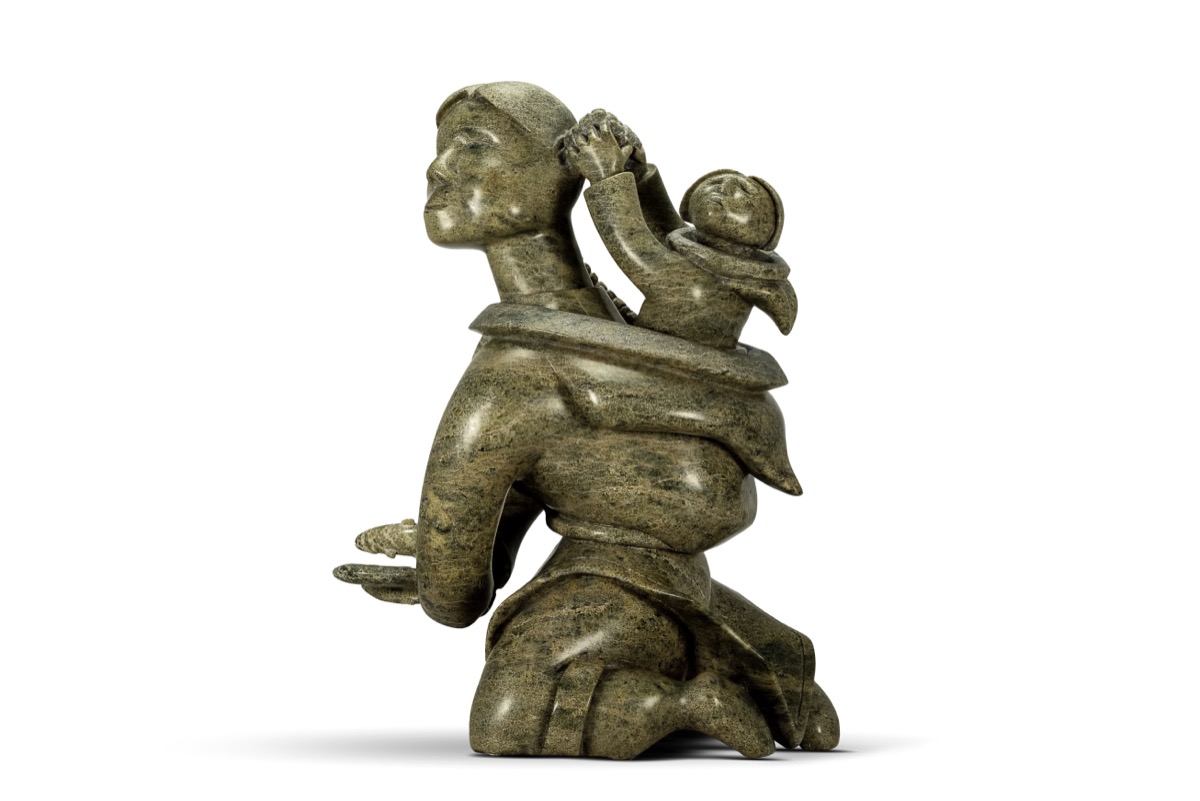
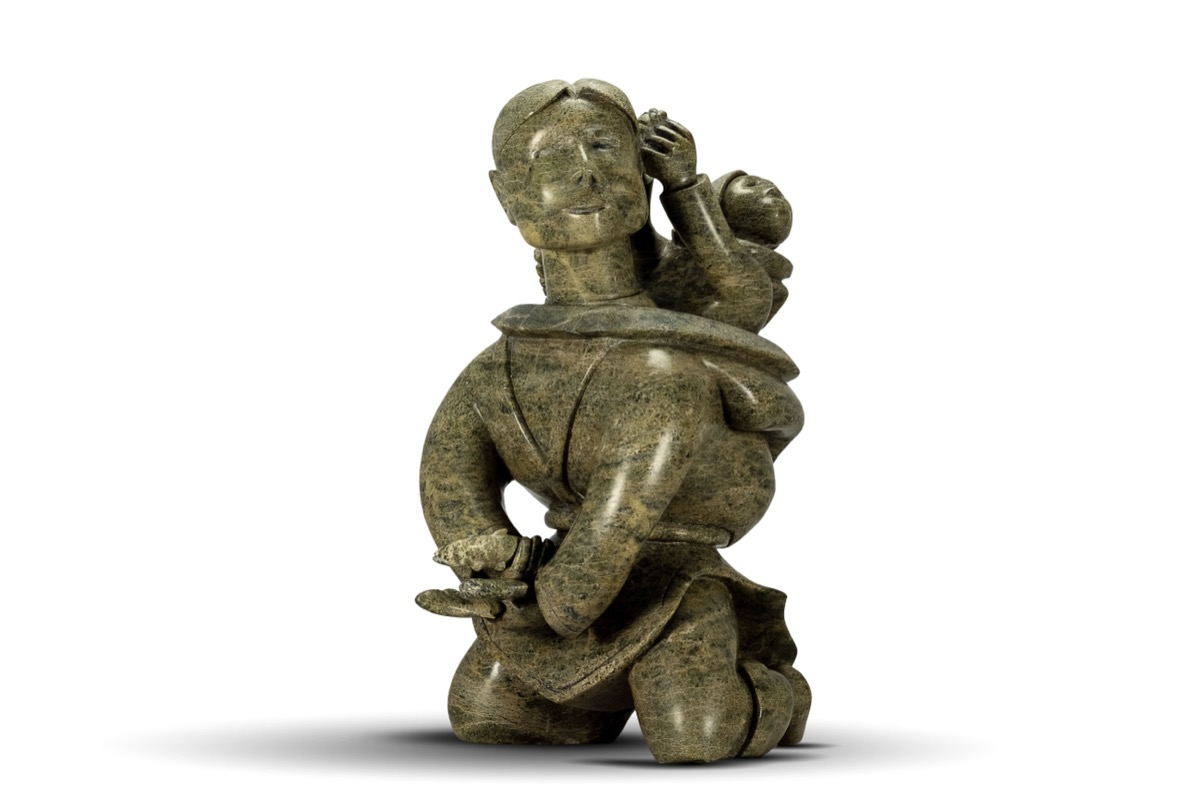
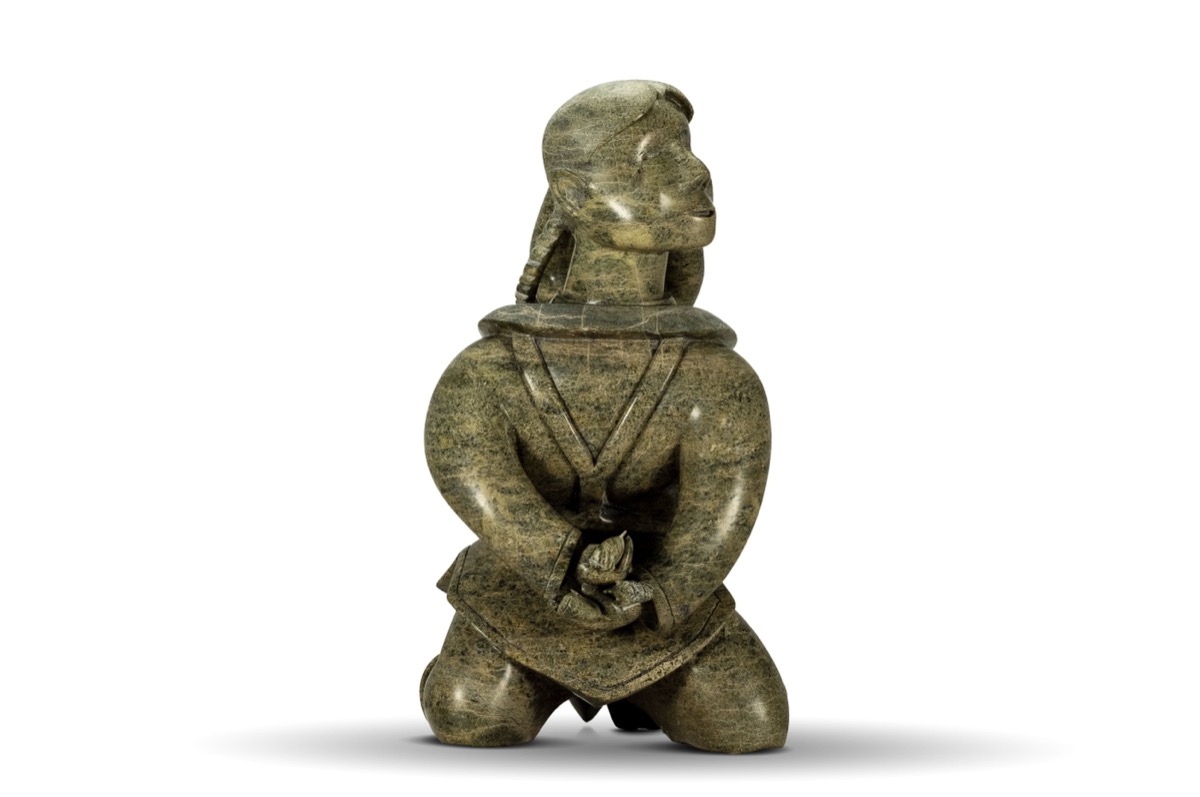
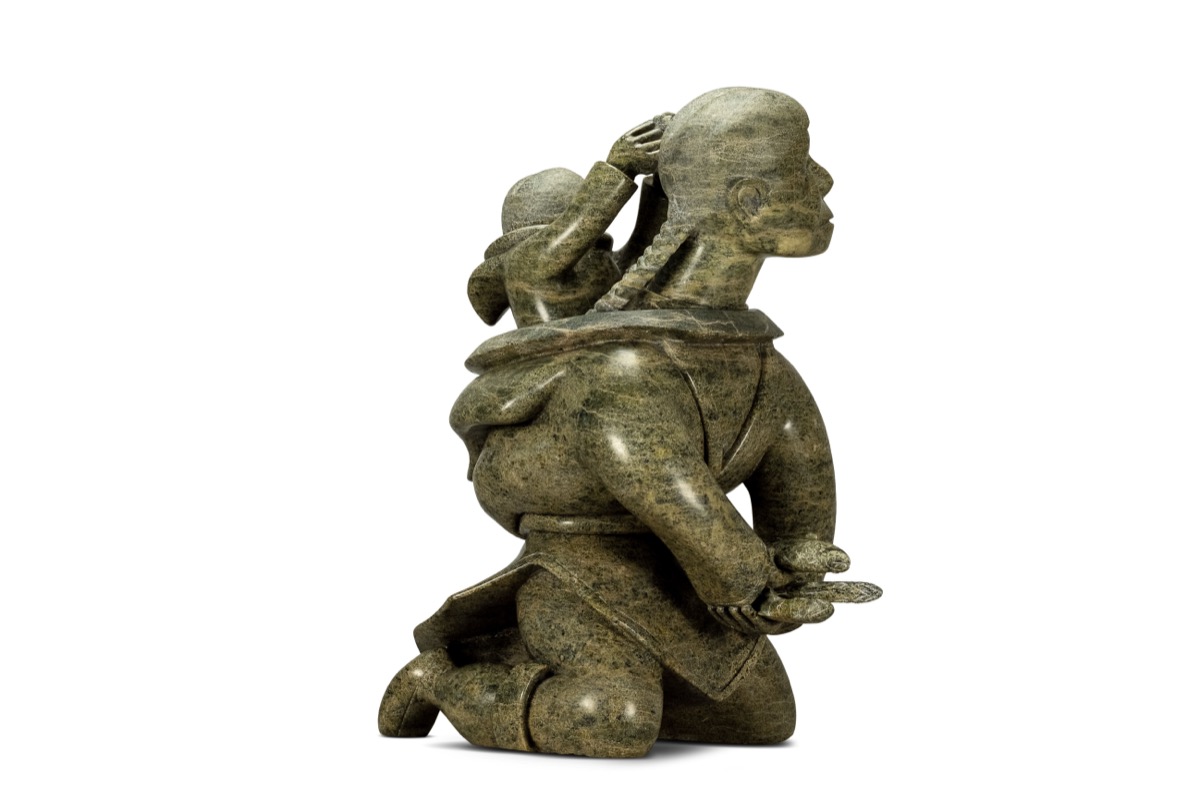
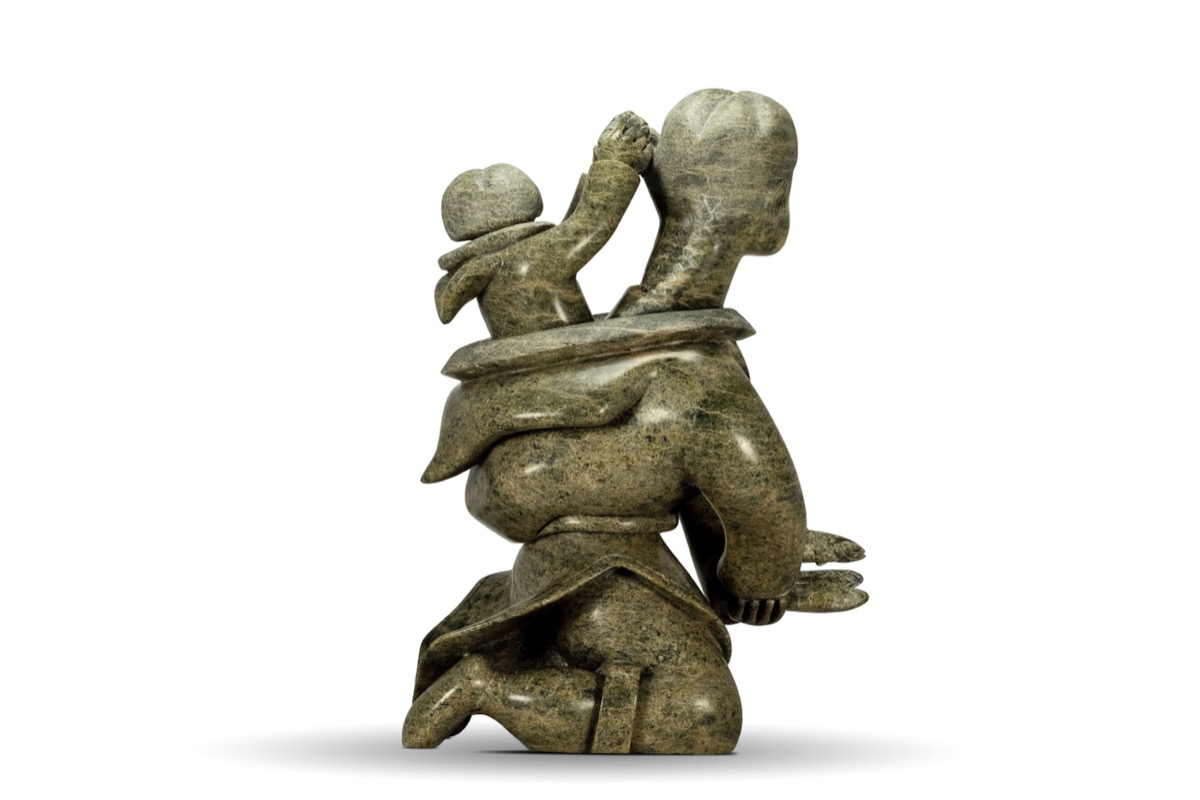
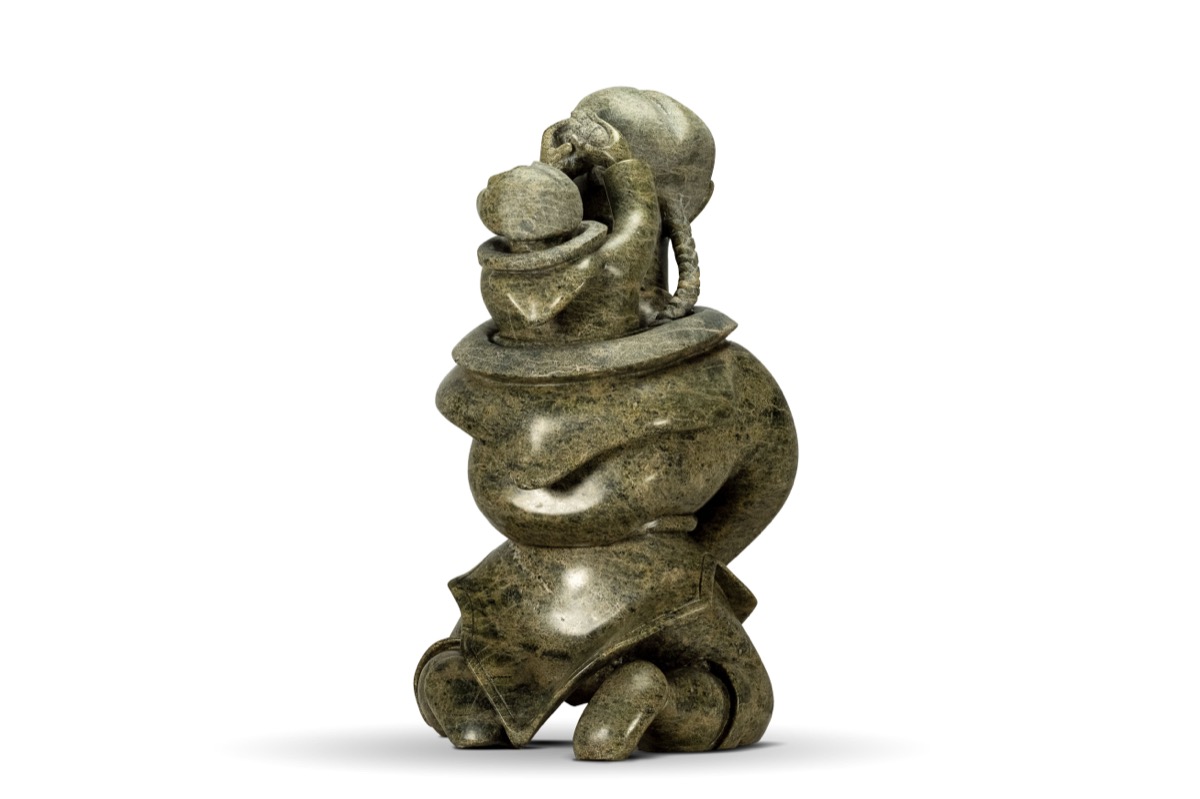
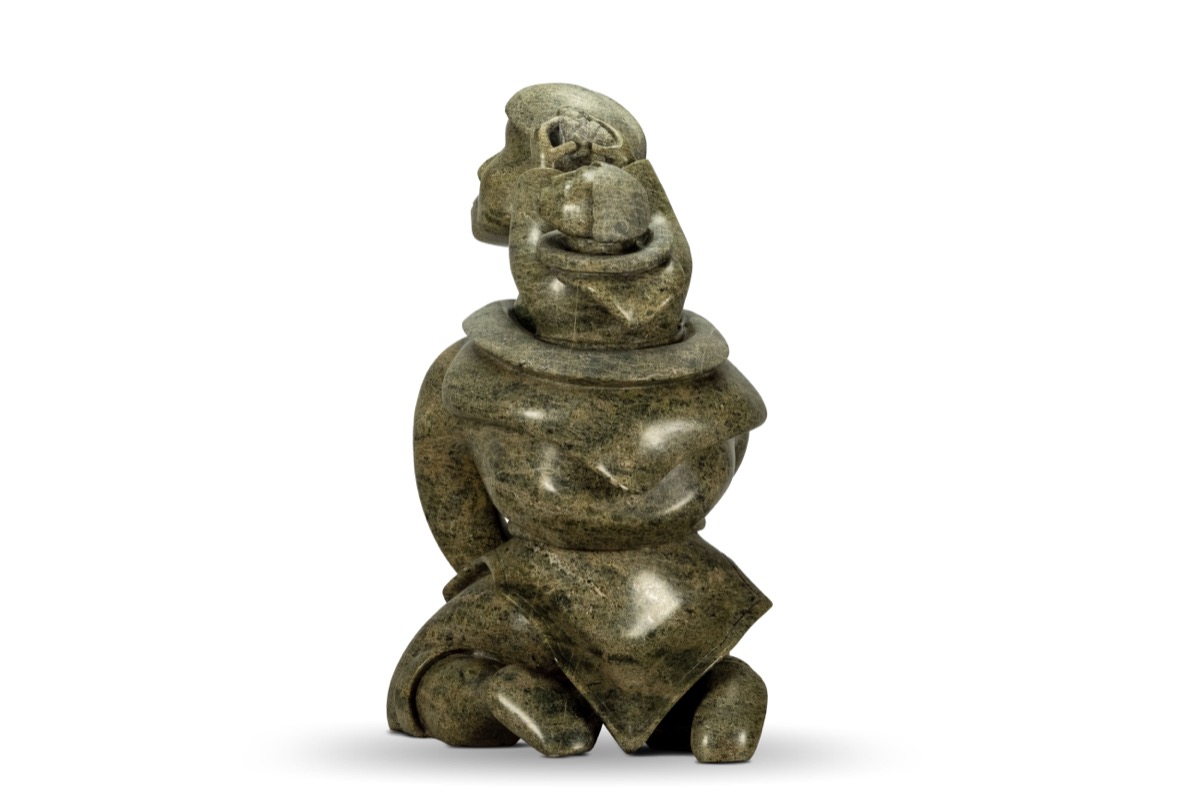
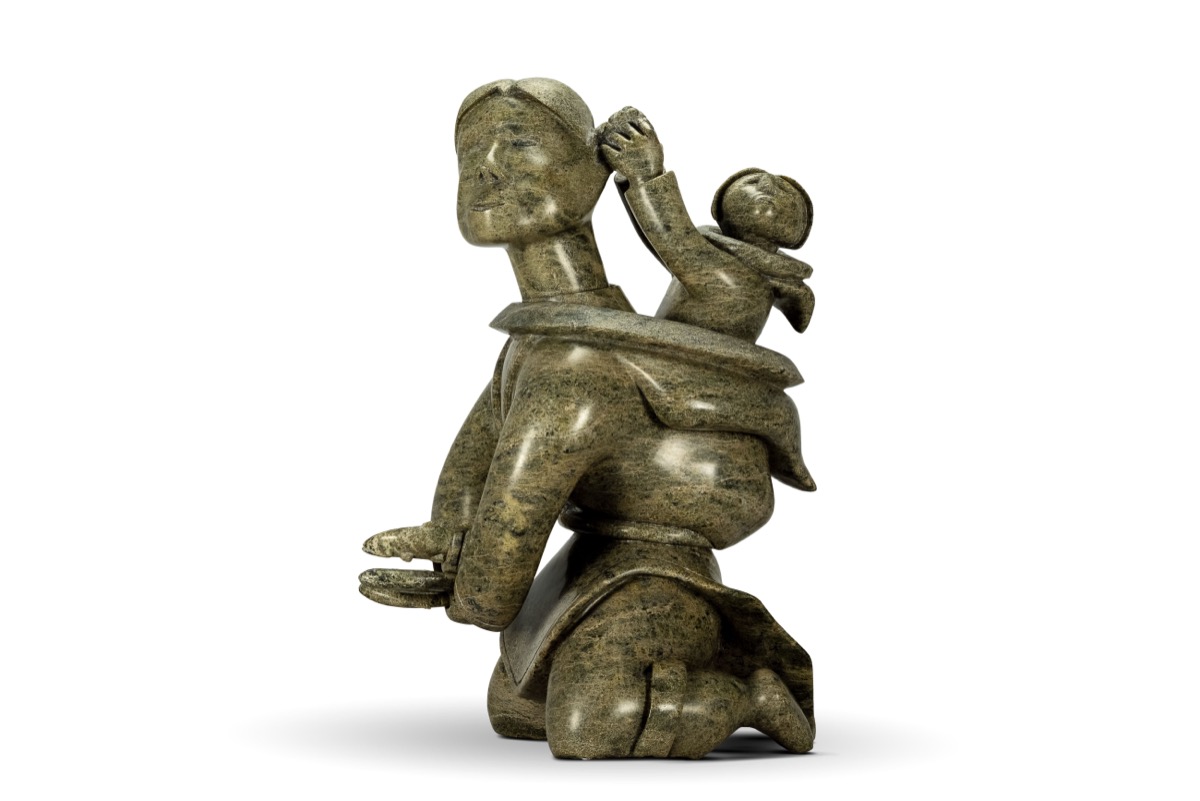
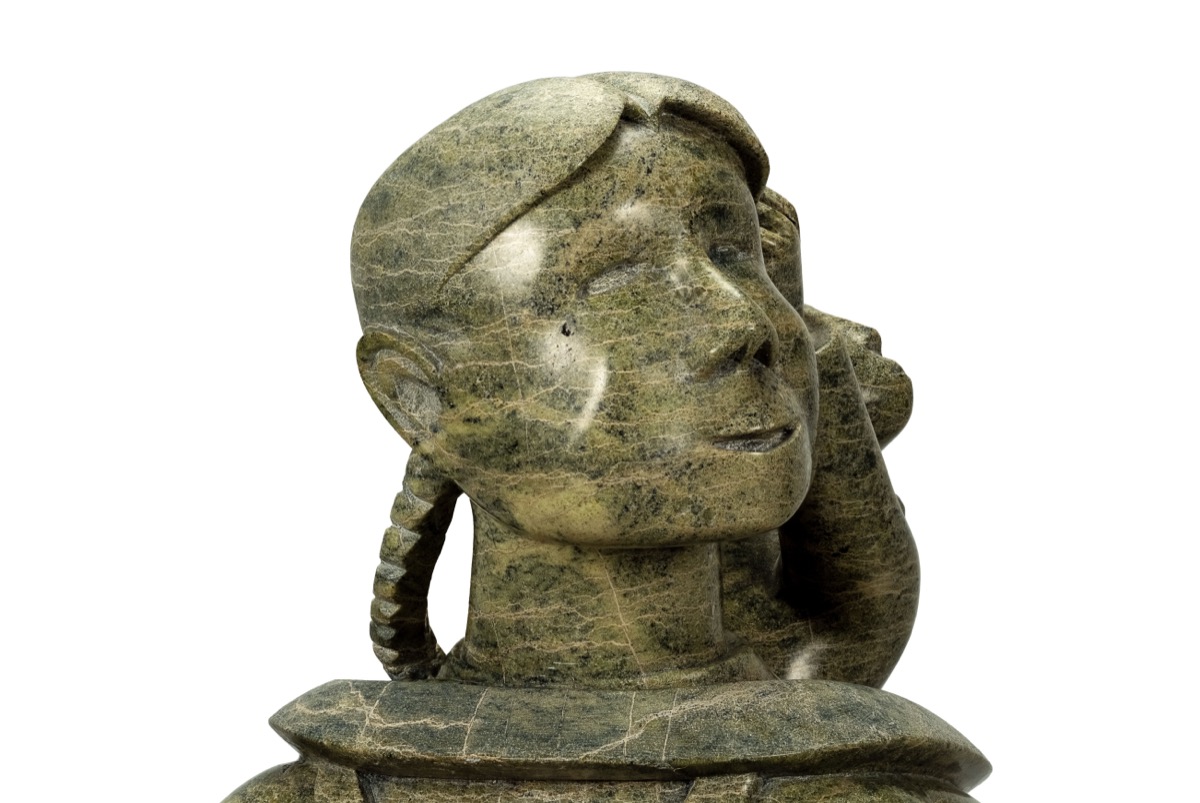
Mother and Child — Tuteeya Ikkidluak (ICAS-0186)
Case Study Part 01
Digitally Documenting a 600+ Artwork Collection
Physical Artwork → Archival Digital Assets
Collection-Scale Digital Documentation & Archival System
The Inuit Collection Archive System (ICAS) case study encompasses two connected accomplishments led by Michael Kingsberry: a collection-scale effort to photograph and digitally document over 600 physical artworks in the Joram Piatigorsky Inuit Sculpture Collection, and the design and engineering of the digital platform created to organize, catalog, ingest, present, administer, and support appraisal workflows for those assets.
Michael Kingsberry served in a dual leadership capacity as Creative Technology Lead / Photographer (and Museum Director). He established the end-to-end studio photography pipeline, designed the physical asset cataloging methodology, authored the canonical data schema, engineered the responsive web application interfaces, and built the administrative ingestion and appraisal workflow prototypes.
600+Physical Artworks Photographed & Documented
148 / 1,078Current ICAS Ingested Release (23 Artist Folders)
The Digital Documentation Workflow
To document over 600 physical sculptures with high fidelity, Michael established a repeatable, non-destructive digital production pipeline designed to preserve surface texture, dimensional form, material character, and consistent visual presentation across varied stone, serpentine, marble, bone, and antler artworks.
01CAPTURE
Controlled studio and multi-angle photography adapted to each artwork.
02DEVELOP
Precision image development preserves texture, dimensional form, and tonal detail.
03PRESERVE
Non-destructive practices safeguard source integrity and archival master assets.
04DELIVER
Purpose-built assets support documentation, presentation, and interactive viewing.
05PROVISION
Reviewed assets and collection information are prepared for entry into the digital collection environment.
06INGEST
Verified artwork records and assets become part of the structured ICAS collection.
Advanced Documentation Capabilities & Production Tools
Documenting physical 3D sculptures presents unique technical and logistical challenges compared to traditional 2D flat artwork. Stone, serpentine, marble, bone, and antler absorb and reflect light differently depending on surface polish and carving depth. Furthermore, cataloging a private collection requires rigorous data integrity to match physical objects with digital media, acquisition records, provenance documents, and artist biographies without record duplication or orphaned media files.
Core Archival & Technical Requirements
Capture high-resolution multi-angle photography preserving intricate carving details, micro-textures, and stone grain.
Eliminate harsh lighting reflections on highly polished serpentine and stone surfaces.
Establish standardized naming conventions and automated asset validation linking artworks (`ICAS-XXXX`) to digital media files.
Provide interactive multi-angle documentation inspection capabilities for web browser examination.
Design a responsive, dark-mode digital museum experience with curatorial wayfinding.
Develop an administrative management portal with automated ingestion validation and local appraisal workspace prototyping.
Photographing the Collection: Studio Lighting & Texture Preservation
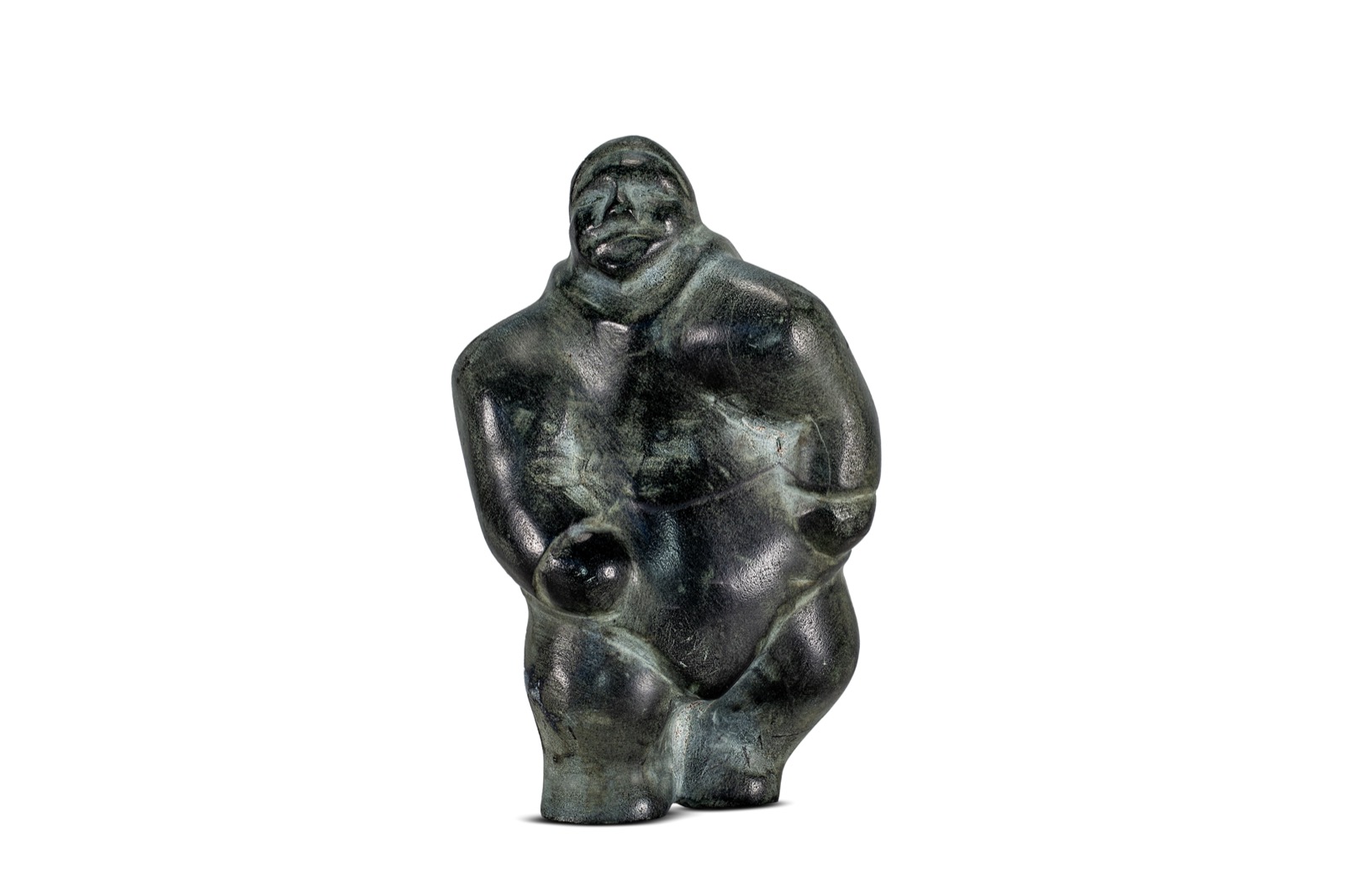
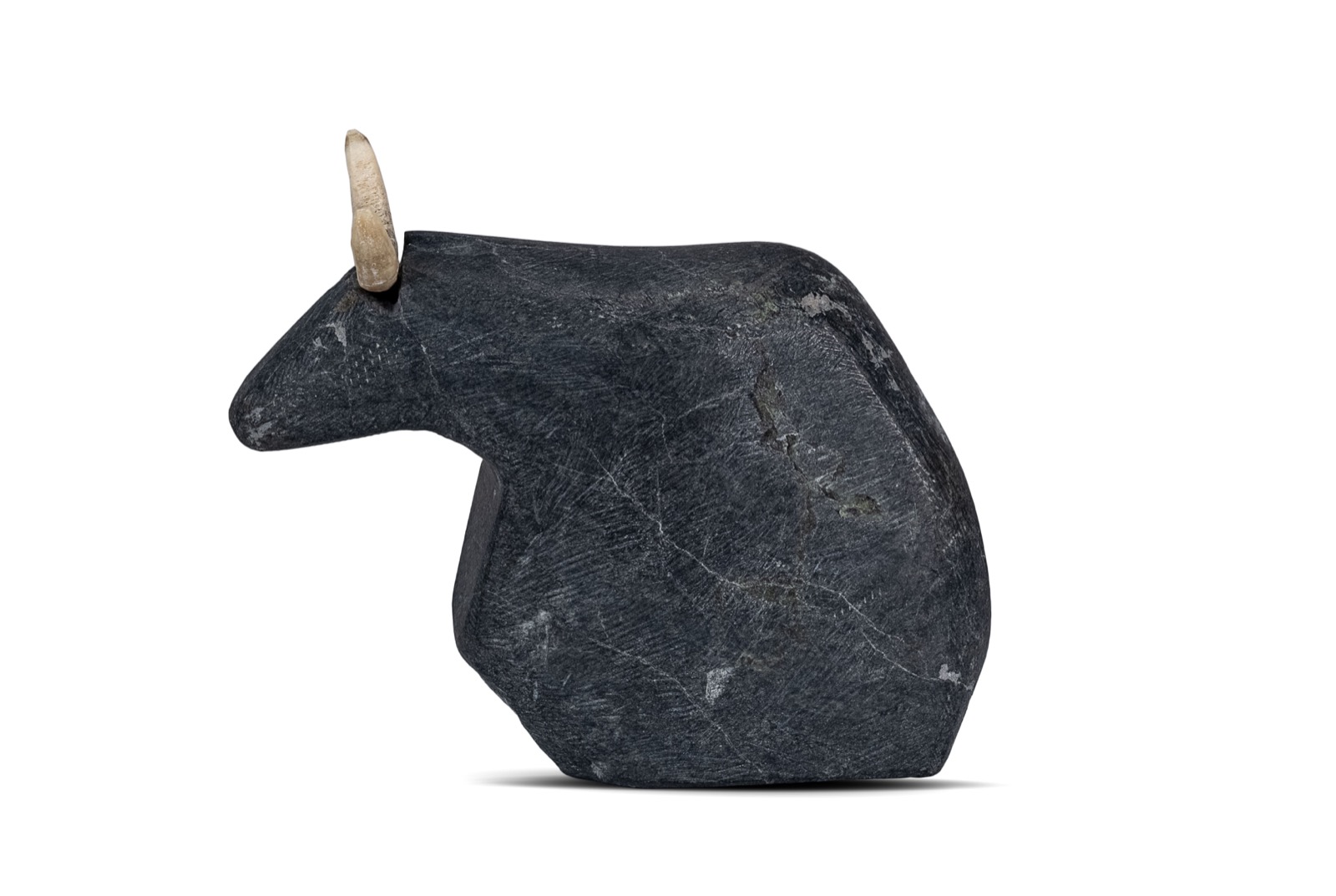
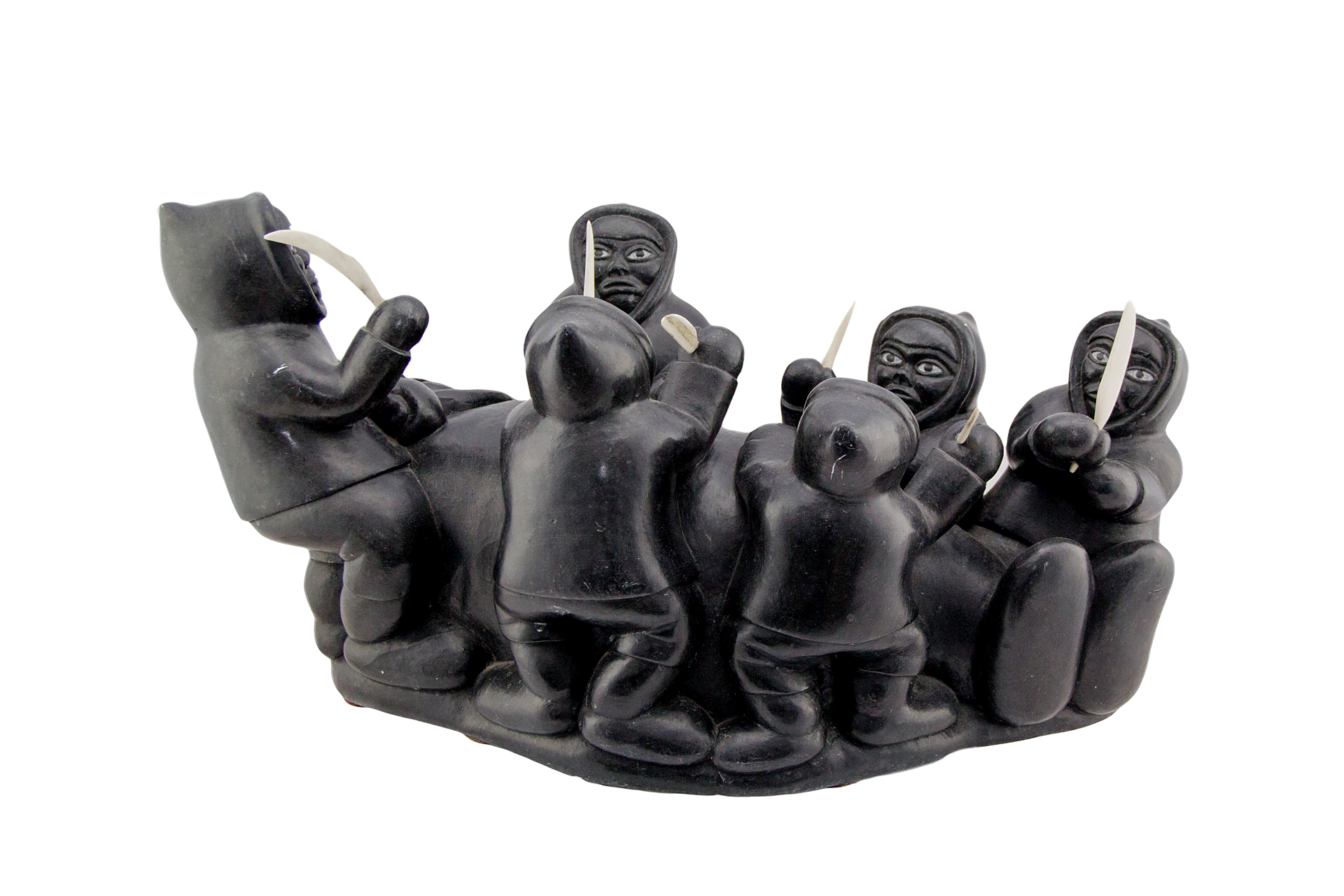
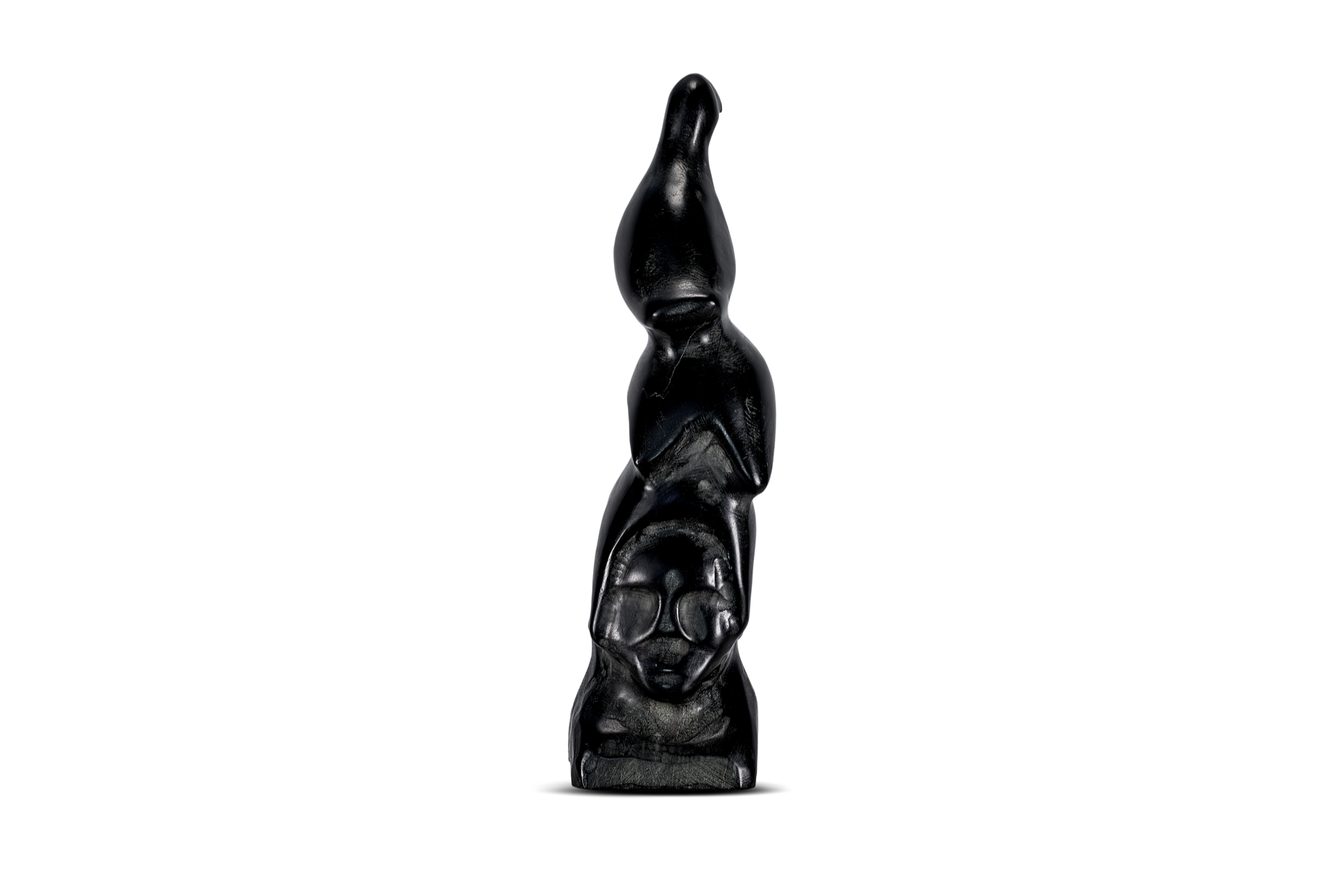
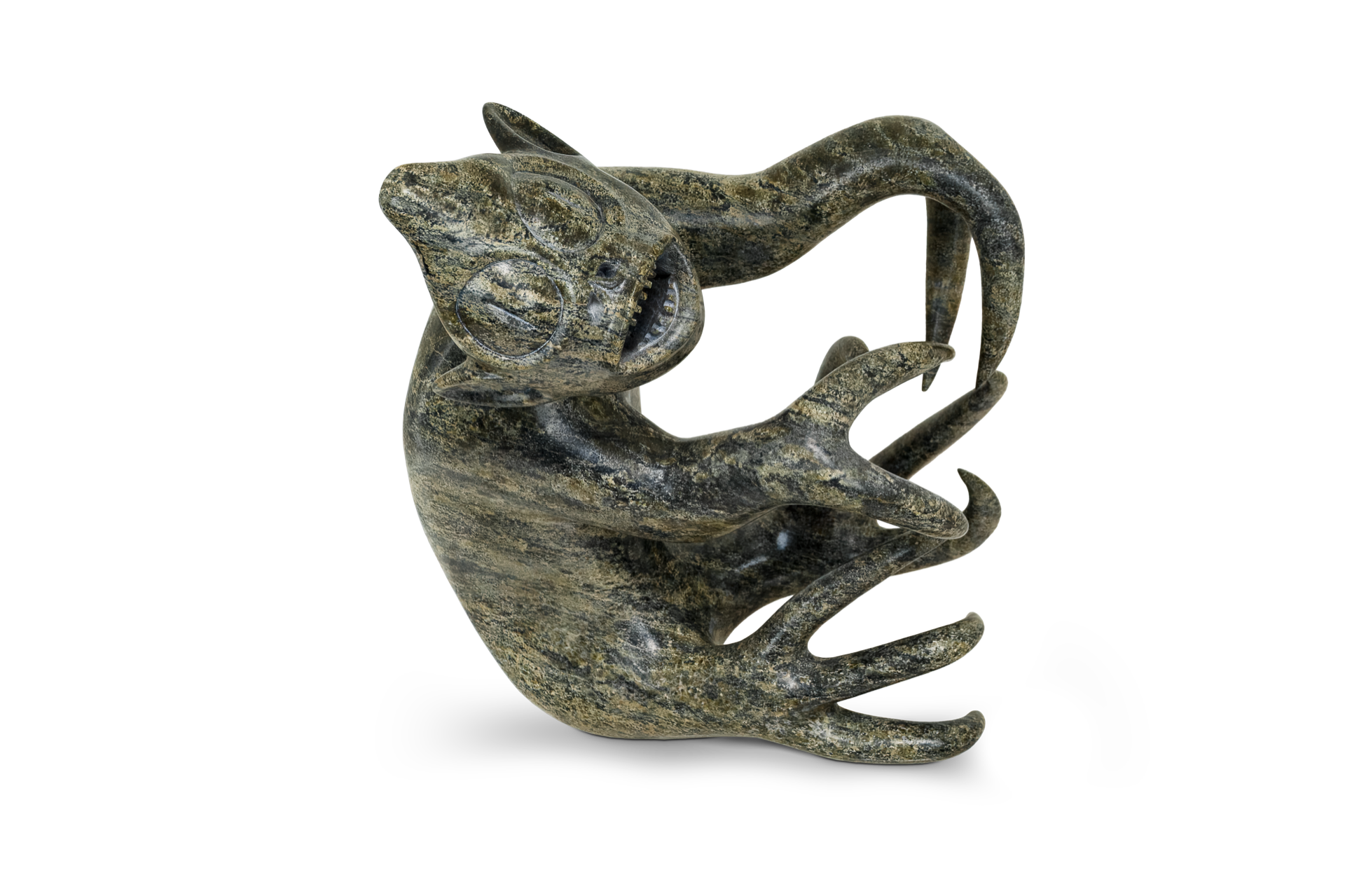
The artworks documented for the collection were photographed in a controlled studio environment using a Canon 60D and a repeatable photography workflow designed to preserve surface texture, dimensional form, and material detail. Lighting was adjusted to the characteristics of each sculpture, from light bone and antler to polished and dark stone surfaces.
Primary Photographic Subject • Polished Green Stone • Dimensional Form
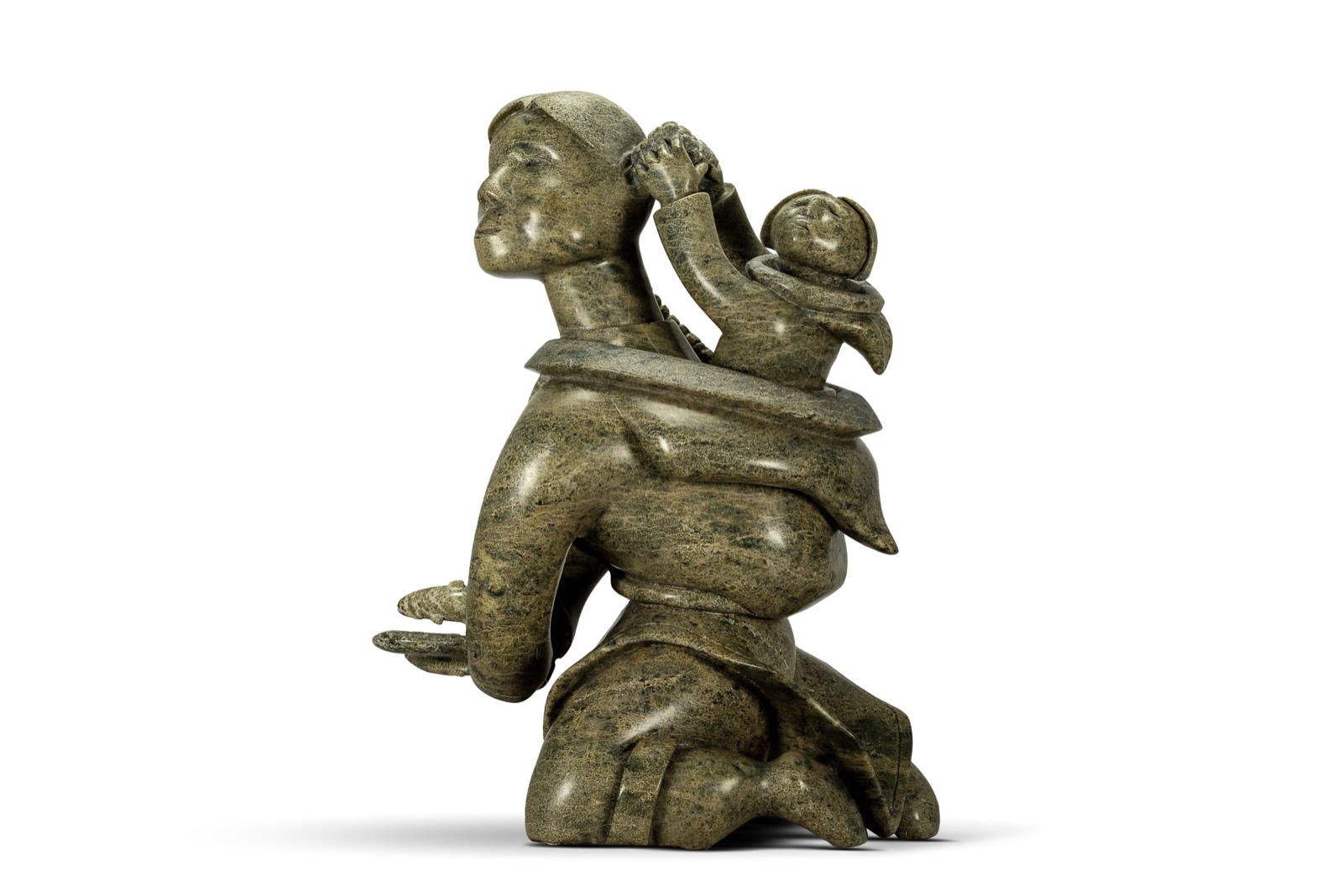
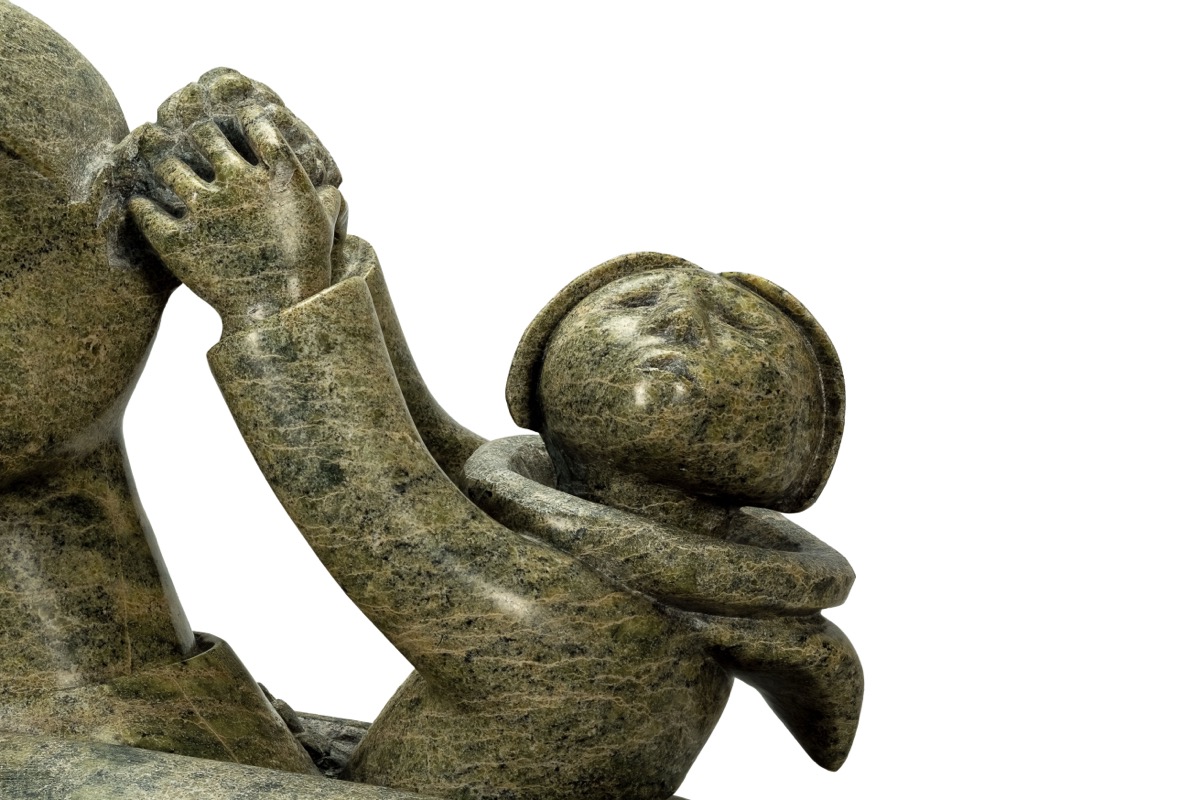
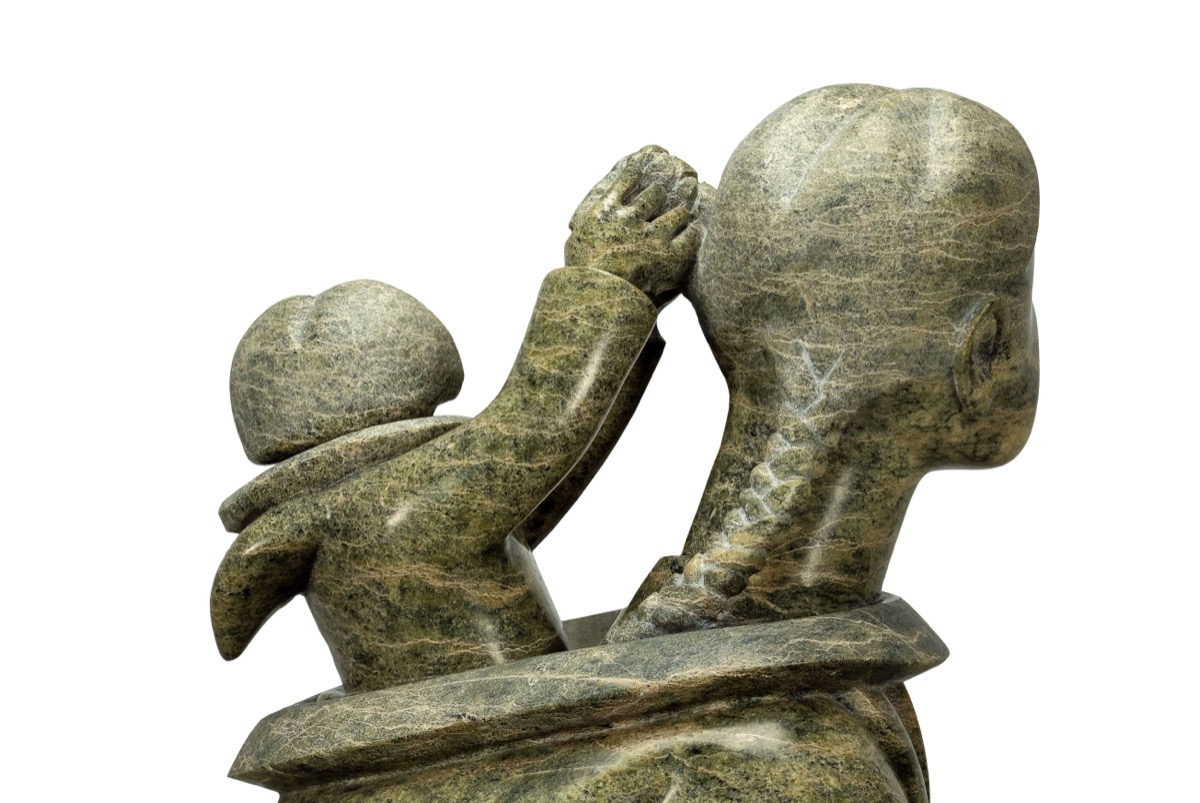
Mother and Child — Tuteeya Ikkidluak (ICAS-0186)
Cape Dorset, Canada • Stone • 13.5 × 9.5 × 7.5 in (34.3 × 24.1 × 19.1 cm)
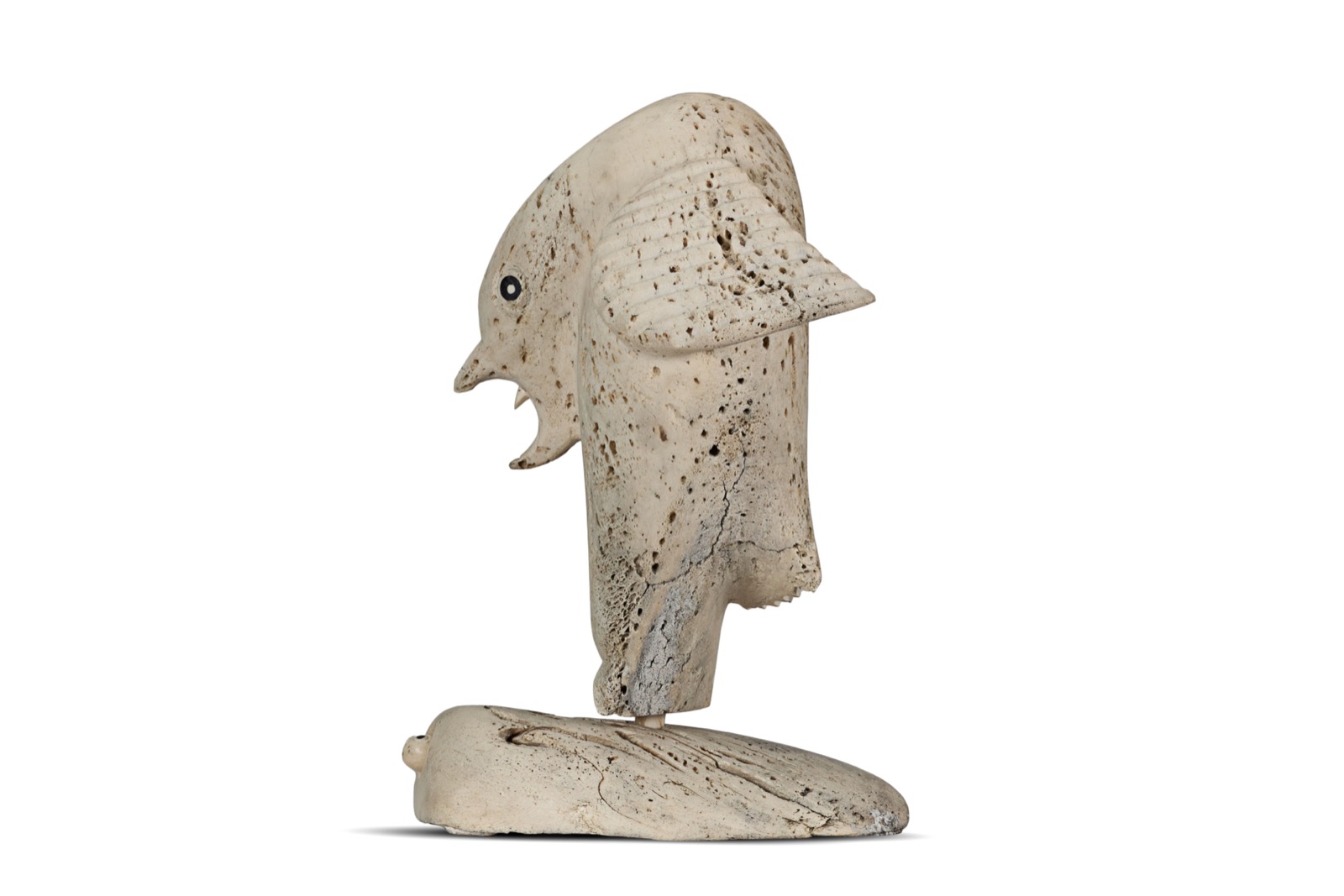
Bird Over Worm (ICAS-0133)
Karoo Ashevak (1972) • Spence Bay Whalebone, stone, ivory • 10.0 × 8.0 × 7.0 in
Man (ICAS-0124)
Barnabus Arnasungaaq (1970) • Baker Lake Black stone • 5.25 × 3.25 × 3.0 in
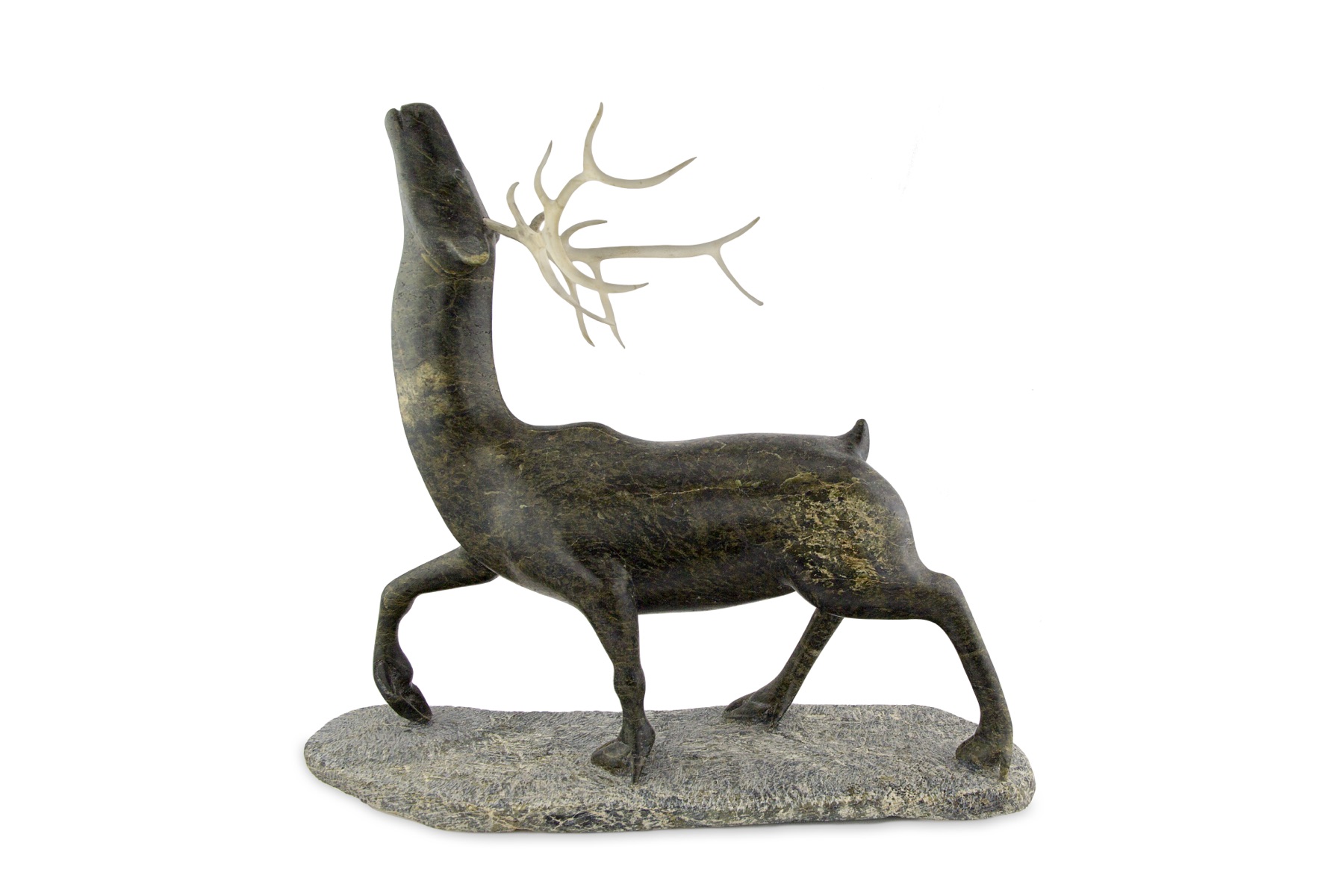
Caribou (ICAS-0321)
Andy Miki (1975) • Arviat Stone, antler • 3.75 × 5.0 × 1.25 in
Multi-Angle Artwork Documentation & 12-View Study
Capturing a physical sculpture from a single camera angle fails to communicate its three-dimensional volume and negative space. For Mother and Child (ICAS-0186), a structured multi-angle studio capture was executed to record 12 distinct documented perspectives of the sculpture.
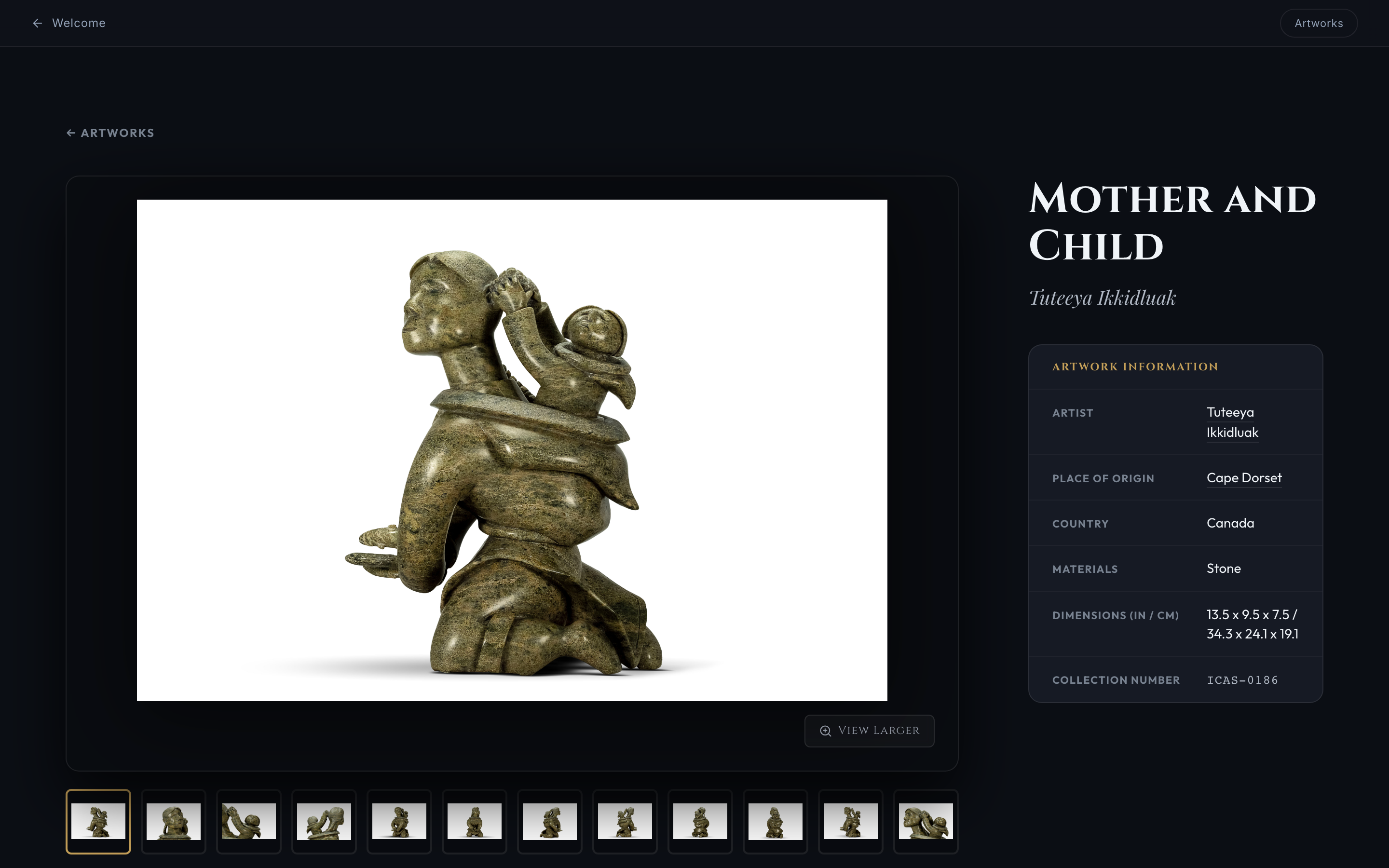
Verified ICAS Artwork Detail interface for Mother and Child (ICAS-0186) demonstrating the connection between primary photography, multi-angle view thumbnails, exact physical dimensions, and structured archival metadata.
Interactive Evidence
12-View Artwork Study & Multi-Angle Documentation — Mother and Child (ICAS-0186)
View 1 of 12 (Multi-Angle Documentation)
← Drag horizontally or tap controls to inspect views →
Interactive 360° Sculpture Visualization
Selected sculptures were photographed through rotational image sequences and published as interactive 360° spins, allowing viewers to examine dimensional form, surface detail, and sculptural relationships beyond a single static viewpoint.
From Digital Asset to Collection Record • Case Study Part 02
Building the ICAS Digital Collection Platform
The documentation workflow creates more than finished photographs. Each completed artwork package becomes part of a structured collection pipeline, where reviewed visual assets and associated metadata are prepared, provisioned, and ingested into ICAS. The platform delivers a museum-grade viewing experience for collectors while supporting administrative inventory, data integrity validation, and curatorial appraisal workflows.
Current Ingested ICAS Release:148 Artworks1,078 Media Assets23 Artist Folders(Additional documented works continuing through processing & ingestion)
Digital Collection Experience: Web Application Architecture
The ICAS frontend was engineered to deliver an elevated museum aesthetic and responsive web application experience without heavy framework dependencies. The application features spatial wayfinding, artwork search & filtering, multi-angle media galleries, and comprehensive metadata panels.
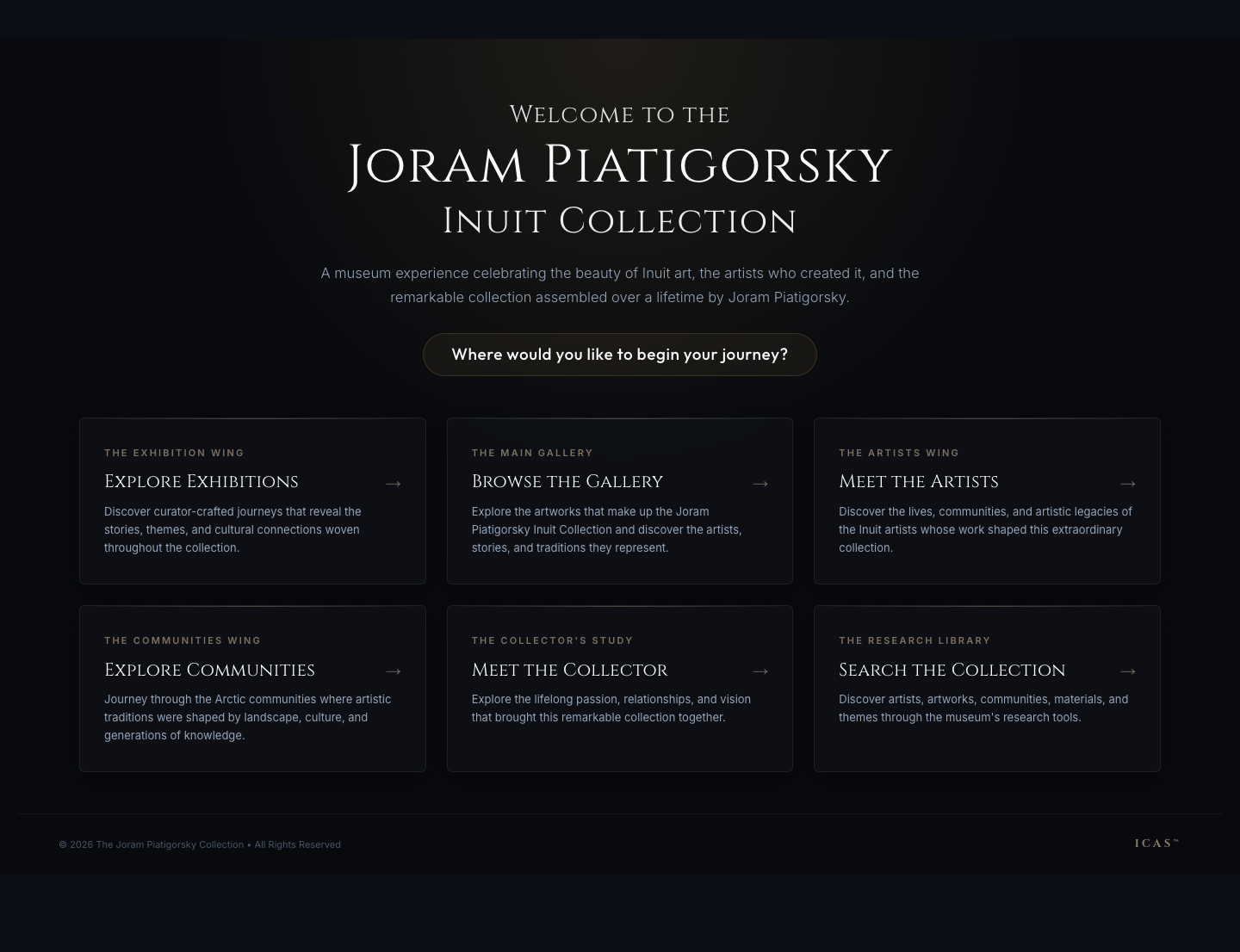
01 / Museum Welcome Center Arrival
Spatial orientation hub guiding visitors across Exhibition Wings, Permanent Gallery, Artist Directory, Community Histories, and Collector Studies.
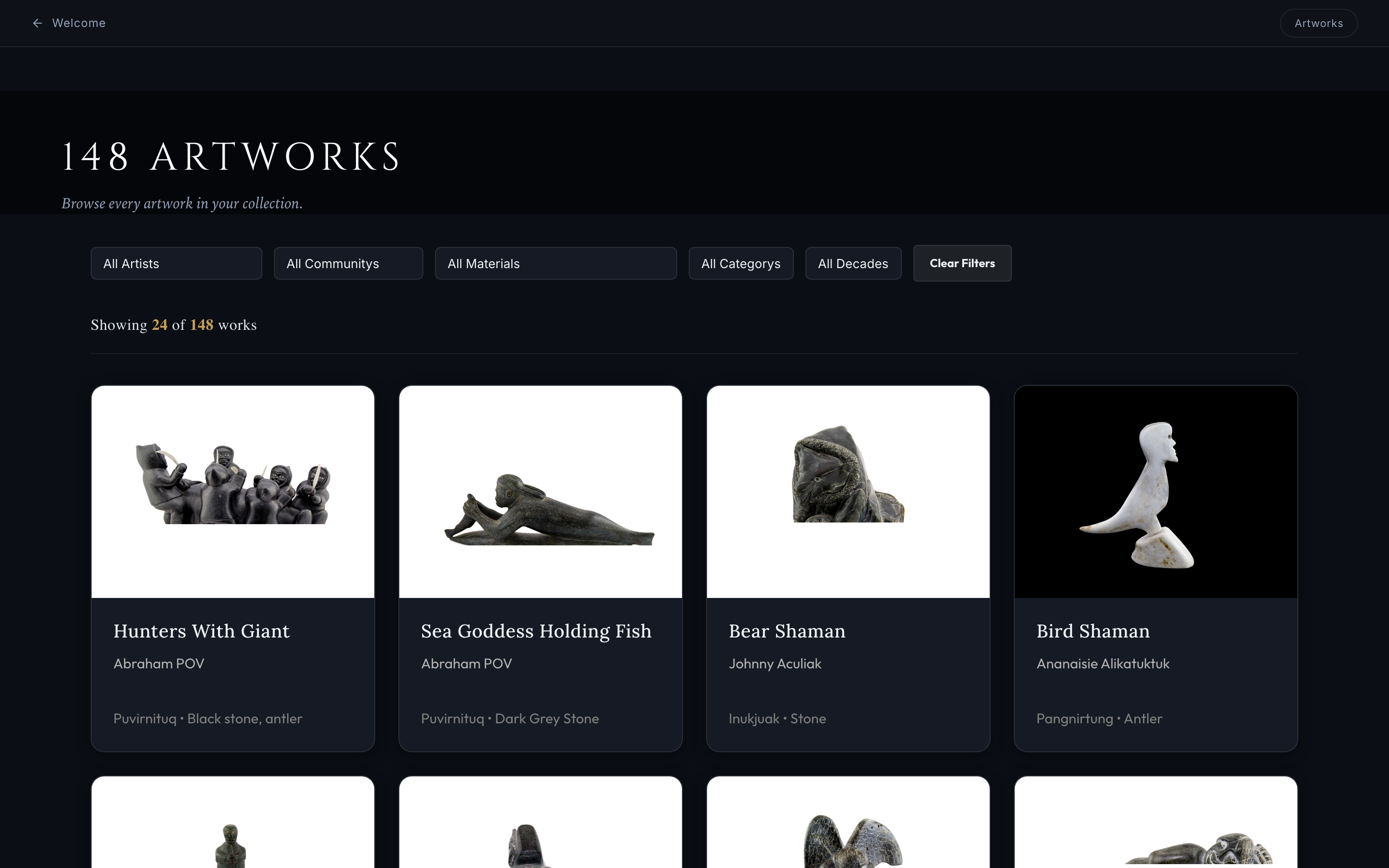
02 / Permanent Collection Gallery (148 Artworks)
Filterable collection grid supporting instant multi-criteria filtering by Artist, Community, Material, Category, and Decade.
03 / Master Artwork Detail Record (Mother and Child • ICAS-0186)
Comprehensive artwork detail view displaying primary studio photography, 12 multi-angle view selections, physical dimensions (in/cm), provenance records, and acquisition disclosure options.
Curatorial Appraisal Workspace UX Prototype
To support professional appraisal engagements, Michael designed the Appraisal Workspace Layer 1 UX Prototype — a client-side UX prototype developed to validate appraisal workflow structure, valuation queues, condition recording, and interactive review processes prior to backend integration.
Queue Organization
Filter by NEXT UP, APPRAISED, or ALL Assigned Artworks
Valuation Capture
Fair Market Valuation, Currency, and Condition Documentation
To ensure zero loss of metadata across production ingestion releases, automated Python validation scripts audited all media assets against the master Excel registries (`ICAS_Digital_Asset_Registry_v1.1.1.xlsx` and `ICAS_Gold_148_Ingestion_v1.0.xlsx`). The audit verified 100% data fidelity across the 148 collection artworks.
Collection Scope148 Artworks
Curated ICAS Collection (subset of 600+ overall photographed sculptures)
Digital Asset Registry1,078 Assets
High-res hero, multi-angle, 360 spin, and detail images
Artist Taxonomy23 Folders
Master artist biographies, community mappings, and regional attribution
Asset Integrity Audit100% Clean
0 orphaned assets • 0 duplicate media files verified
AI-Assisted Development Workflow
Michael utilized AI-assisted development workflows to help translate product requirements into functioning digital experiences while retaining full responsibility for product direction, information architecture, UX/UI decisions, testing, and release validation.
Human Directing
Product Architecture & Curation
Designed the canonical data model, physical photography standards, museum wayfinding taxonomy, and appraiser security compliance guidelines.
Web Application Development • Responsive Interface Development
Interactive 360 Platform
Sirv 360 Rotational Spin Engine
Discipline Integration Summary
The ICAS platform demonstrates the seamless synthesis of fine-art studio photography, collection cataloging, digital product design, front-end software engineering, and AI-assisted workflows into a unified, museum-grade archival platform.
STUDIO PHOTOGRAPHYMUSEUM UX DESIGNDIGITAL ARCHIVEMULTI-ANGLE & METADATAASSET ISOLATION
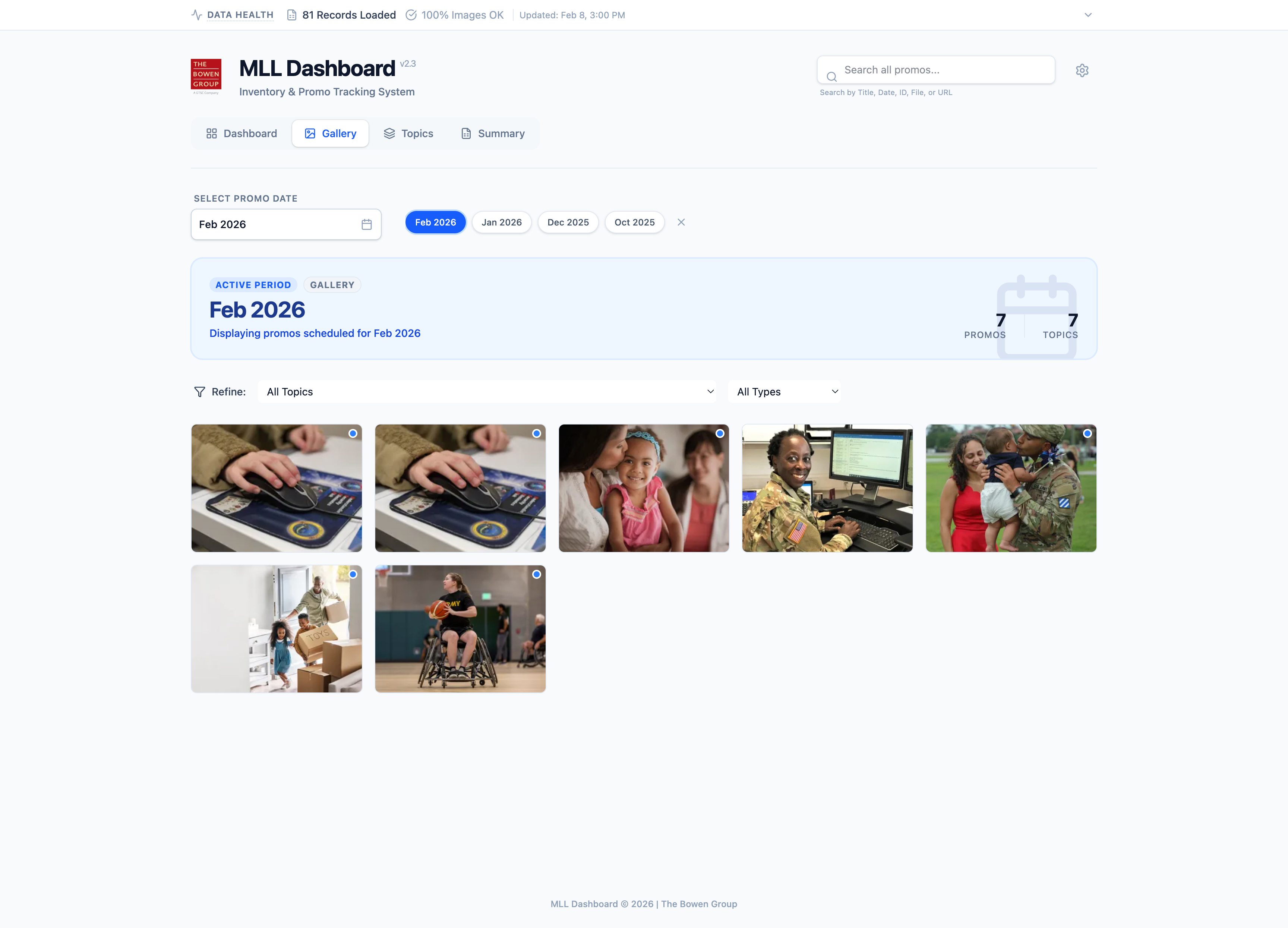
MilLife Learning promotional assets were tracked through an expanding spreadsheet-based inventory. As the volume of promotional assets and covered timeframes grew, visually reviewing coverage, identifying gaps, locating problematic assets, and supporting planning conversations became increasingly difficult.
Michael conceived and developed the MLL Dashboard as a read-only visual layer designed to make the existing information easier to review, explore, filter, preview, and assess while preserving the underlying source-of-truth workflow.
The Operational Challenge
Managing promotional assets solely through spreadsheet rows created operational bottlenecks when preparing campaign calendars, reviewing asset readiness, and coordinating multi-period promotion strategies.
Visual Coverage
Spreadsheet tracking made it difficult to see overall promotional asset coverage across topics and timelines quickly.
Gap Identification
Missing, unpublished, overridden, or problematic visual assets were difficult to recognize at a glance.
Multi-Period Review
As promotional periods expanded, comparing history and planning upcoming months became more cumbersome.
Decision Support
Stakeholders needed a clearer, visual way to review the inventory during planning and review discussions.
From Spreadsheet Tracking to Visual Review
The dashboard preserved the team's existing source-of-truth workflow while introducing a purpose-built visual layer for reviewing promotional assets, coverage, status, and planning context.
STEP 01Spreadsheet Inventory
STEP 02Controlled Data Prep
STEP 03Visual Dashboard
STEP 04Decision Support
Dashboard Experience & Capabilities
The interface offers flexible visual perspectives tailored for different operational needs—from broad archive browsing to focused promotional period inspection.
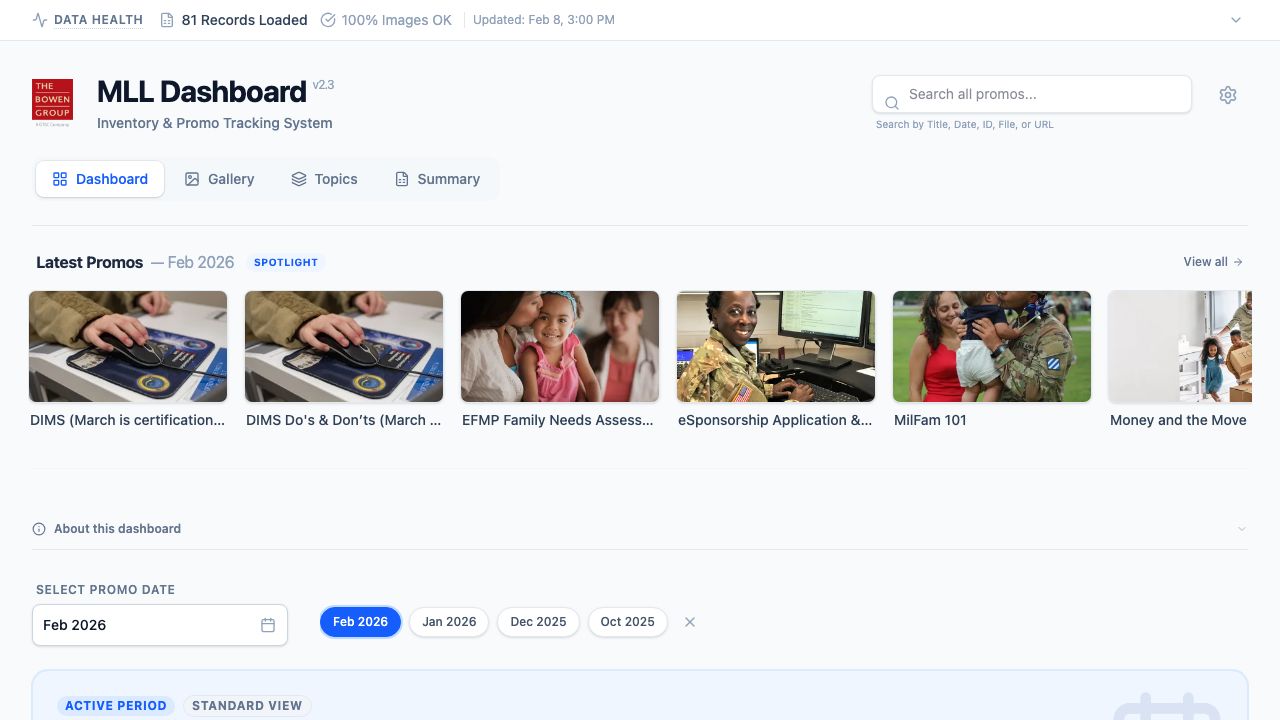
Gallery View — Promotional assets organized for rapid visual browsing, comparison, and review.
Dashboard Grid / List
Toggle between visual asset cards and dense tabular list views.
Visual Gallery View
High-density media view for rapid visual comparison of promotional assets.
Topic-Based Browsing
Group imagery by content themes and military life subject categories.
Executive Summary
High-level status metrics, coverage breakdowns, and export support.
Search, Filter & Asset Preview
Designed for rapid information retrieval, the application combines global search, multi-criteria filtering, and detailed asset previews.
Search
Fast cross-inventory search matching titles, topics, dates, and asset records.
Filter
Refine records by promotional period, topic area, and publication status.
Preview
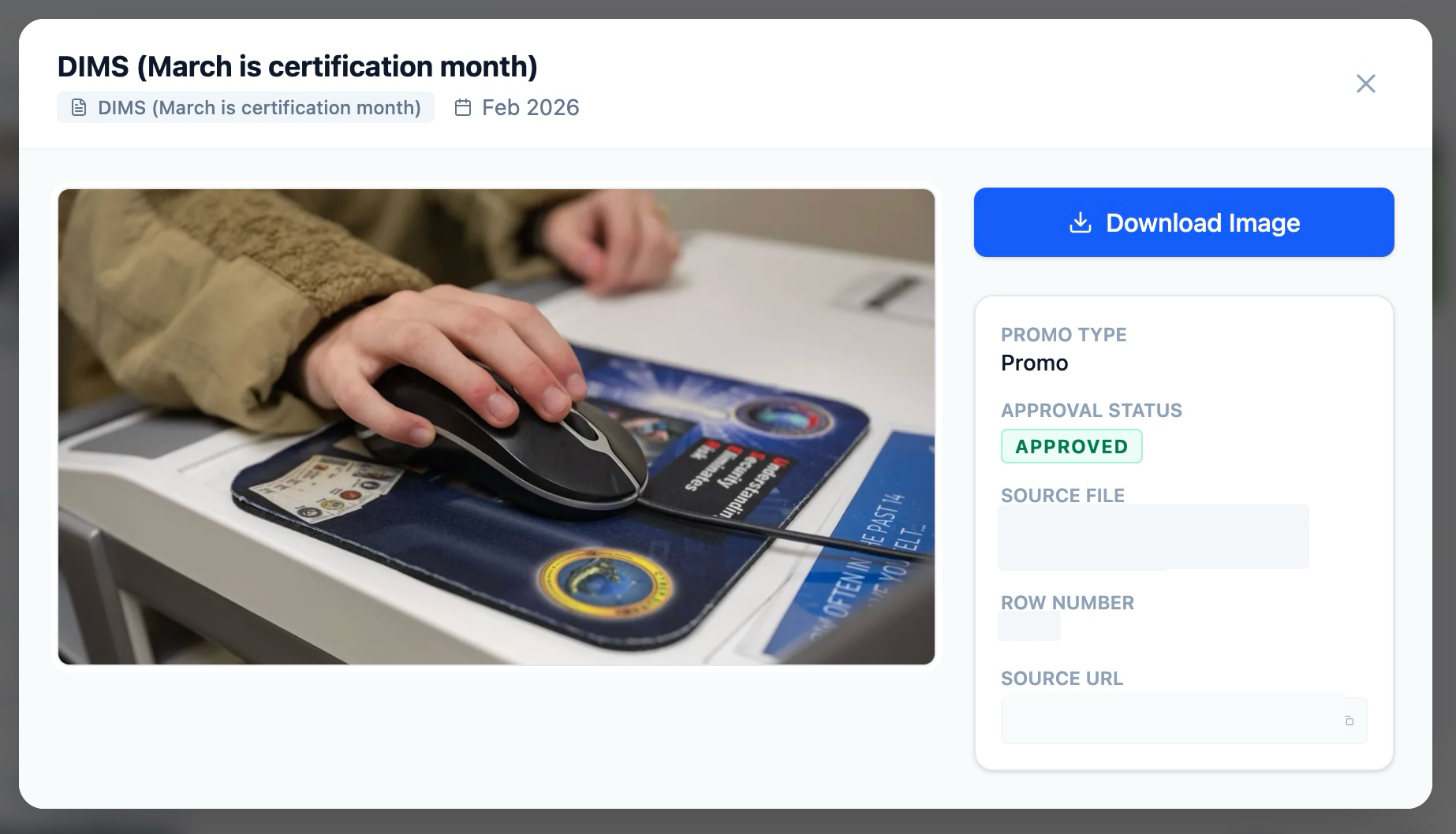
Inspect promotional imagery in a larger preview with relevant asset details and record context.
Asset Preview — Larger image inspection with promotional status and relevant record context.
Visual Coverage & Asset Health Visibility
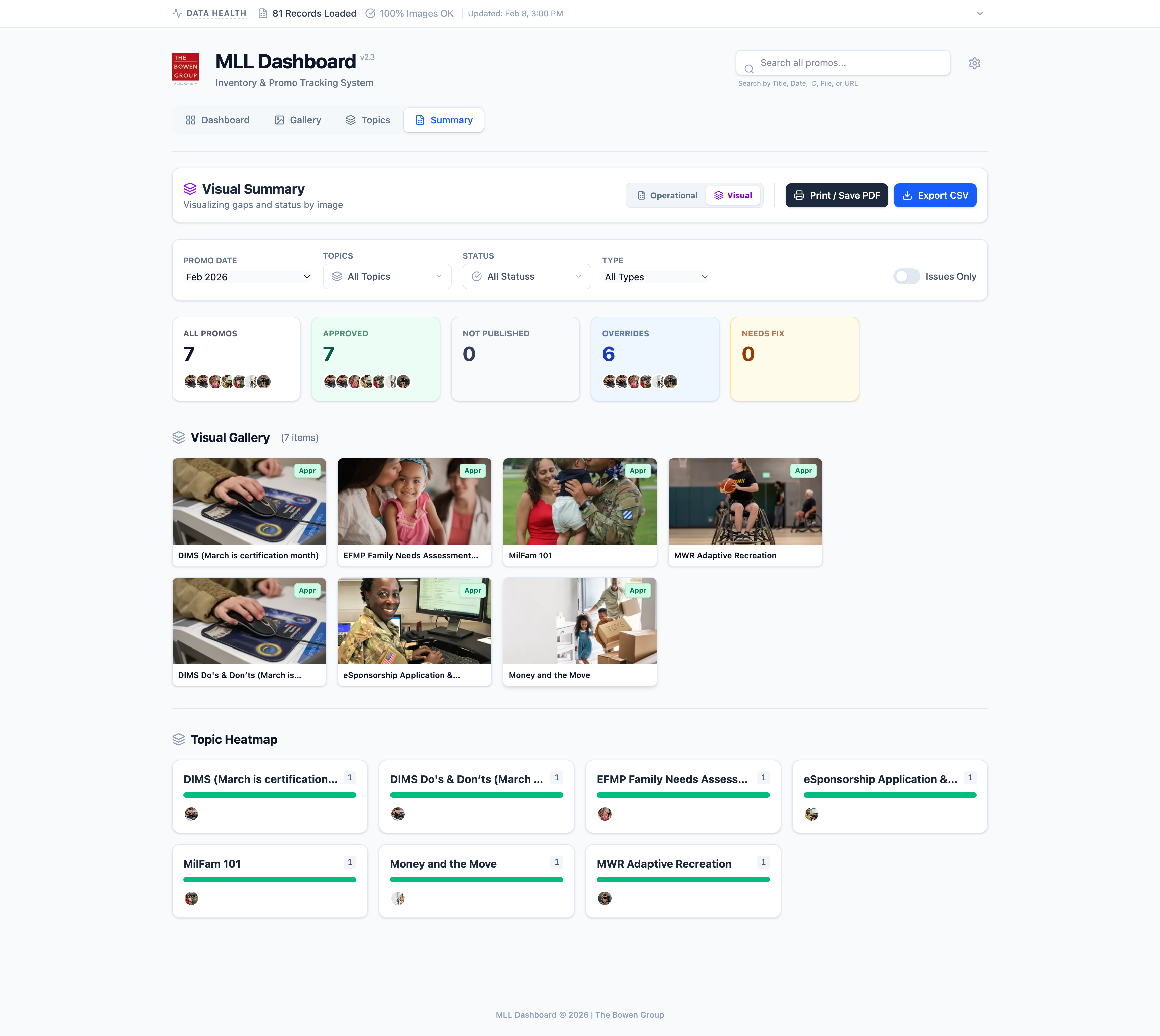
A key feature of the dashboard is instant visibility into inventory status. Team members can quickly review available promotional imagery, track period coverage, evaluate topic distribution, verify approved versus unpublished assets, and identify broken or missing records before delivery.
Visual Summary — Promotional coverage, status, exceptions, and topic distribution presented in a visual decision-support view.
AI-Assisted Development Workflow
AI-assisted development supported rapid prototyping and workflow iteration while overall product requirements, architecture, visual design, data schema validation, and final production decisions remained human-directed.
Antigravity A.I. was used as an AI-assisted development environment supporting prototyping, interface development, testing, and refinement, while requirements, architecture, visual design, validation, and final decisions remained human-directed.
A Lightweight Read-Only Visual Layer
The dashboard was designed as a static, read-only visual experience rather than a replacement for the underlying tracking system.
LIGHTWEIGHT STATIC DEPLOYMENT MODEL
EXISTING TRACKING DATASource of Truth
CONTROLLED DATA PREPValidation & Assets
STATIC WEB DASHBOARDRead-Only Visual Layer
AWS S3 DELIVERYLow-Risk Hosting
Outcome & Stakeholder Review
The prototype was prepared and submitted for internal stakeholder review as a visual decision-support concept supporting the existing MilLife Learning promotional asset workflow.
Established Military Installations visual standards and recurring infographic production requirements.
MICHAEL'S CONTRIBUTION
Developed a reusable AI-assisted production workflow and supporting documentation for generating consistent multi-format infographic assets within those established standards.
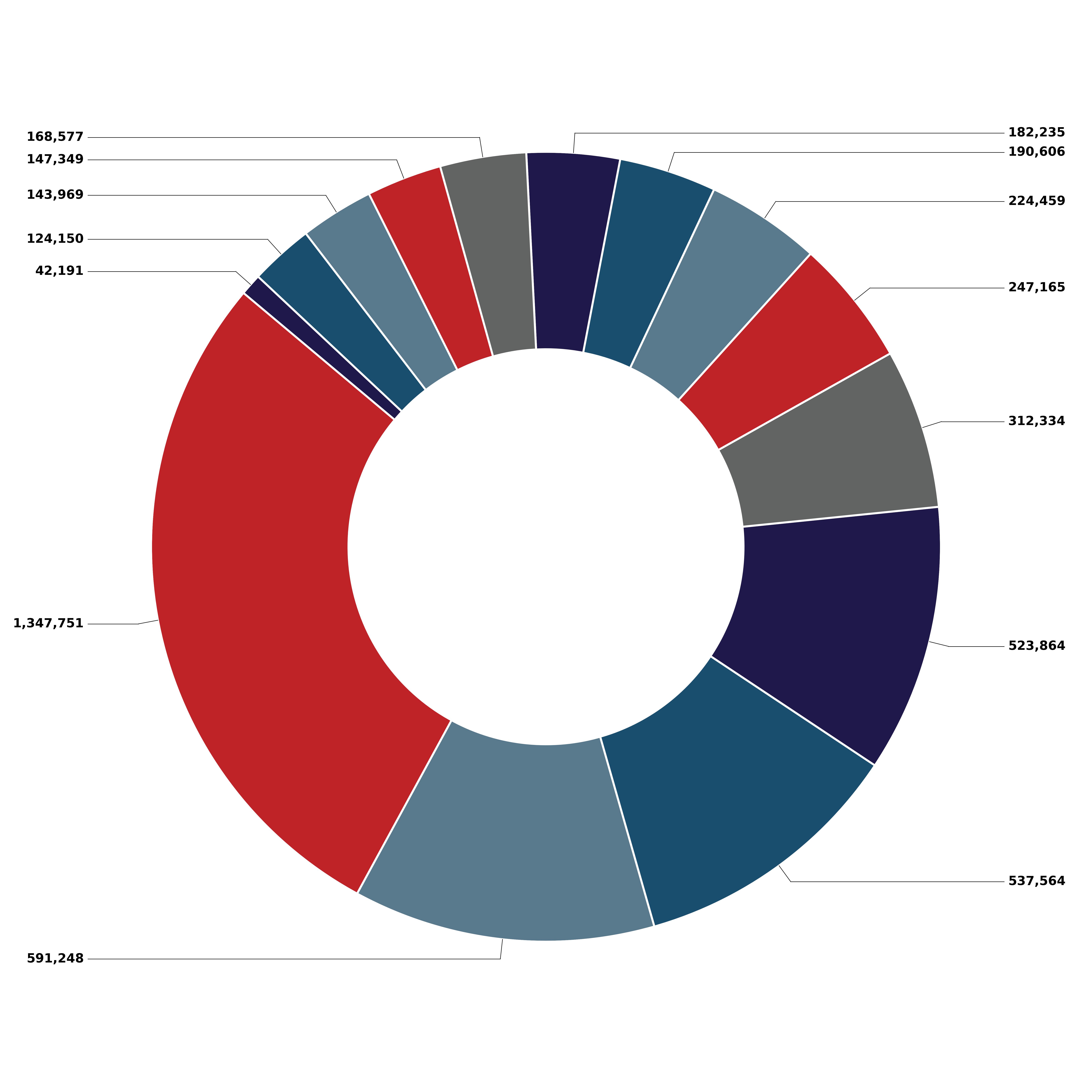
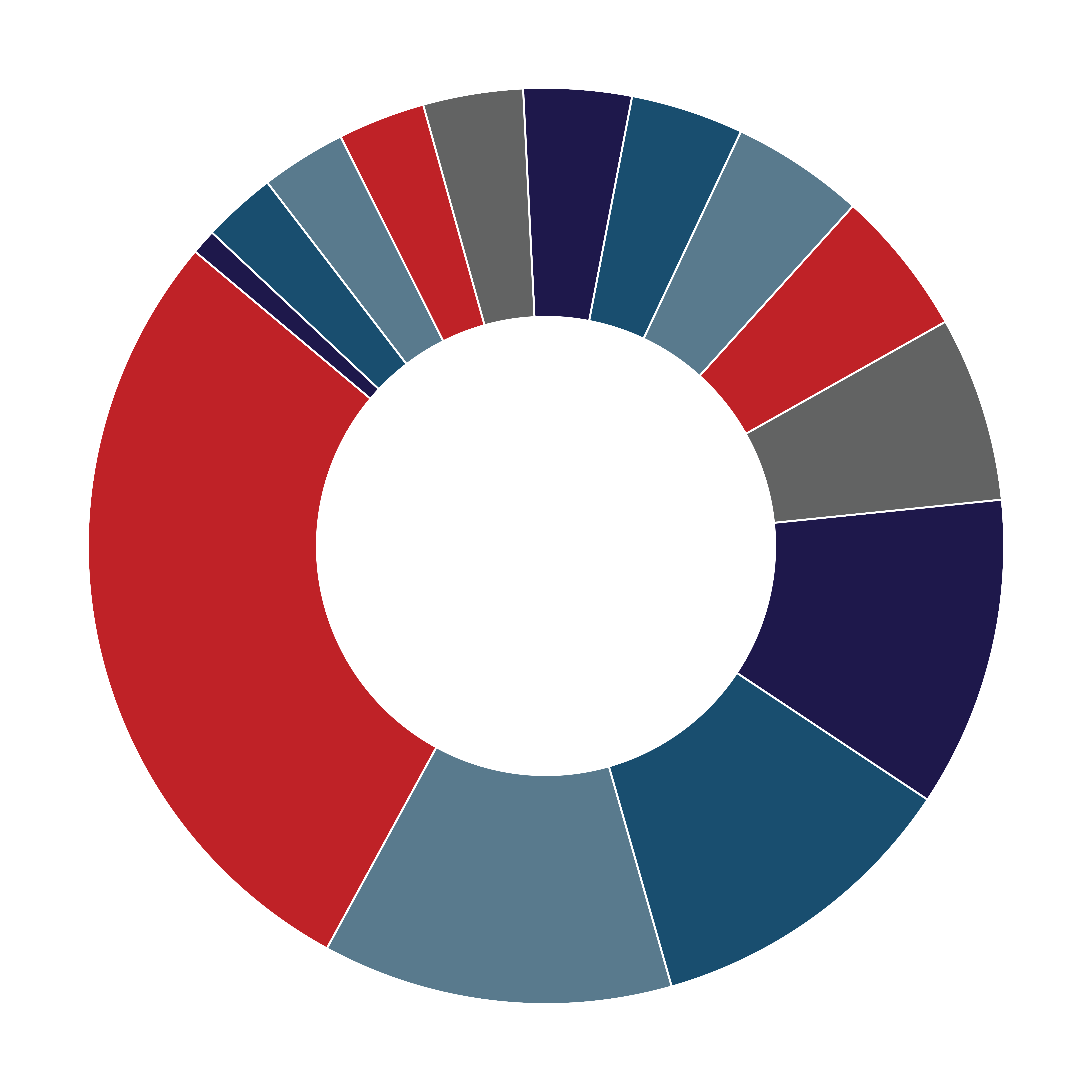
Military Installations Impact Infographic — Labeled preview output generated within established visual standards.
Project Overview
Michael developed a reusable AI-assisted infographic production workflow for creating consistent donut-style visual assets within established Military Installations visual standards.
The workflow was accompanied by a Quick Reference Guide and generated multiple production formats for continued design refinement and use.
Operational Approach
Established Visual Standard
Produced graphics matching DoD Military Installations brand identity, fixed canvas specifications (6500×6500 px @ 300 DPI), and color palettes.
Reusable Production Workflow
Engineered a prompt-driven generation framework enabling rapid, repeatable graphic updates without manual vector reconstruction from scratch.
Multi-Format Production
Supported five production formats (PNG, SVG, AI-ready PDF, EPS, JPG) for downstream editing and multi-channel publication.
4-Step Infographic Production Pipeline
01 / InputData & Specs
02 / PromptAI Framework Execution
03 / ExportVector & Raster Assets
04 / DeliveryPreflight & Quality QA
Multi-Format Production Assets
The workflow produces separate non-text visual graphics and labeled preview files to support downstream production across print and digital media.
Labeled Text Preview Output (JPG / High-Res Preview)
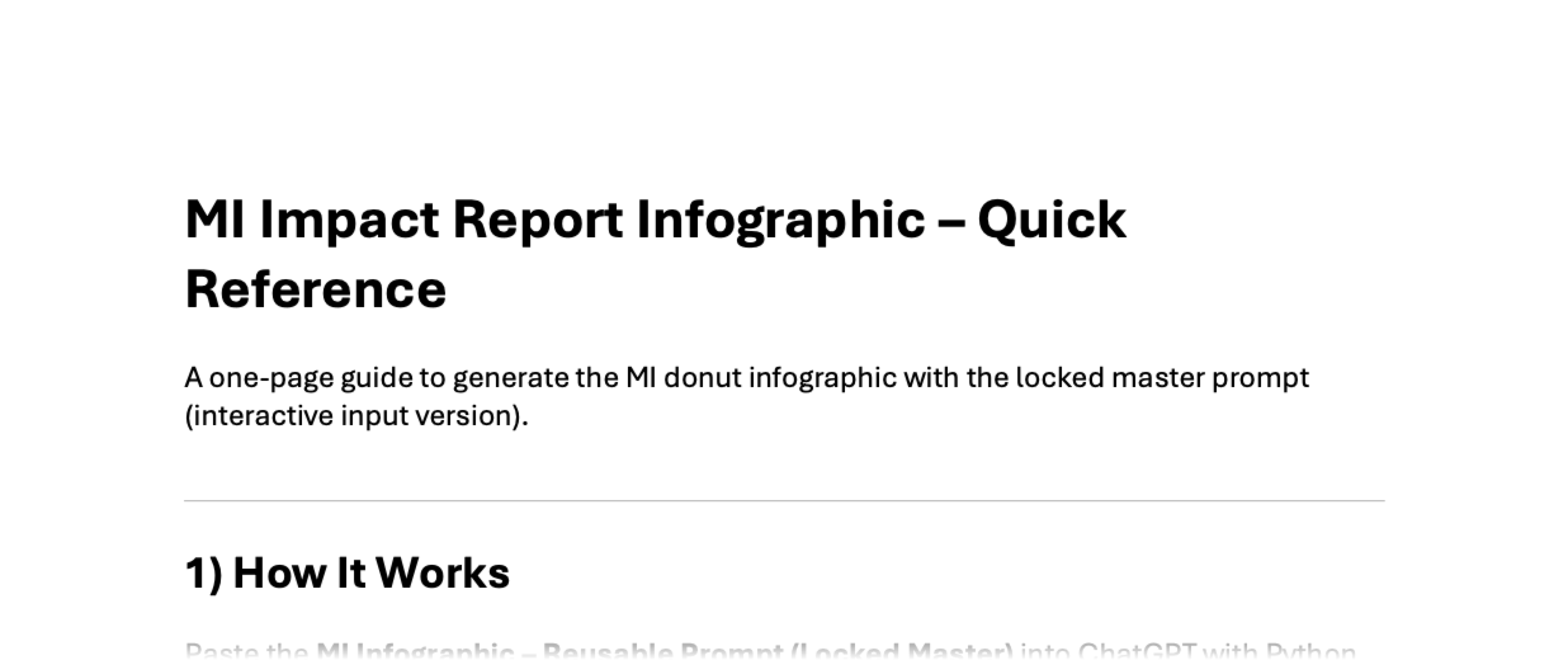
Operational User Documentation
Authored a step-by-step Quick Reference Guide detailing operational execution steps, input formats, output specifications, and file delivery paths.
MI Impact Report Infographic — Quick Reference Guide documenting the reusable production workflow at a high level.
Produced within established Bowen/client design systems and military program brand standards.
STARTING POINT
Approved MFLC visual standards, program content, and an established facilitator-guide framework.
MICHAEL'S CONTRIBUTION
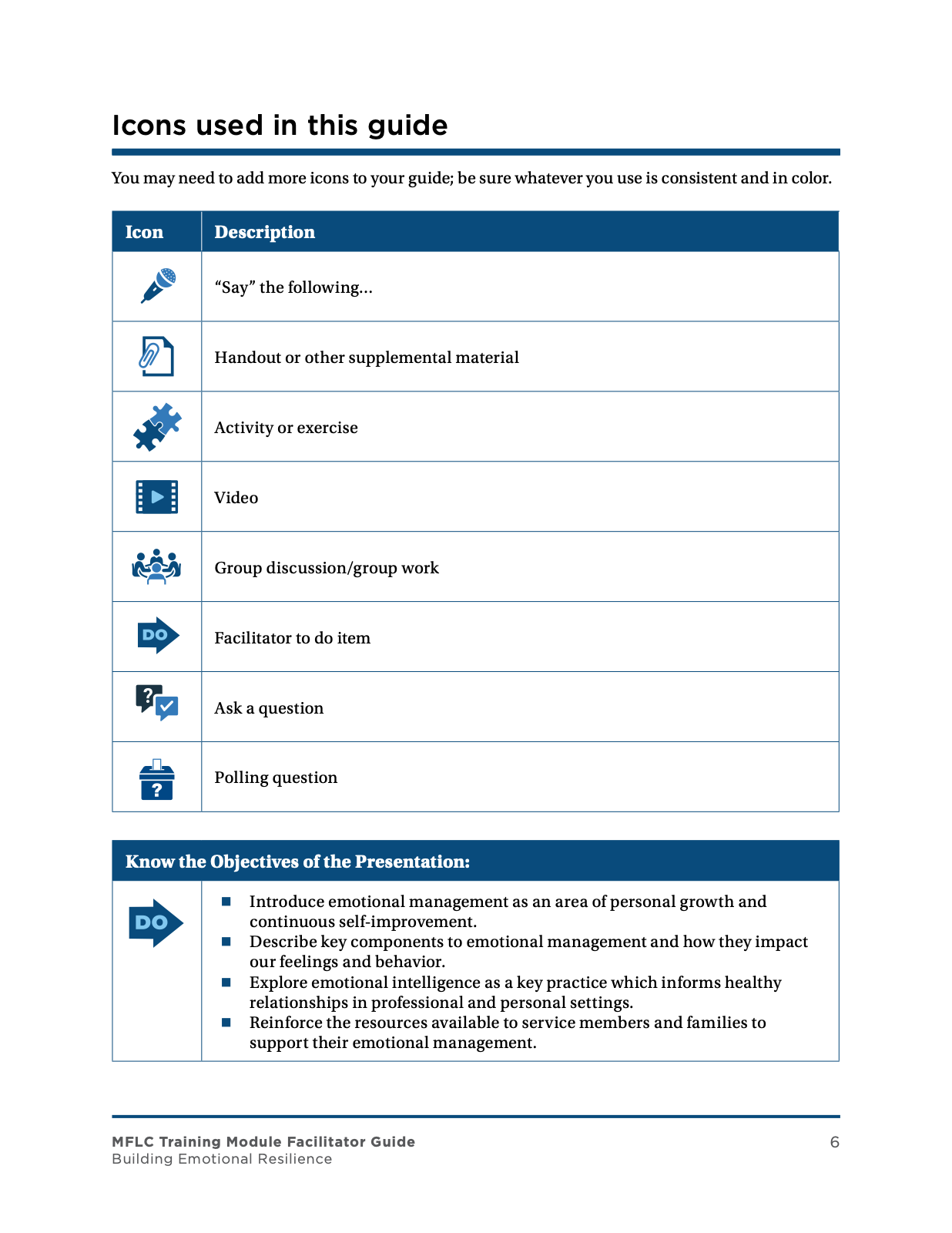
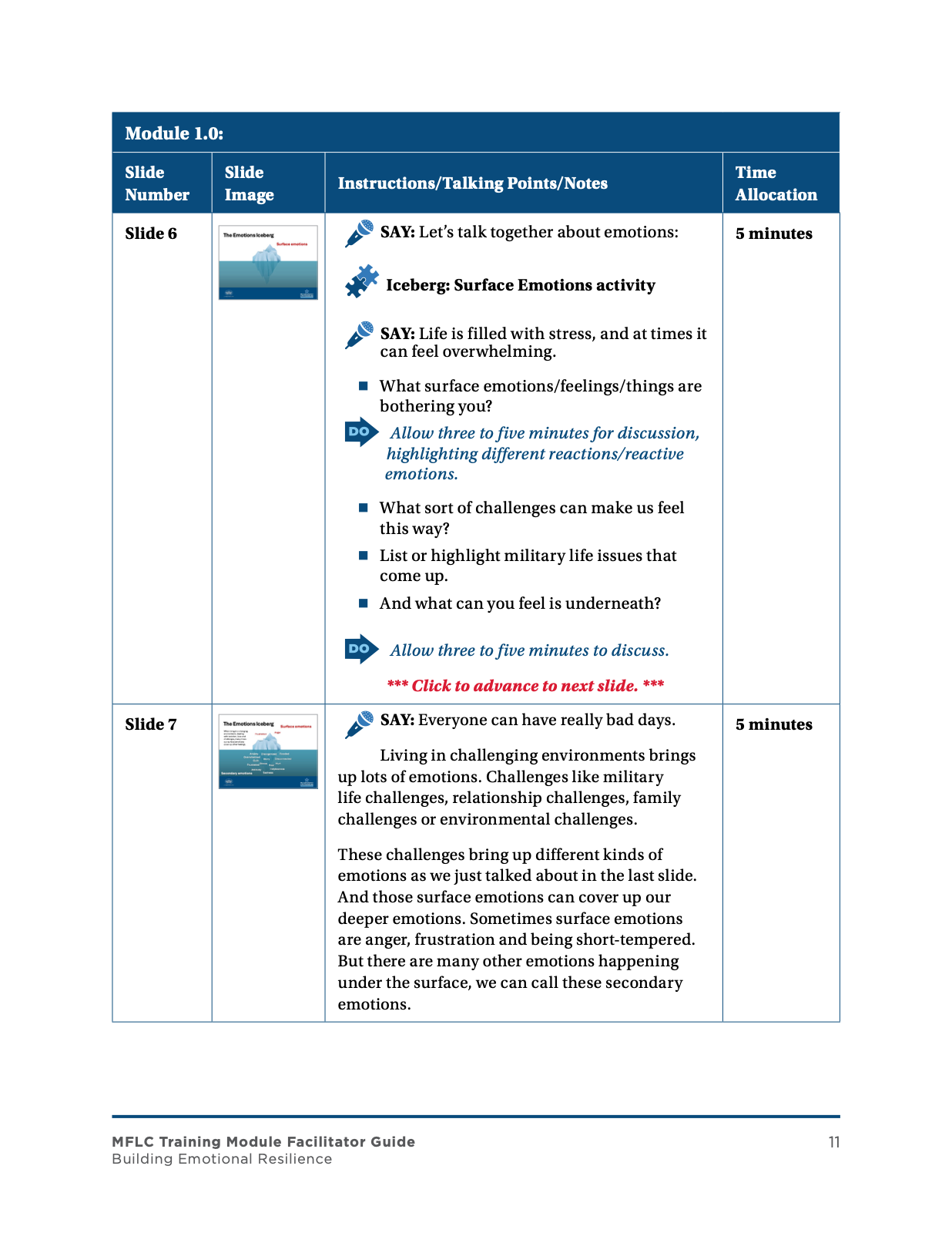
Adapted and produced the 27-page facilitator guide in Adobe InDesign, managing content flow, typography, imagery, graphics, visual hierarchy, and publication preparation within the established system.
Adapted approved MFLC brand assets and visual standards to produce a 27-page facilitator guide for military family counseling program use, managing typography, visual hierarchy, slide graphics, vector assets, linked imagery, and publication preparation in Adobe InDesign.
Publication Production Focus
Editorial Layout & Hierarchy
Structured 27 pages of counselor training material using governed InDesign paragraph/character styles, master pages, and clear reading order.
Multi-Asset Integration
Positioned slide graphic presentations, custom vector icons, and linked high-resolution photography across structured layout grids.
Visual Accessibility
Applied visual accessibility practices including clear section hierarchy, readable font pairings (Montserrat/Gotham), and contrast-conscious color treatment.
Selected Page Spreads
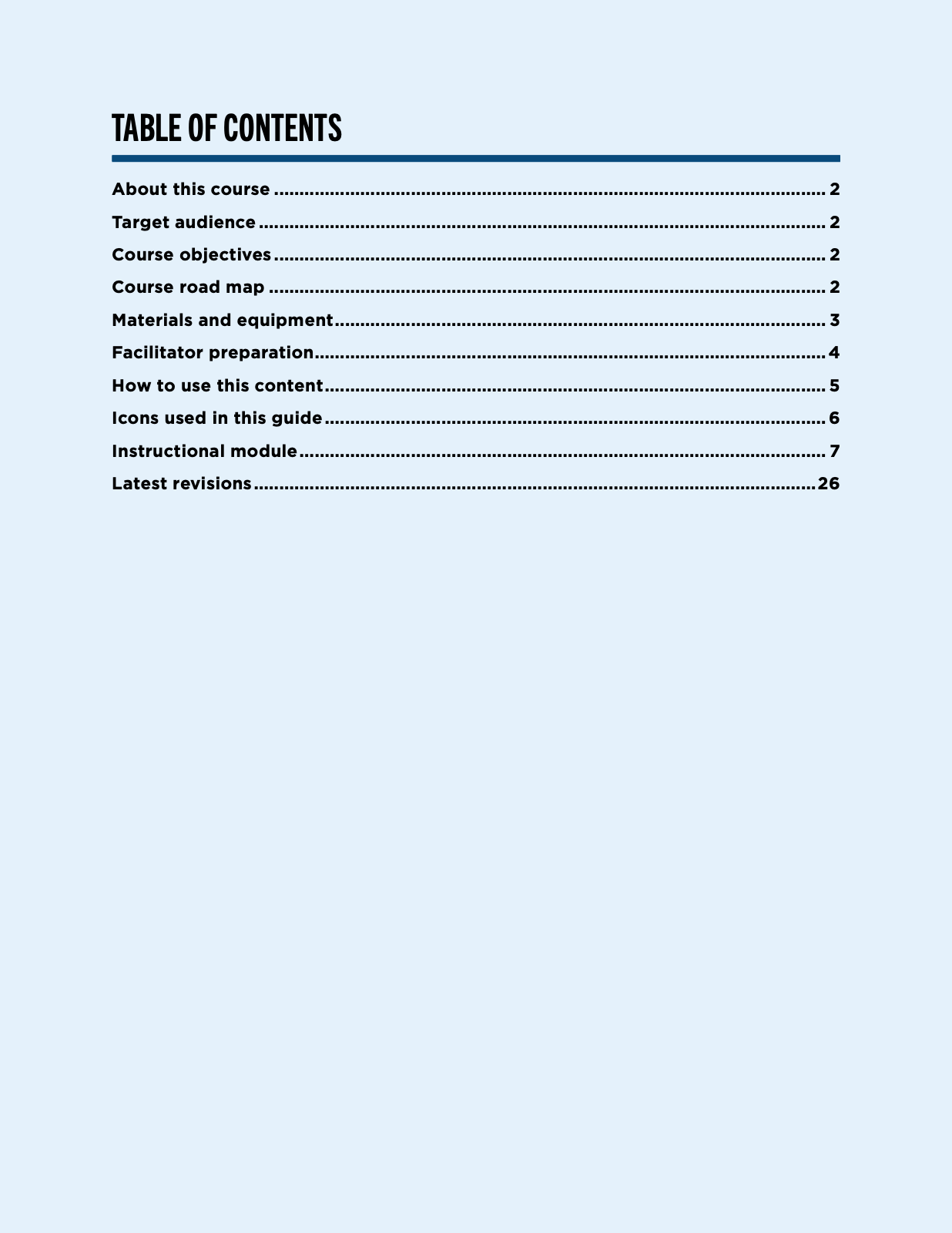
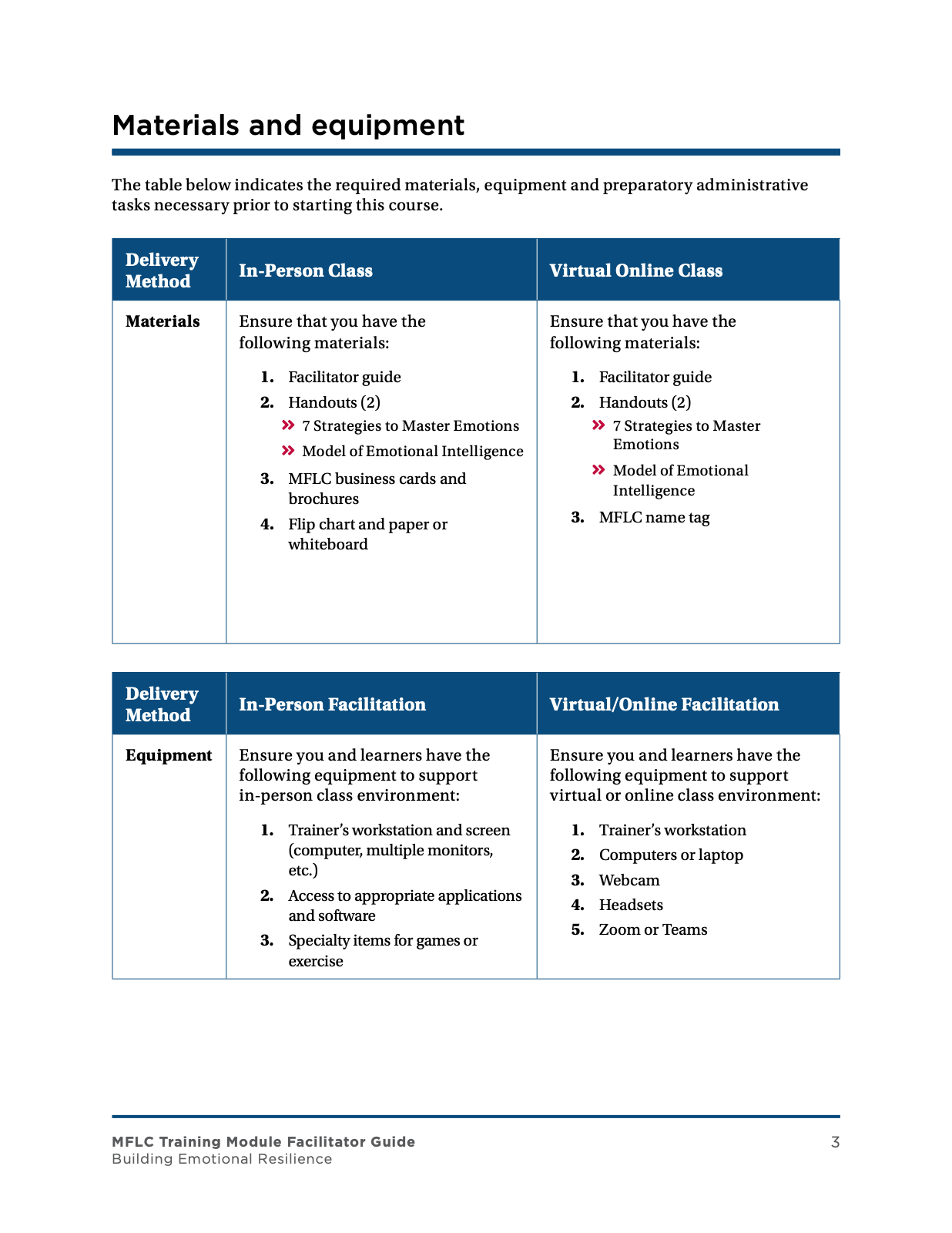
Curated page examples illustrating publication structure, slide integrations, and typography layout across the 27-page guide.
Produced within established Bowen/client design systems and military program brand standards.
STARTING POINT
Existing federal technical-document structure, approved content, and governed document requirements.
MICHAEL'S CONTRIBUTION
Prepared and remediated the 40-page guide across Microsoft Word and Adobe Acrobat, applying document-production and Section 508 accessibility requirements.
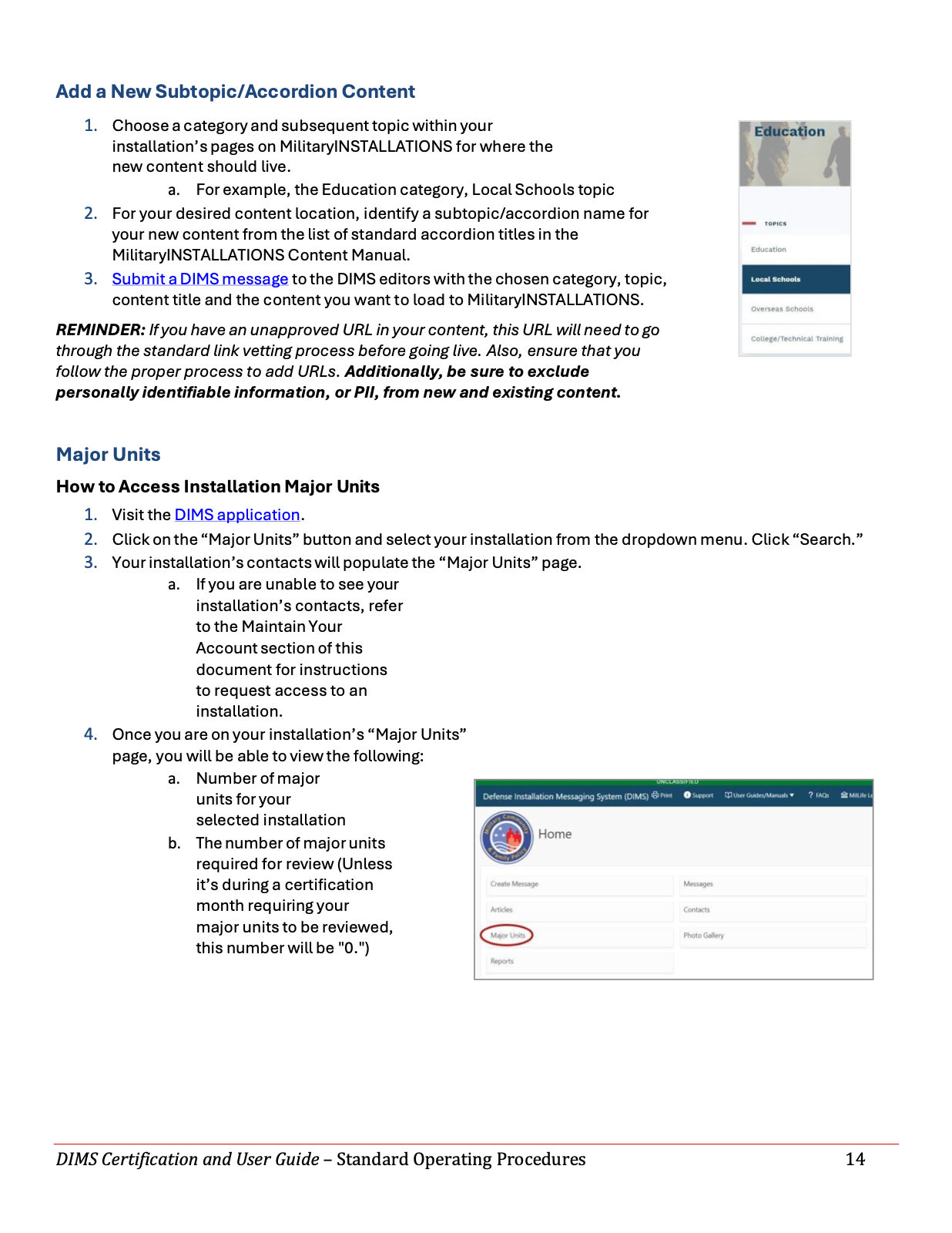
DIMS Certification and User Guide — 40-Page Federal Technical SOP & User Manual.
Project Overview
Performed Section 508 remediation and accessibility validation for a 40-page federal technical user guide across Microsoft Word and Adobe Acrobat formats.
Technical Production & Accessibility Focus
Technical Document Structuring
Organized complex system procedures, account management workflows, and content maintenance guides across a 40-page document.
Section 508 Remediation
Prepared and remediated document structure across Microsoft Word and Adobe Acrobat for screen-reader accessibility.
Accessibility Validation
Verified document accessibility using native Word structure controls and Adobe Acrobat validation workflows.
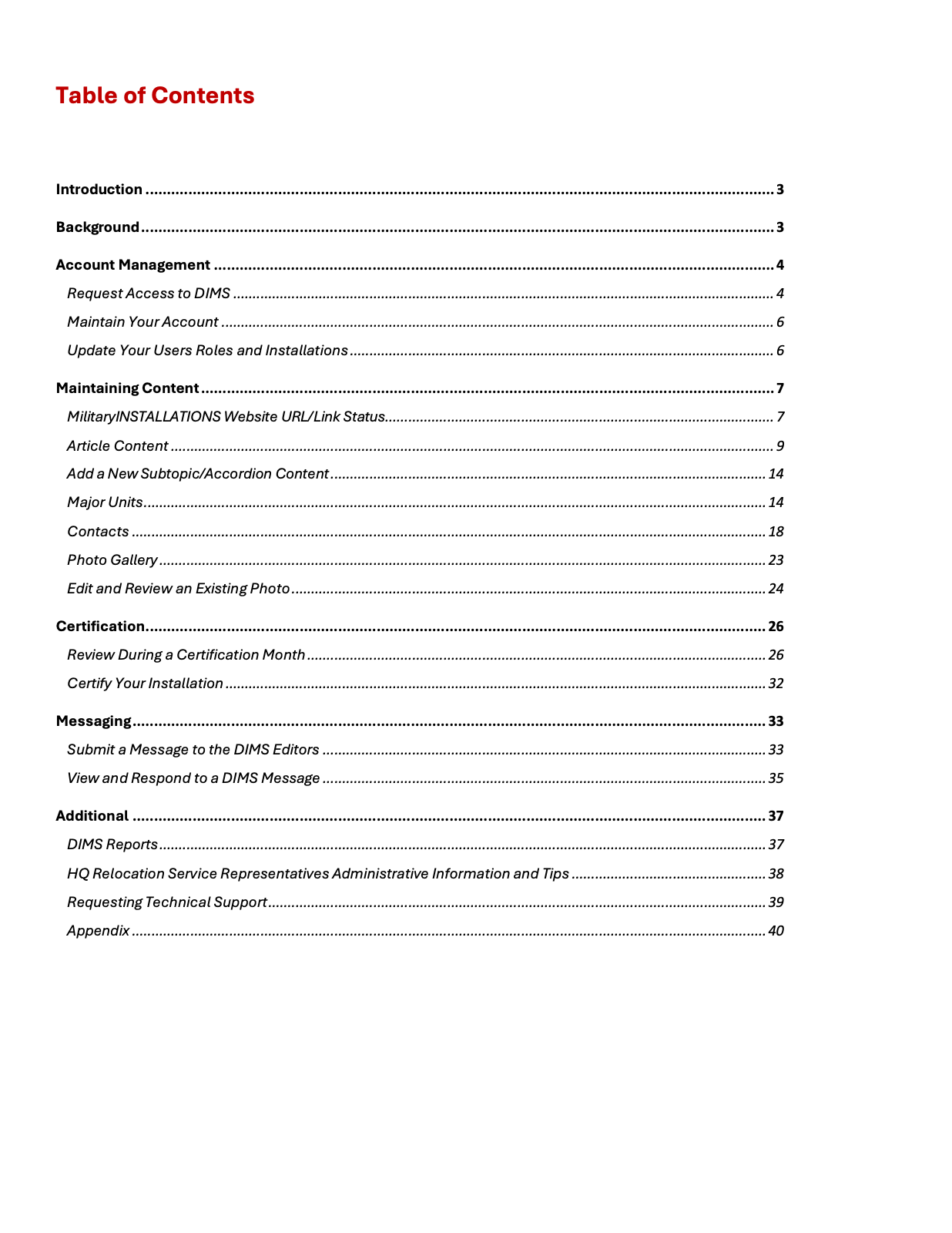
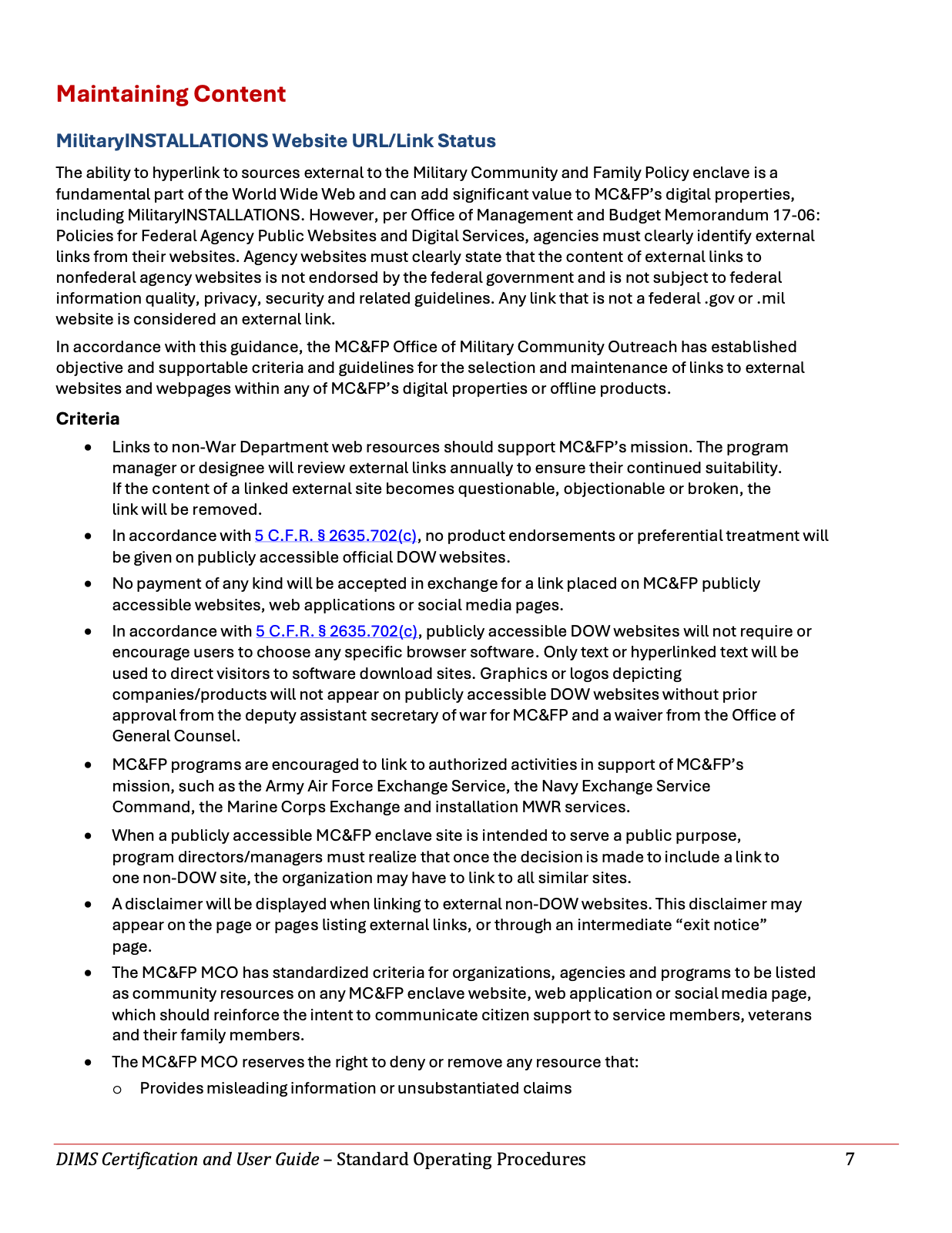
Selected Technical Guide Pages
Representative document pages showing structural heading hierarchy, procedural step formatting, and data table layouts.
Table of Contents & System Manual Hierarchy
Link Status Procedures & Structured Content Sections
Subtopic Instructions & Accordion Content Guide
Produced within established Bowen/client design systems and military program brand standards.
01. Publication Design
02. Technical Manuals & 508
03. Graphic & AI Workflows
Curated Discipline Showcase — Demonstrating publication production, technical manual remediation, and AI-assisted graphic workflows across Bowen federal programs.
Working Within Established Design Systems
Federal communications projects often begin with approved templates, program brand standards, content requirements, and production specifications. Michael's role as a Creative Designer is to apply design judgment, production expertise, accessibility practices, and professional software tools to turn those controlled starting points into finished communications that meet client and delivery requirements.
01Approved Template / Brand System
02Content & Requirements
03Design + Production
04Accessibility / QA
05Final Deliverable
Layout & Visual Hierarchy
Adapt content, typography, imagery, spacing, and page structure within approved templates and program standards.
Asset Preparation
Crop, isolate, optimize, and prepare imagery and graphics for the required channel, size, and production format.
Brand & Production Compliance
Apply program-specific visual standards, logo requirements, image specifications, and production guidelines while preparing final deliverables.
Accessibility & Delivery
Perform Section 508 remediation where required, validate deliverables, and prepare final files for web, downloadable products, presentations, or print use.
Selected Visual Communications Work
PUBLICATION DESIGN & PRODUCTION
MFLC Building Emotional Resilience Facilitator Guide
Starting Point: Approved MFLC visual standards, program content, and an established facilitator-guide framework.
Michael's Contribution: Adapted and produced the 27-page facilitator guide in Adobe InDesign, managing content flow, typography, imagery, graphics, visual hierarchy, and publication preparation within the established system.
Starting Point: Existing federal technical-document structure, approved content, and governed document requirements.
Michael's Contribution: Prepared and remediated the 40-page guide across Microsoft Word and Adobe Acrobat, applying document-production and Section 508 accessibility requirements.
Military Installations — AI-Assisted Infographic Workflow
Starting Point: Established Military Installations visual standards and recurring infographic production requirements.
Michael's Contribution: Developed a reusable AI-assisted production workflow and supporting documentation for generating consistent multi-format infographic assets within those established standards.
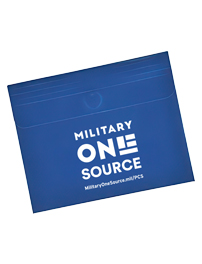
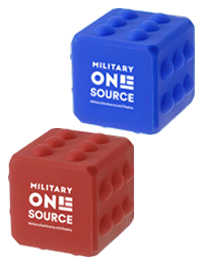
Starting Point: Approved Military OneSource branding, product source imagery, landing page specifications, and required output dimensions.
Michael's Contribution: Prepared and processed web-ready product imagery through image isolation, background preparation, sizing, formatting, and delivery preparation for Military OneSource landing-page use.
PCS Luggage Tag
PCS Collapsible Pet Bowl
PCS Document Bag
Deployment Sensory Cube Toy
Deployment Travel Tumbler
Deployment Fire-Resistant Document Case
Production Within Federal Standards
Each deliverable is produced within a controlled environment of approved templates, visual standards, image specifications, accessibility requirements, review criteria, and production QA. The design challenge is not to reinvent the system, but to execute within it accurately, efficiently, and with strong visual judgment.
Capabilities & Production Toolkit
Michael uses a combination of Adobe Creative Cloud and Microsoft Office tools to adapt, produce, remediate, validate, and prepare federal communications for delivery.
PROFESSIONAL CAPABILITIES
Publication Production
Visual Communications
Technical Publications
Section 508 Accessibility
Digital Asset Preparation
Graphic Production
AI-Assisted Creative Workflows
Production QA
PRODUCTION TOOLS
Adobe InDesign
Adobe Photoshop
Adobe Illustrator
Adobe Acrobat
Microsoft Word
Microsoft PowerPoint
Work shown was produced within established Bowen/client design systems and military program brand standards.
Campaign Videos & Promotional Trailers
Selected short-form promotional videos created for distribution across YouTube, Facebook, and Instagram.
FACEBOOK & INSTAGRAM CAMPAIGN
Truth and Fantasy
Promotional video campaign supporting the literary release of Truth and Fantasy.
YOUTUBE CAMPAIGN
The Speed of Dark
Promotional video campaign supporting the literary release of The Speed of Dark.
YOUTUBE CAMPAIGN
Notes Going Underground
Promotional video campaign supporting the literary release of Notes Going Underground.
Published in Truth and Fantasy
Selected original photographs by Michael Kingsberry were published in Truth and Fantasy by Joram Piatigorsky, appearing across pages 85–91.
SMITHSONIAN BOOKS
Publication Front Cover
Truth and Fantasy by Joram Piatigorsky.
Launch Gallery →
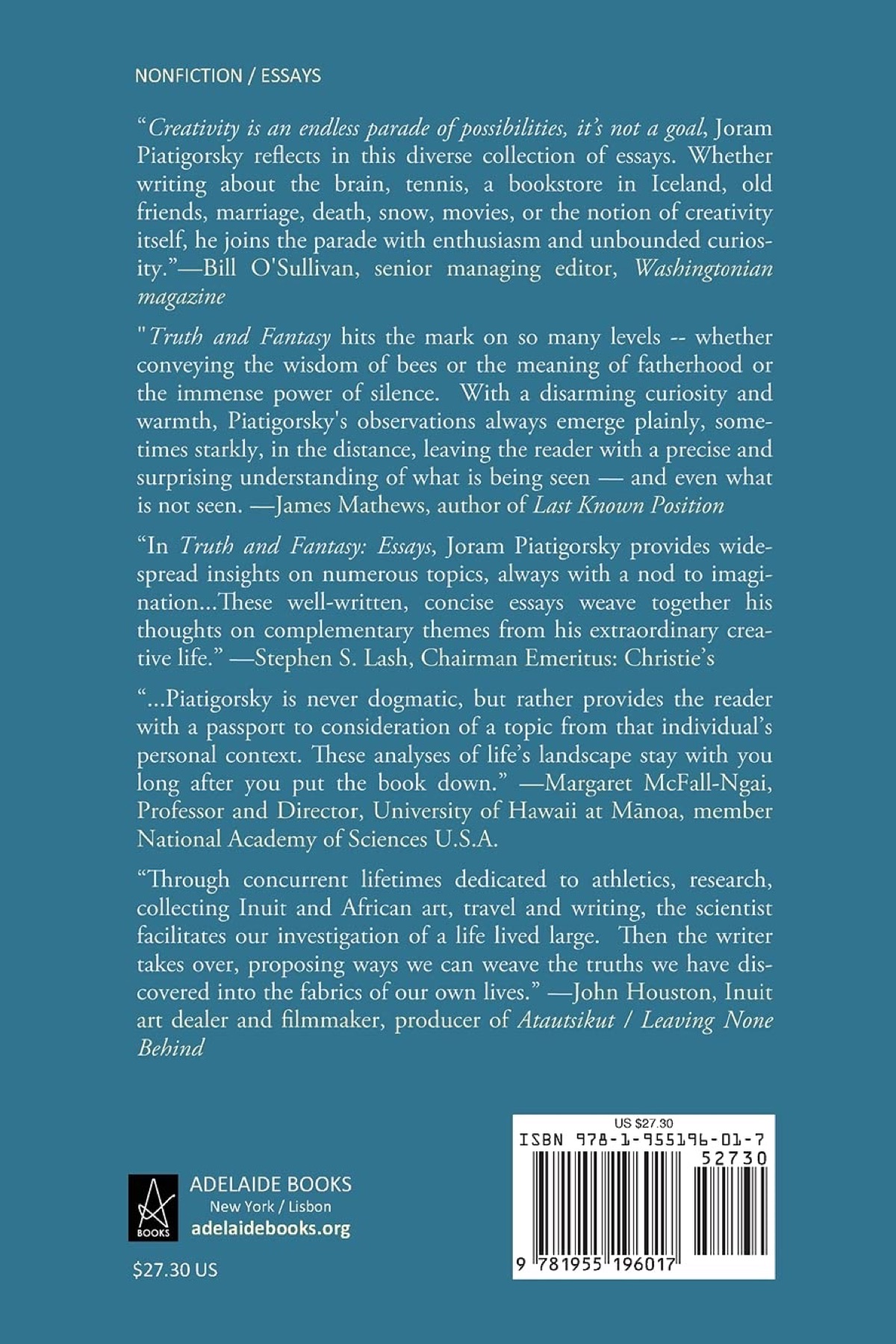
PUBLICATION METADATA
Publication Back Cover
Back cover details and publication documentation.
Launch Gallery →
VERIFIED CREDIT
Official Credit Page
Credits page confirming photography by Michael Kingsberry.
Launch Gallery →
Selected Published Pages
Published spreads appearing across pages 85–91 featuring Michael's photography of Inuit sculpture.
PAGES 85–86
Inuit Sculpture Documentation
PAGES 87–88
Inuit Sculpture Documentation
PAGES 89–90
Inuit Sculpture Documentation
PAGE 91
Inuit Sculpture Documentation
Original Artwork Photography
The published images originated from Michael's photographic documentation of Inuit sculpture, capturing dimensional form, surface detail, and material character for both visual presentation and collection documentation.
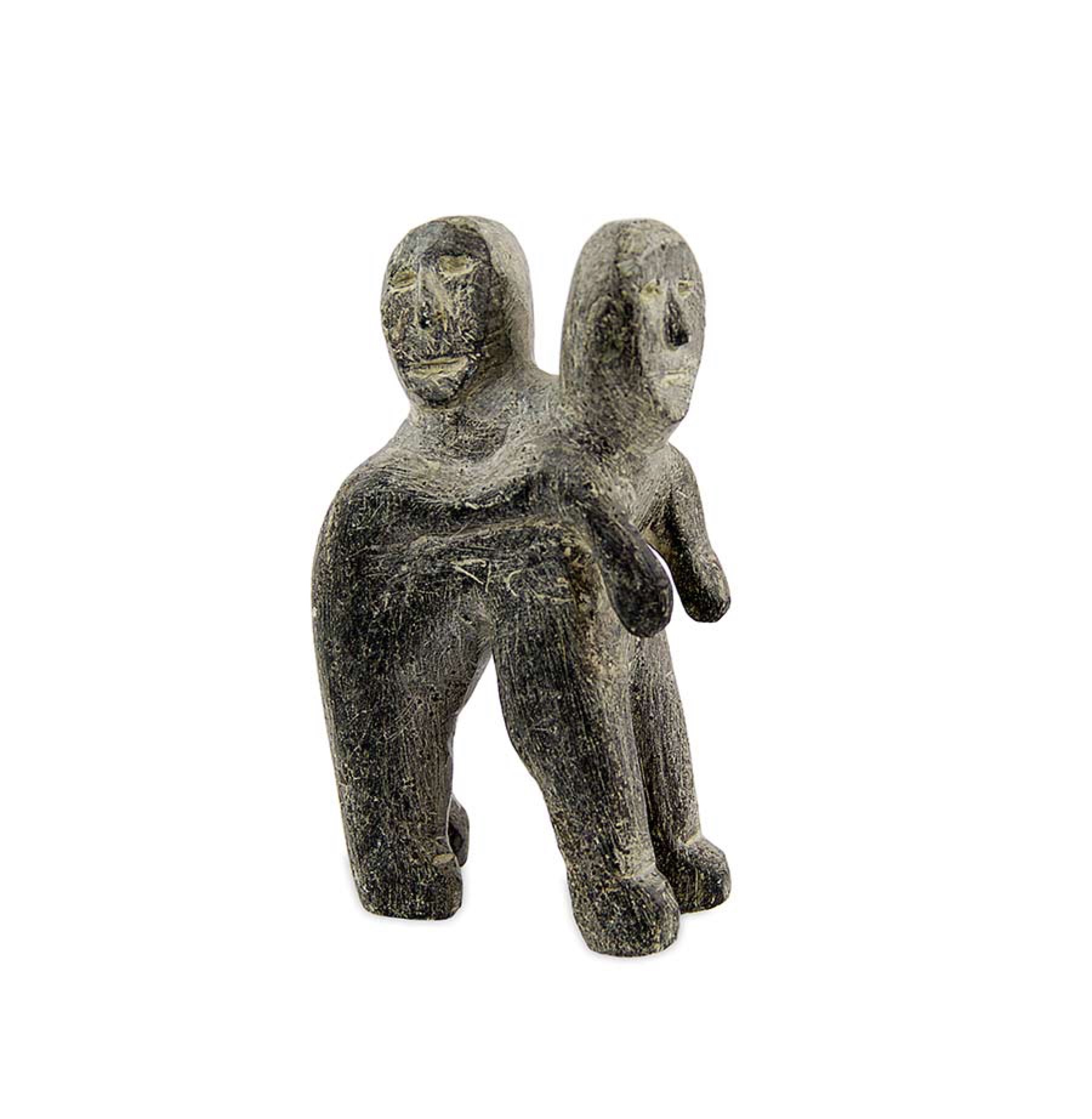
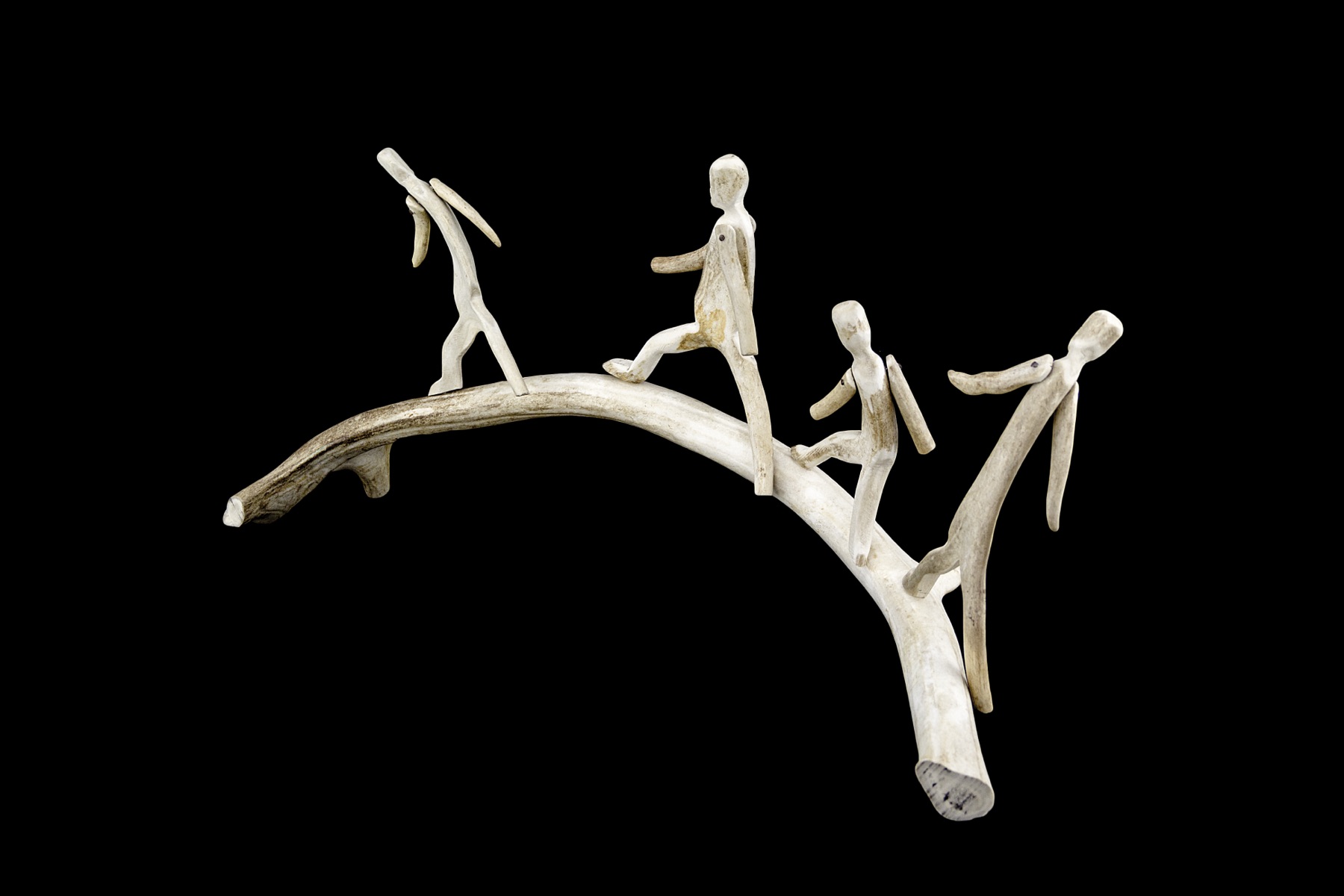
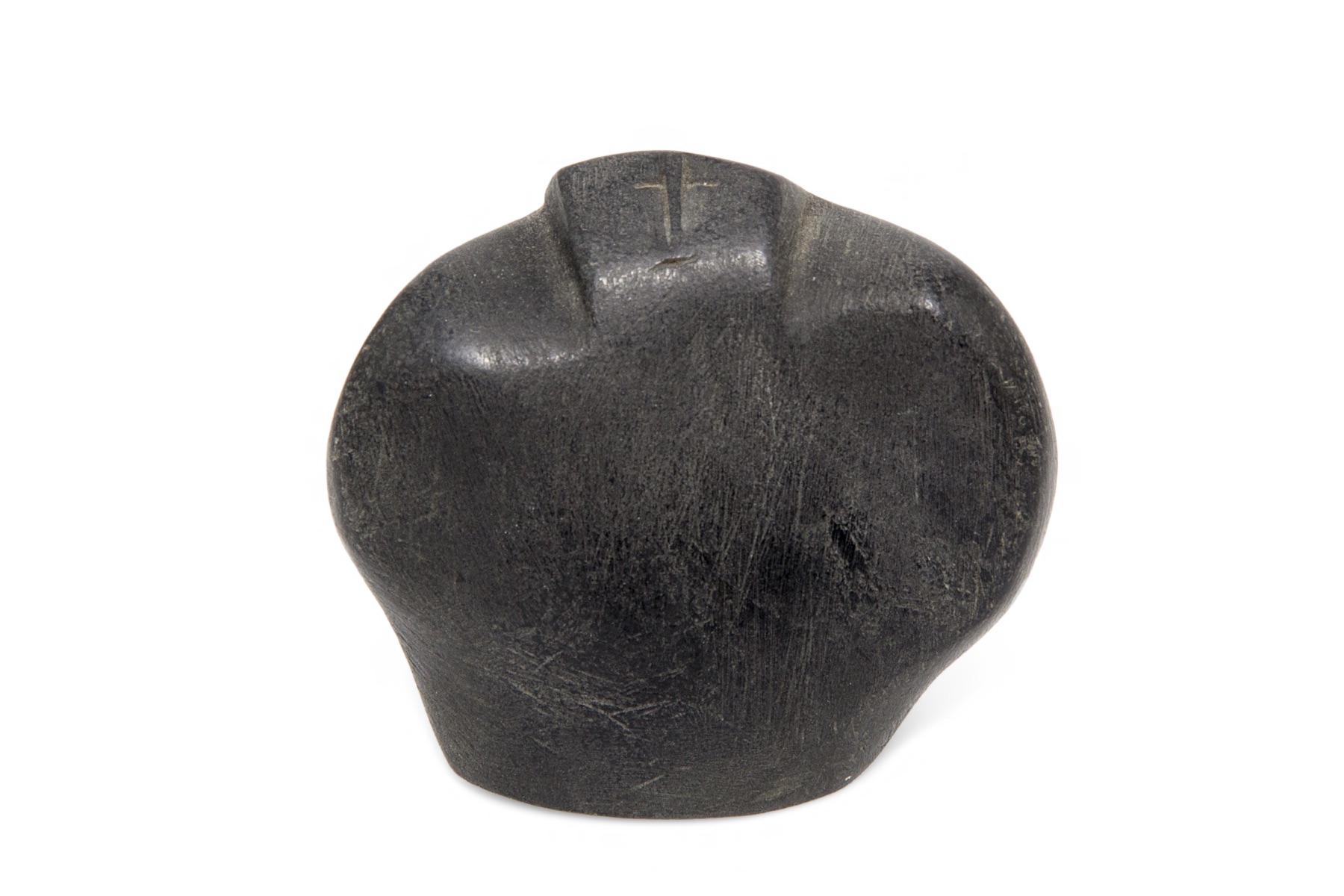
ATTOK-JOHN
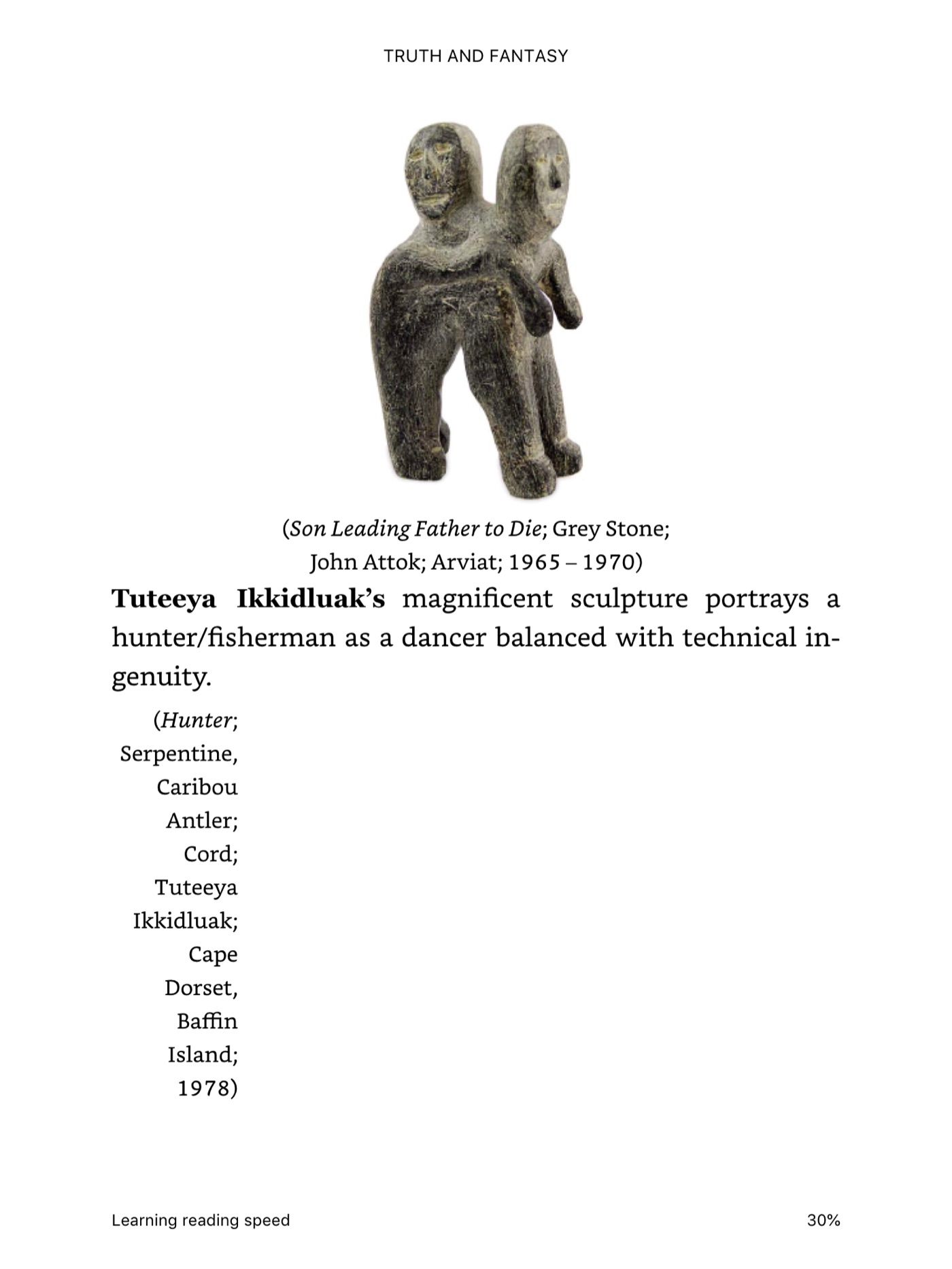
Son Leading Father to Die
IKSIKTAARYUK-LUKE
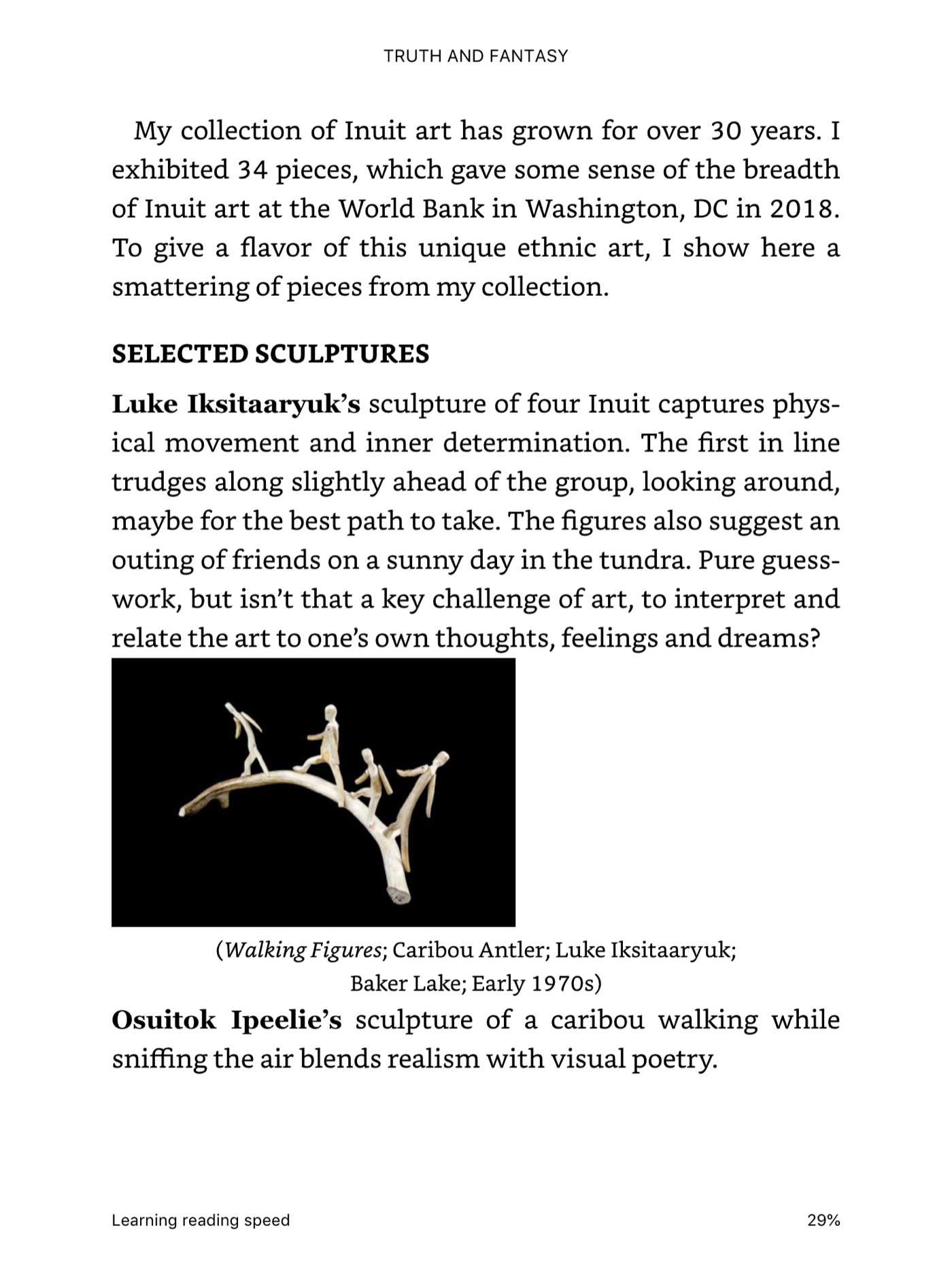
Walking Figures
IPEELLEE-OSUITOK
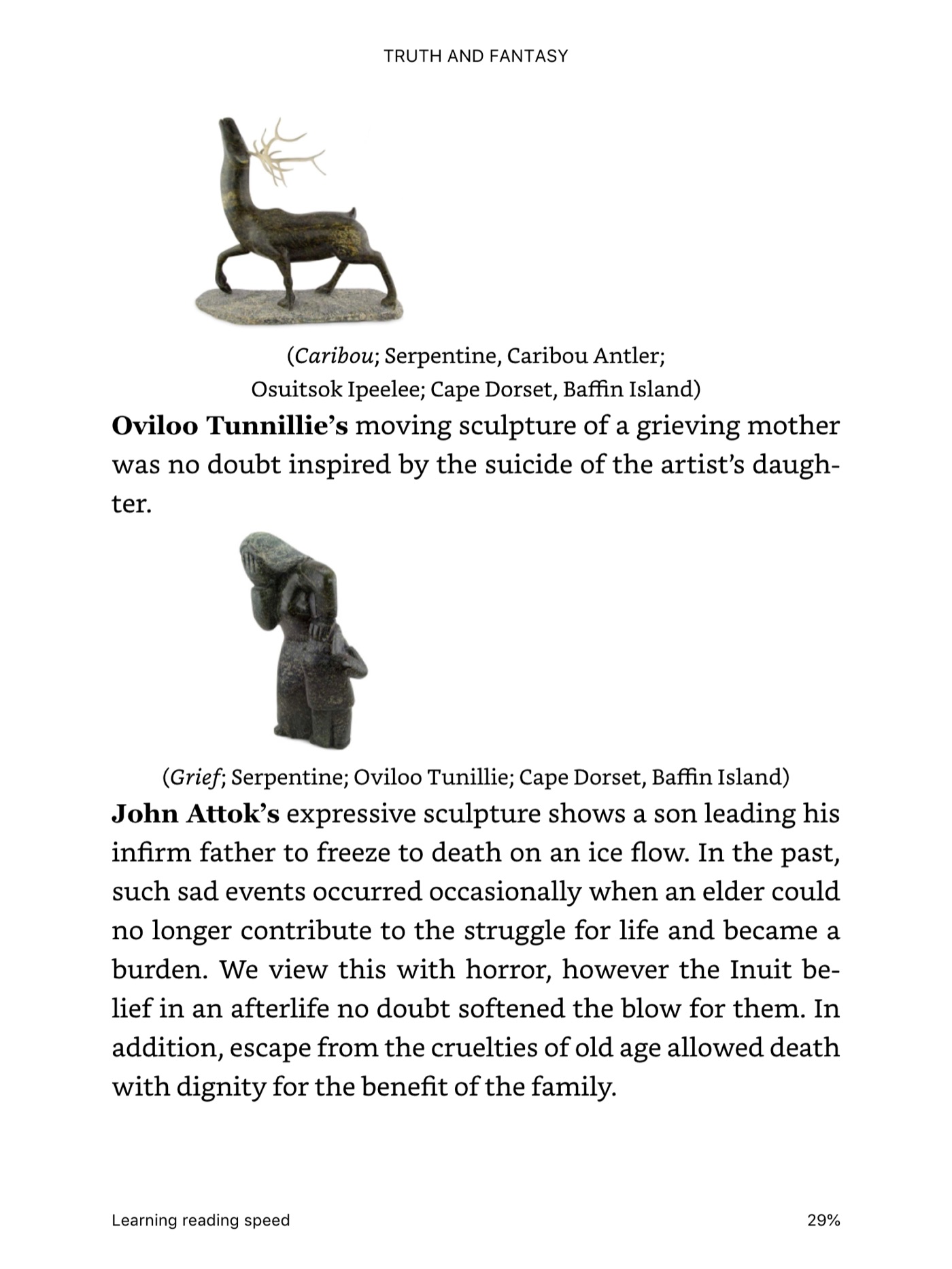
Caribou
PANGNARK-JOHN
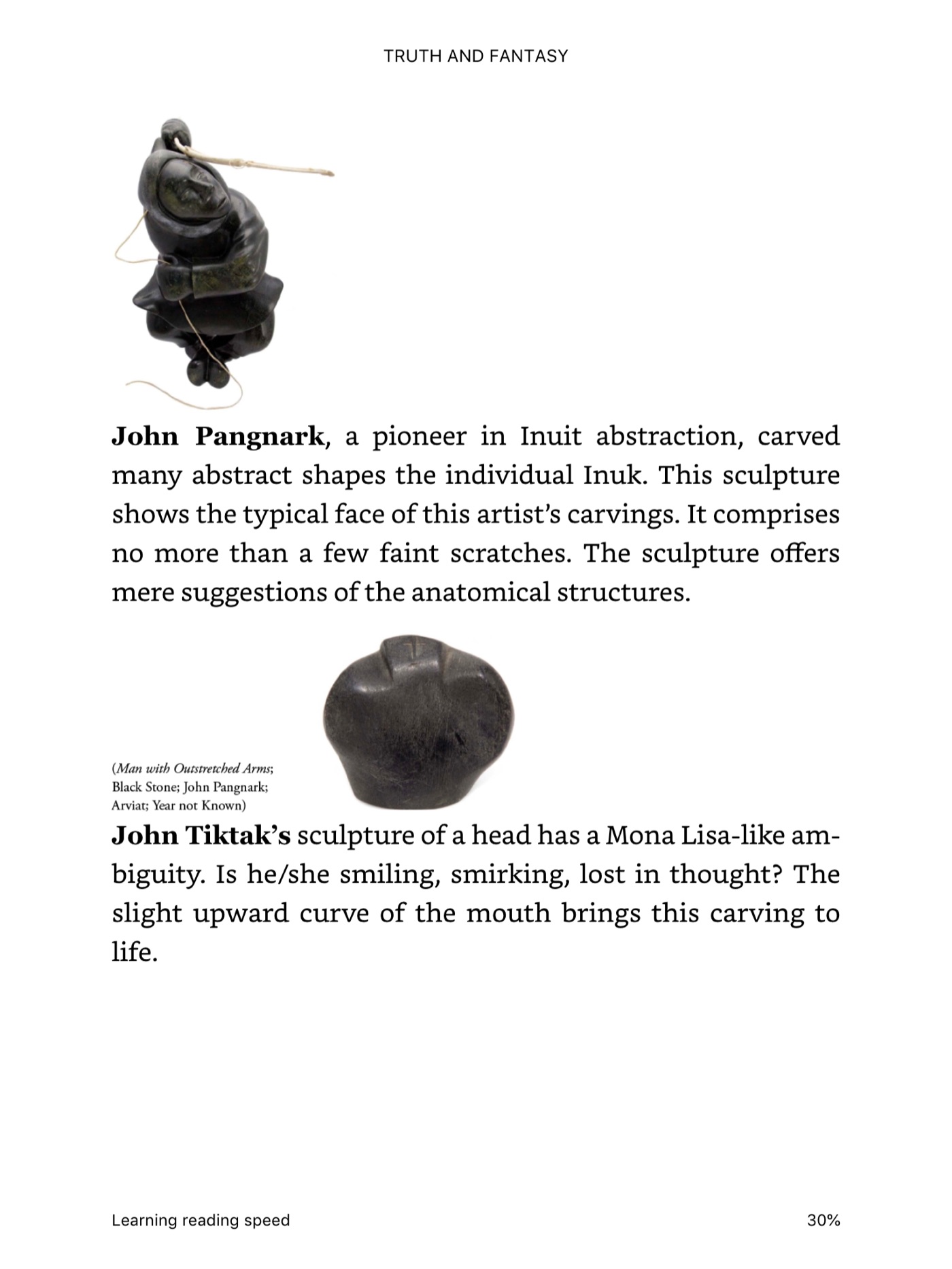
Man with Outstretched Arms
Published & Credited
AUTHOR & PUBLISHER
Joram Piatigorsky Smithsonian Books
PUBLICATION PLACEMENT
Published artwork photography appearing across Pages 85–91
CREDIT STATEMENT
Original photography credited to Michael Kingsberry in official publication metadata
PROJECT OVERVIEW
A global documentary expanded into an integrated campaign system.
The Ride began as an international documentary for the World Lens Foundation exploring creativity, peace, youth storytelling, and cross-cultural connection. The project grew into a broader visual communications system spanning documentary production, brand standards, B2B partnership materials, sales collateral, web marketing, print promotion, and social media.
01 — DOCUMENTARY FOUNDATION
The story that established the campaign.
I produced and edited the 13:51 documentary from 3,104 source files captured across eight countries and four continents. The editorial process required multilingual review, translation and subtitles, audio restoration, color finishing, motion graphics, and the construction of one cohesive narrative from geographically and culturally diverse material.
The Ride — Global Documentary • 13:51 • World Lens Foundation
MY ROLE & CONTRIBUTION
• Produced and edited the documentary, shaping multilingual international material into a unified story.
• Managed subtitles, audio restoration, color finishing, motion graphics, and final post-production.
• Developed B2B, sales, web, print, and social campaign assets around the documentary and World Lens Foundation mission.
• Built a repeatable visual language across horizontal, print, web, and vertical social formats.
TOOLS & PRODUCTION
• Premiere Pro — documentary editing and narrative assembly
• DaVinci Resolve — color correction and look development
• After Effects — motion graphics and title treatments
• Photoshop / Illustrator / InDesign — brand, sales, print, web, and social campaign design
Translating the story into partnership and sales materials.
The campaign extended the documentary into business-facing communications designed to explain the program, partnership opportunities, audience value, and ways organizations could participate in or support the World Lens Foundation mission.
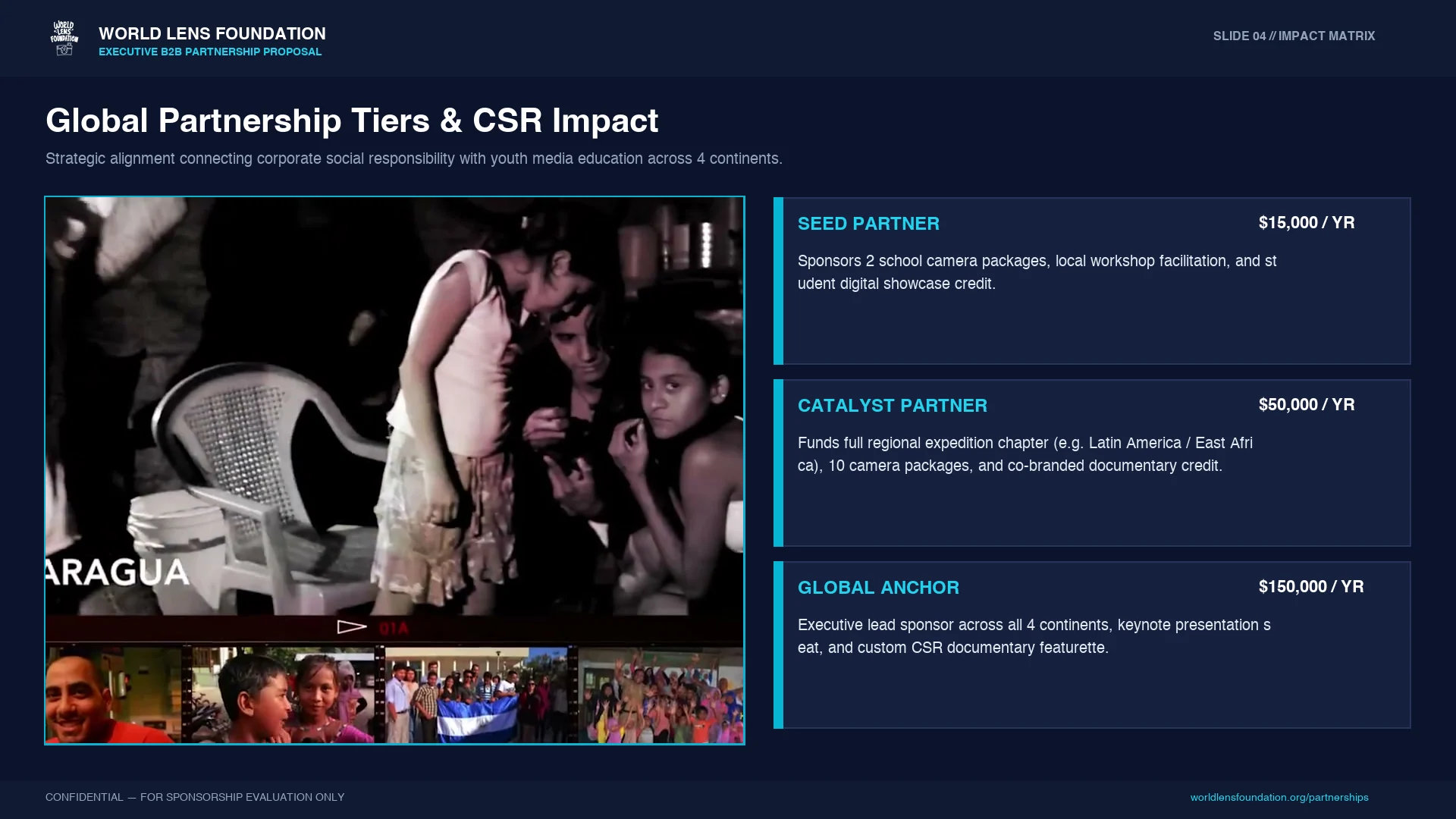
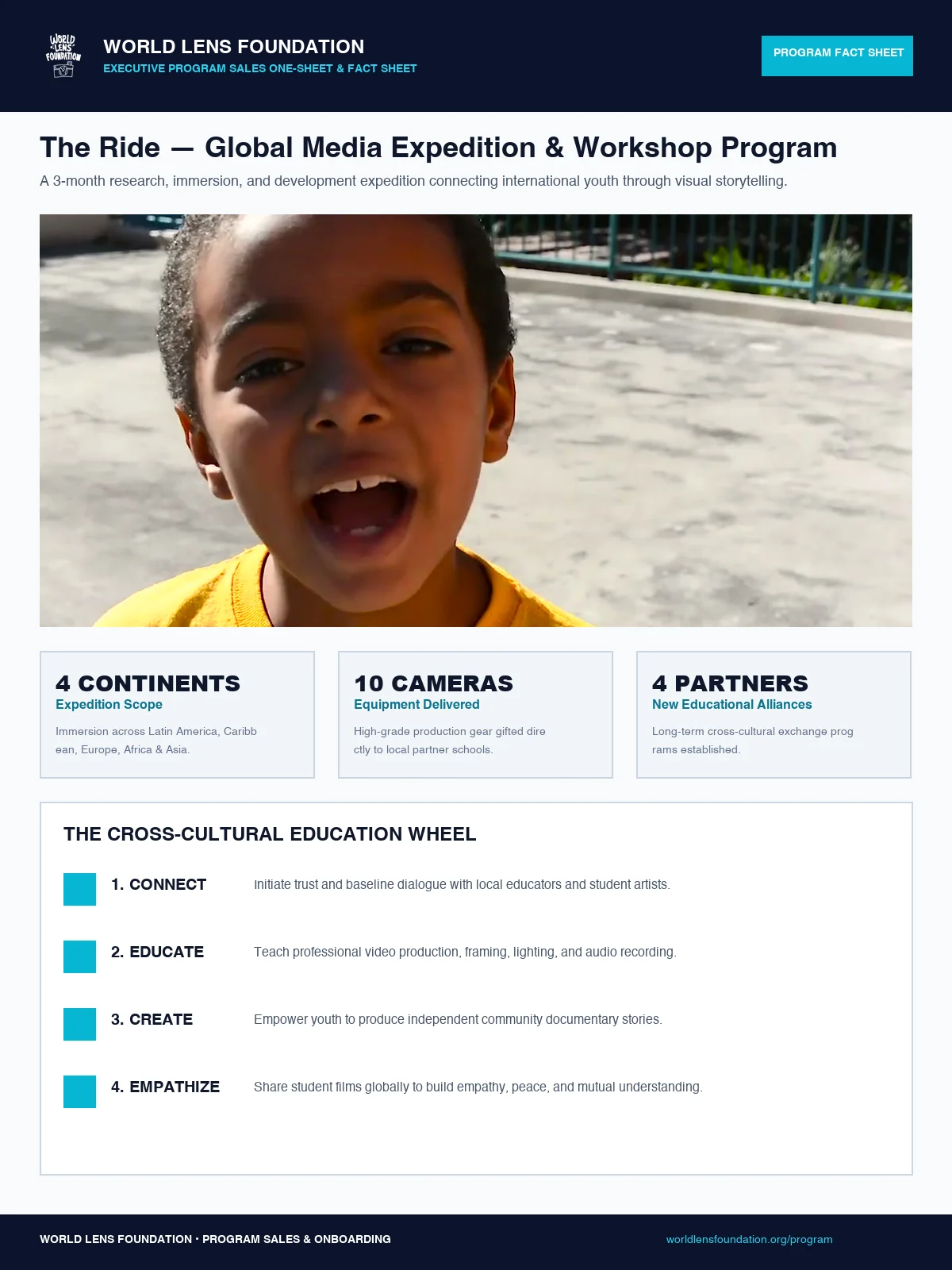
B2B Partnership Design — Partnership tiers and CSR-oriented program positioning for prospective organizational partners.Sales Collateral / Program Fact Sheet — Program overview and campaign information organized for quick review.
03 — BRAND & DESIGN SYSTEM
Building consistency across documentary and campaign touchpoints.
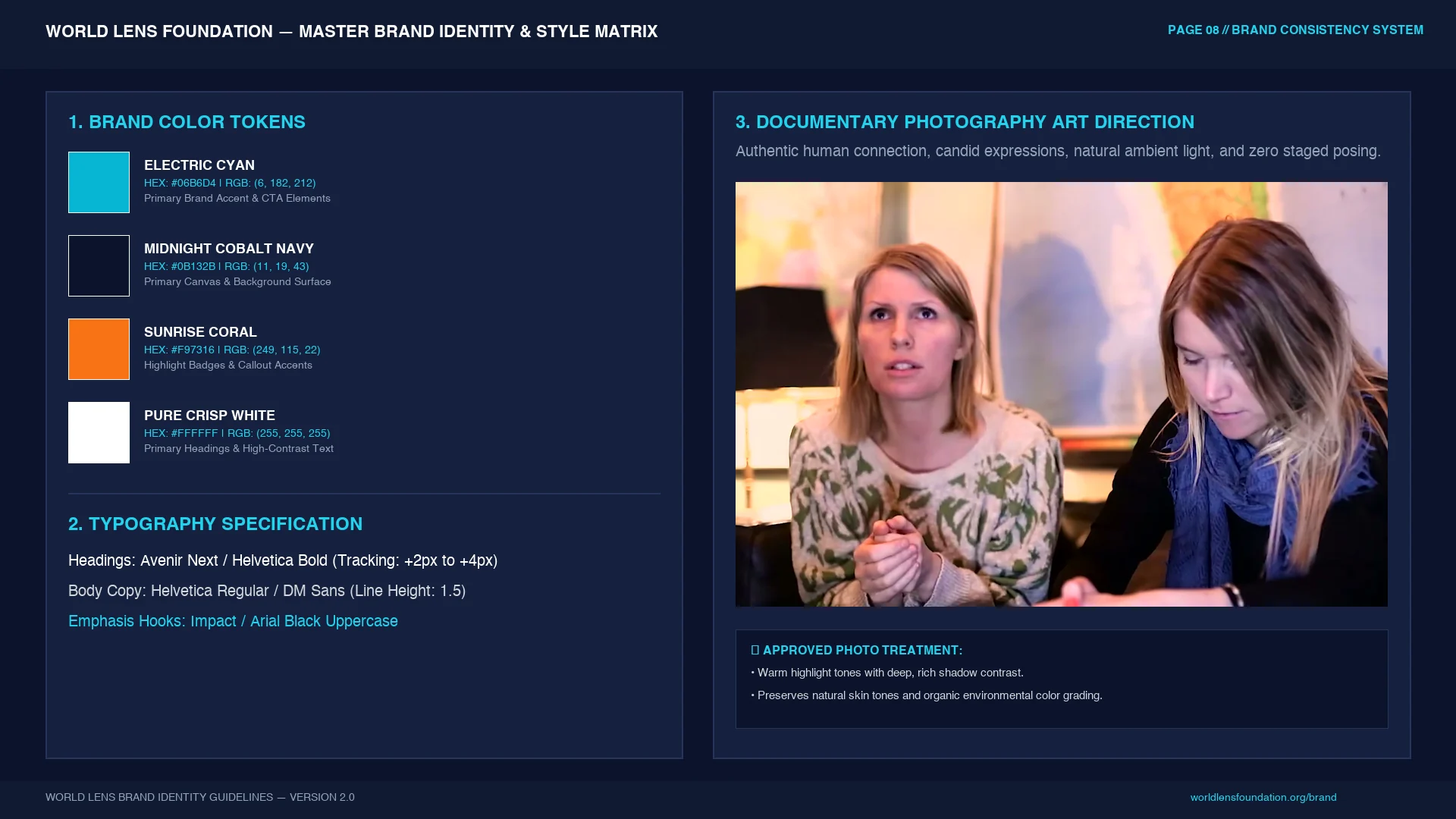
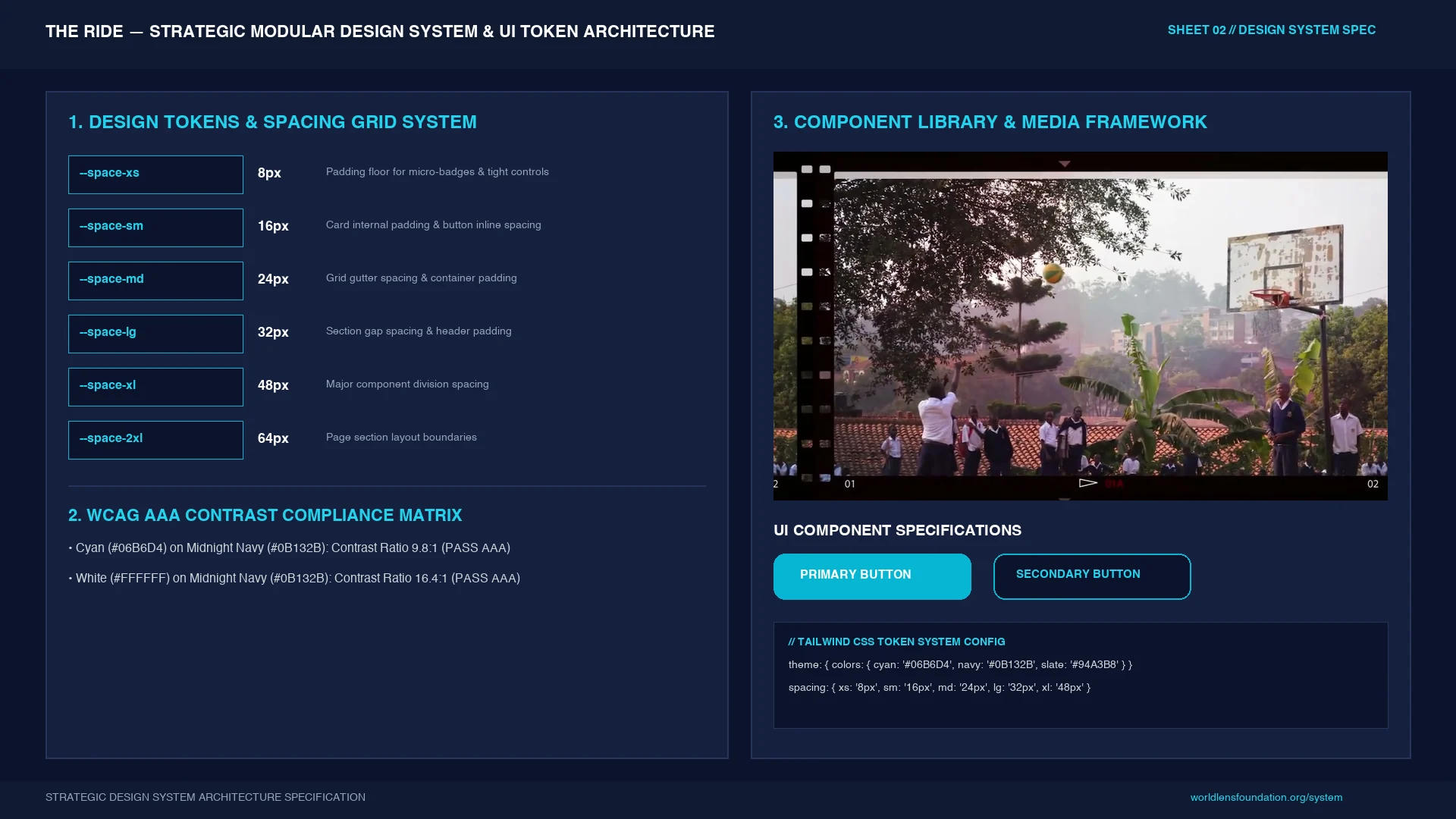
A structured visual system established color, typography, image treatment, spacing, components, and accessibility-minded contrast rules so the campaign could scale across multiple channels while retaining a recognizable identity.
Brand Identity & Style Matrix — Core visual rules for typography, color, imagery, and campaign consistency.Strategic Design System — Modular tokens, spacing, components, and contrast guidance for scalable campaign execution.
04 — WEB & PRINT CAMPAIGN
Extending the visual system across digital and physical promotion.
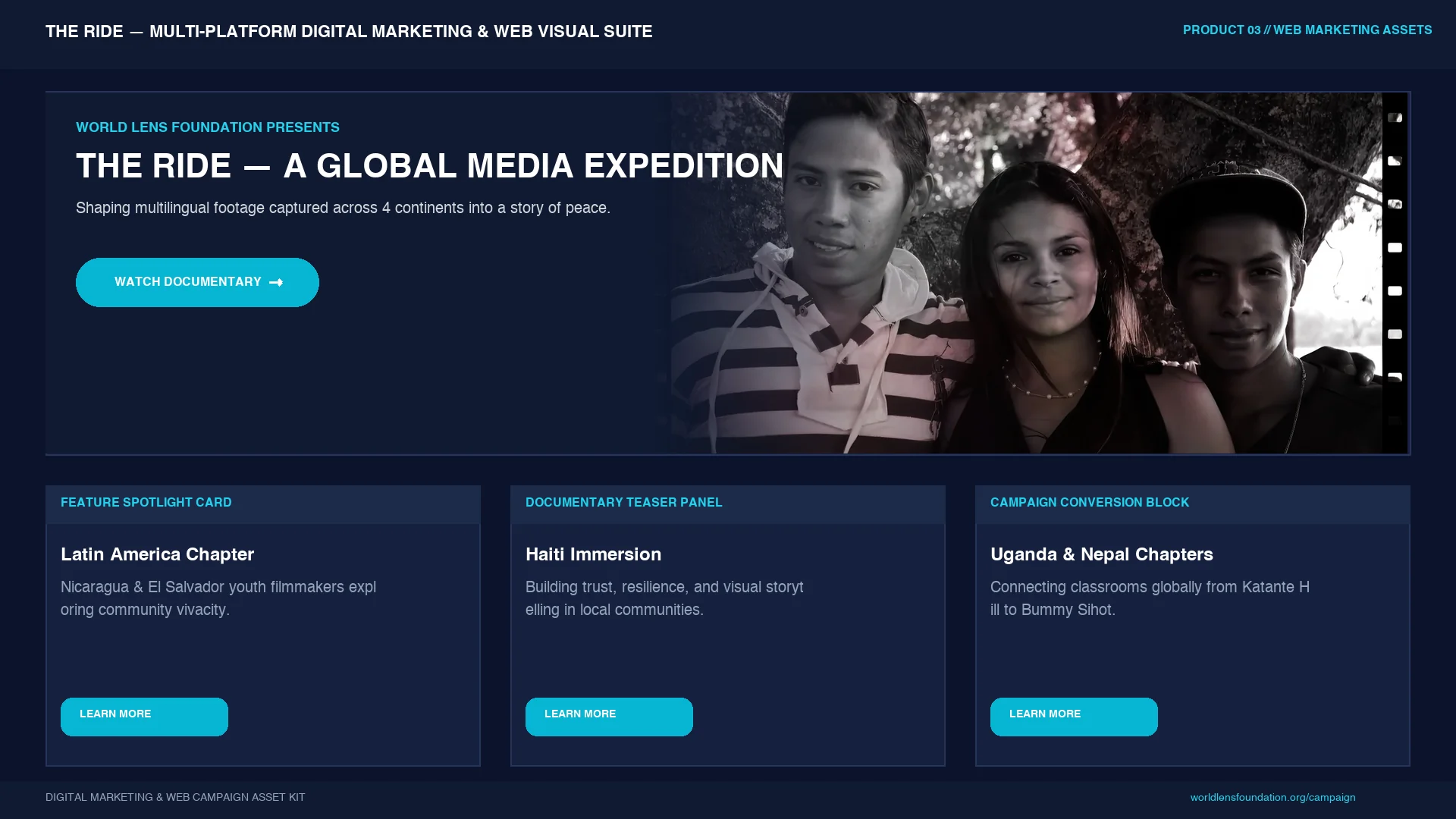
Web Marketing Suite — Campaign architecture extending documentary content into web-based program and story modules.
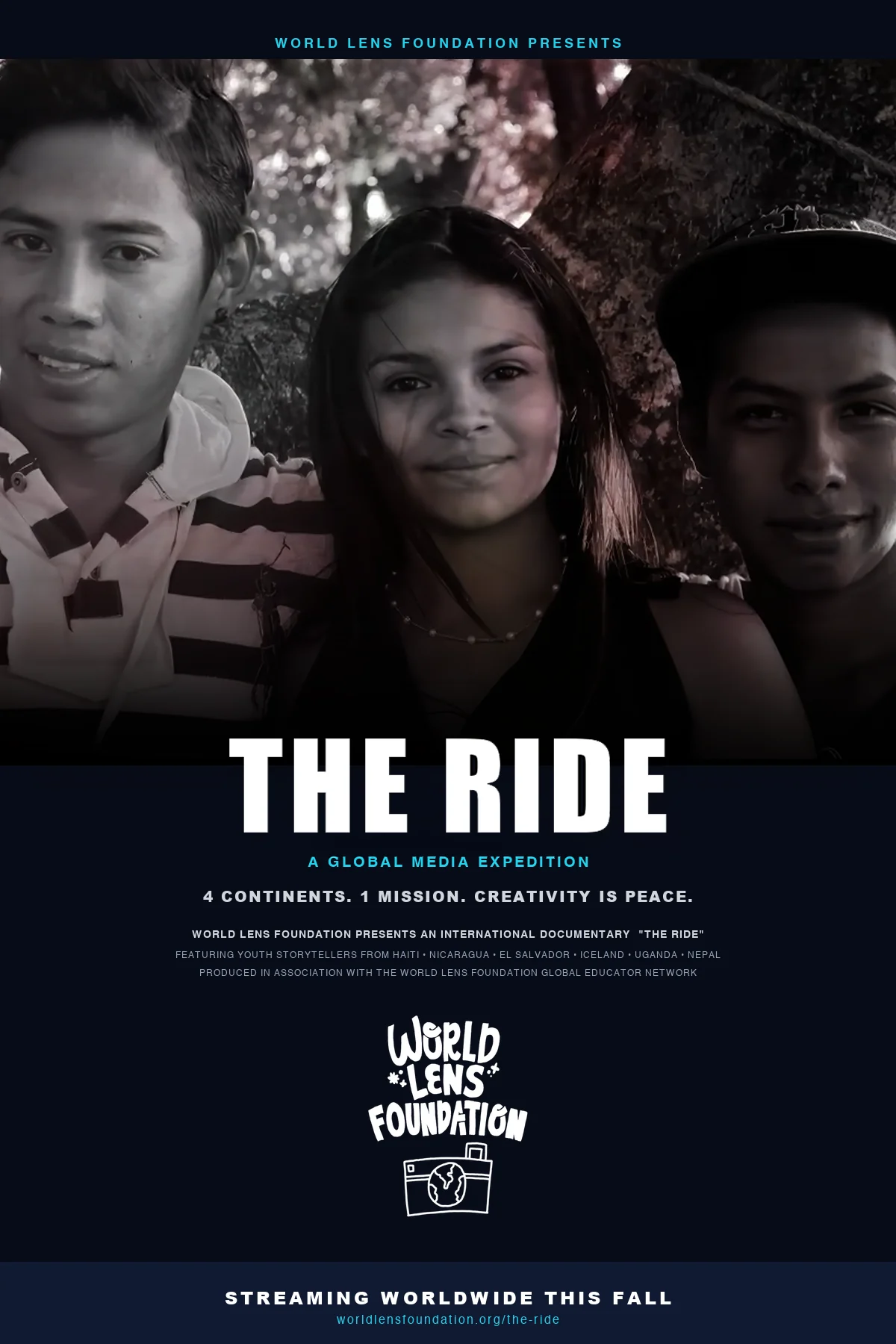
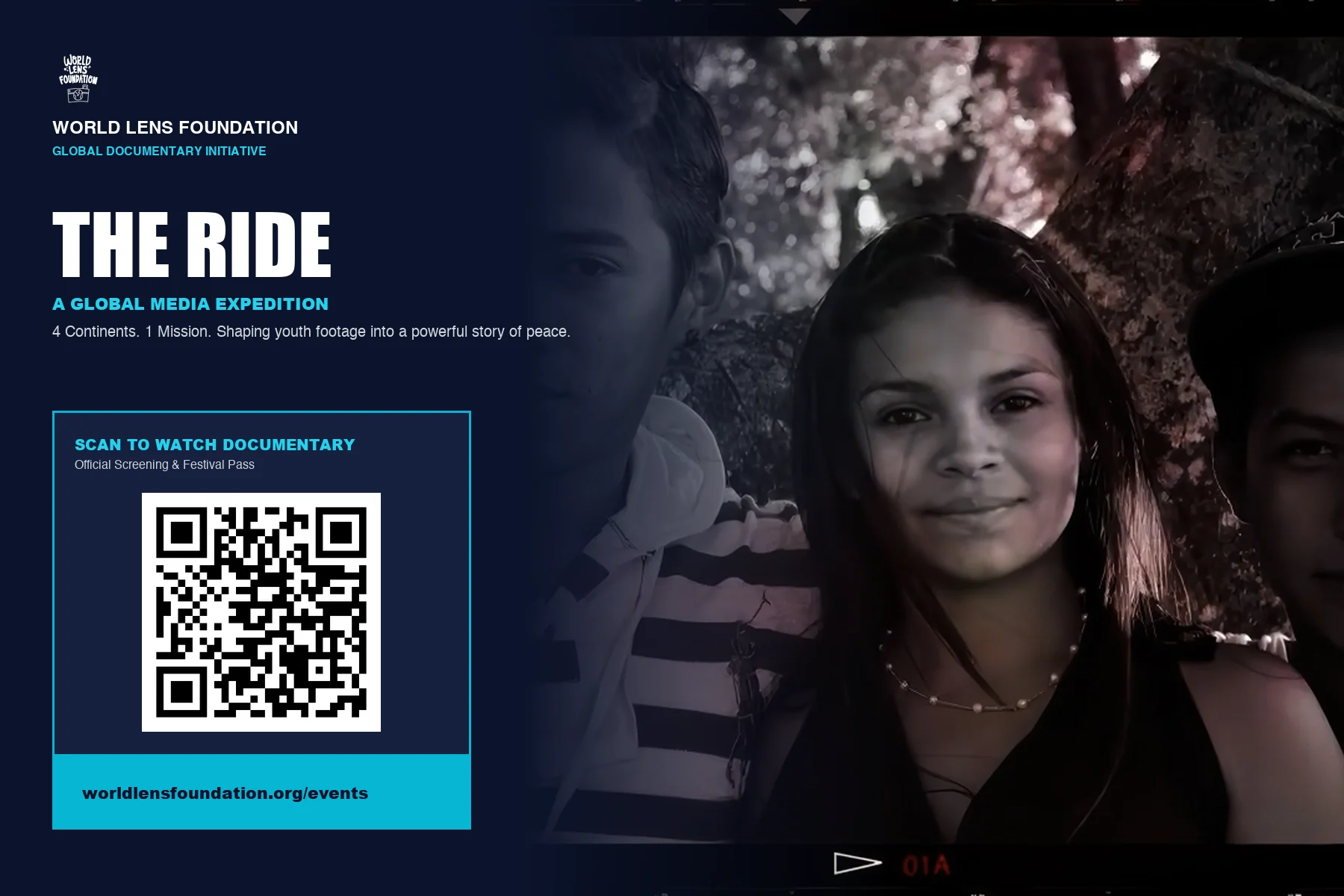
Promotional Poster — Print-forward campaign art for documentary promotion.QR Promotional Postcard — Compact print collateral connecting physical outreach with digital viewing.
05 — SOCIAL MEDIA CAMPAIGN
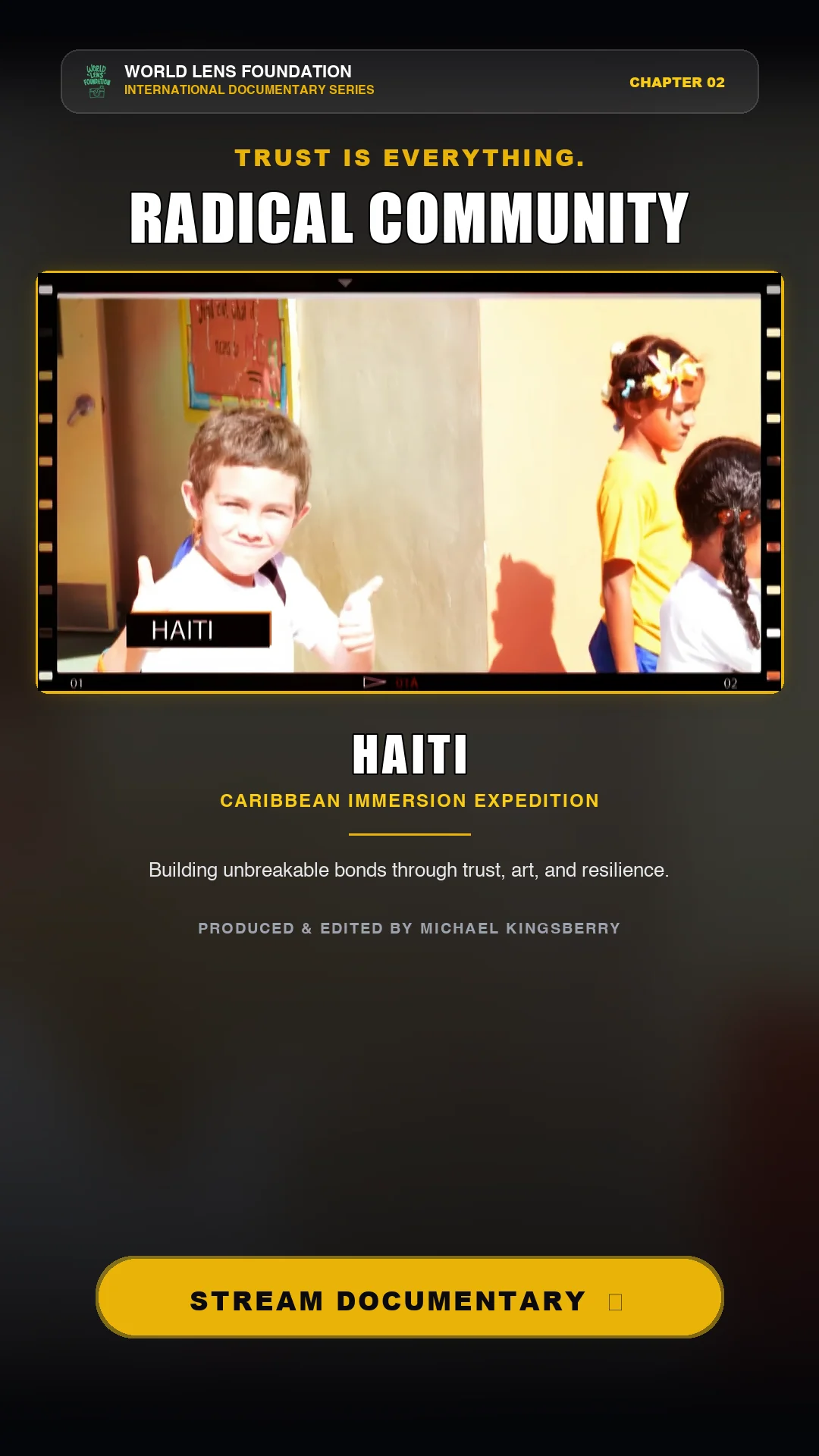
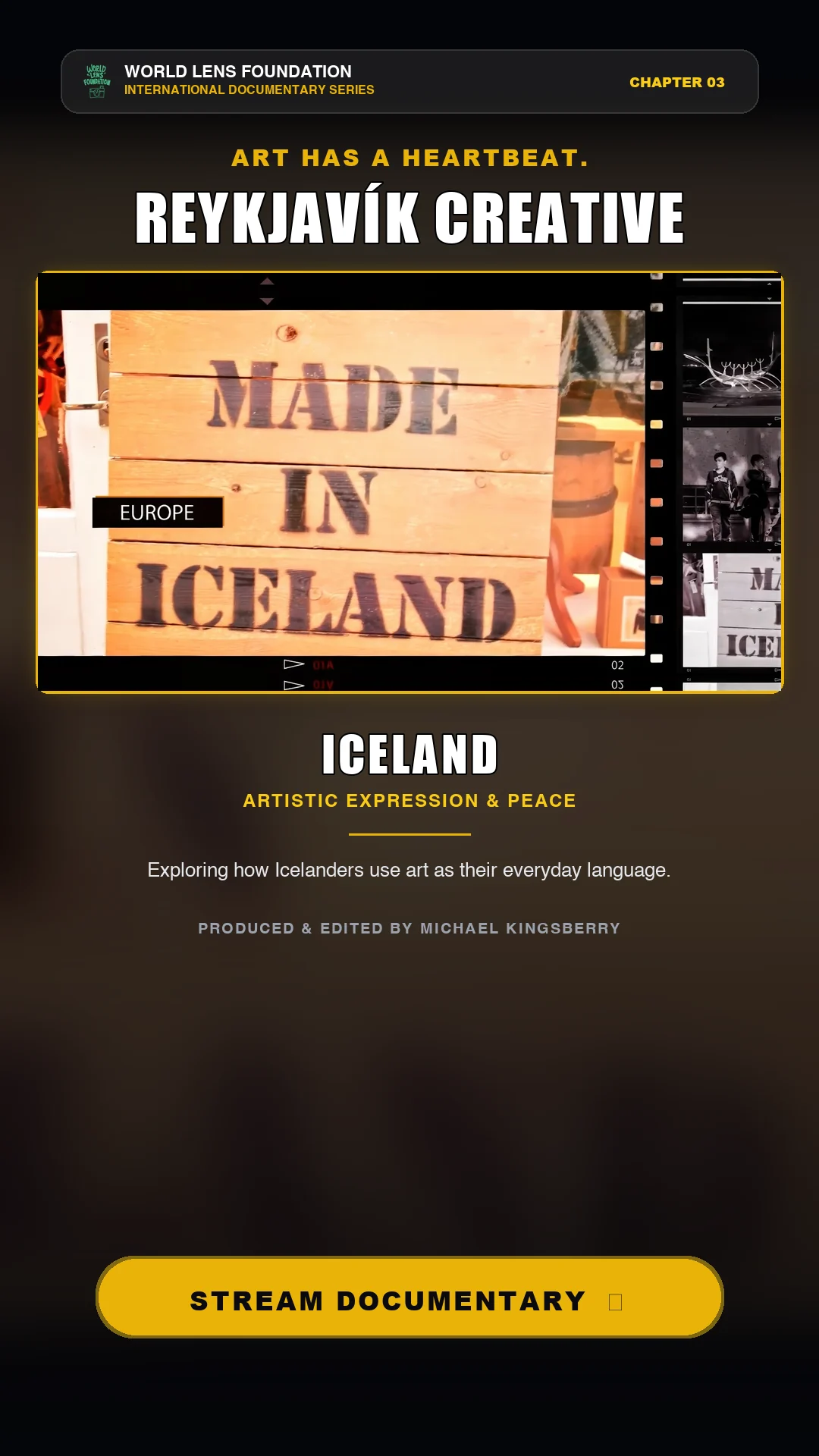
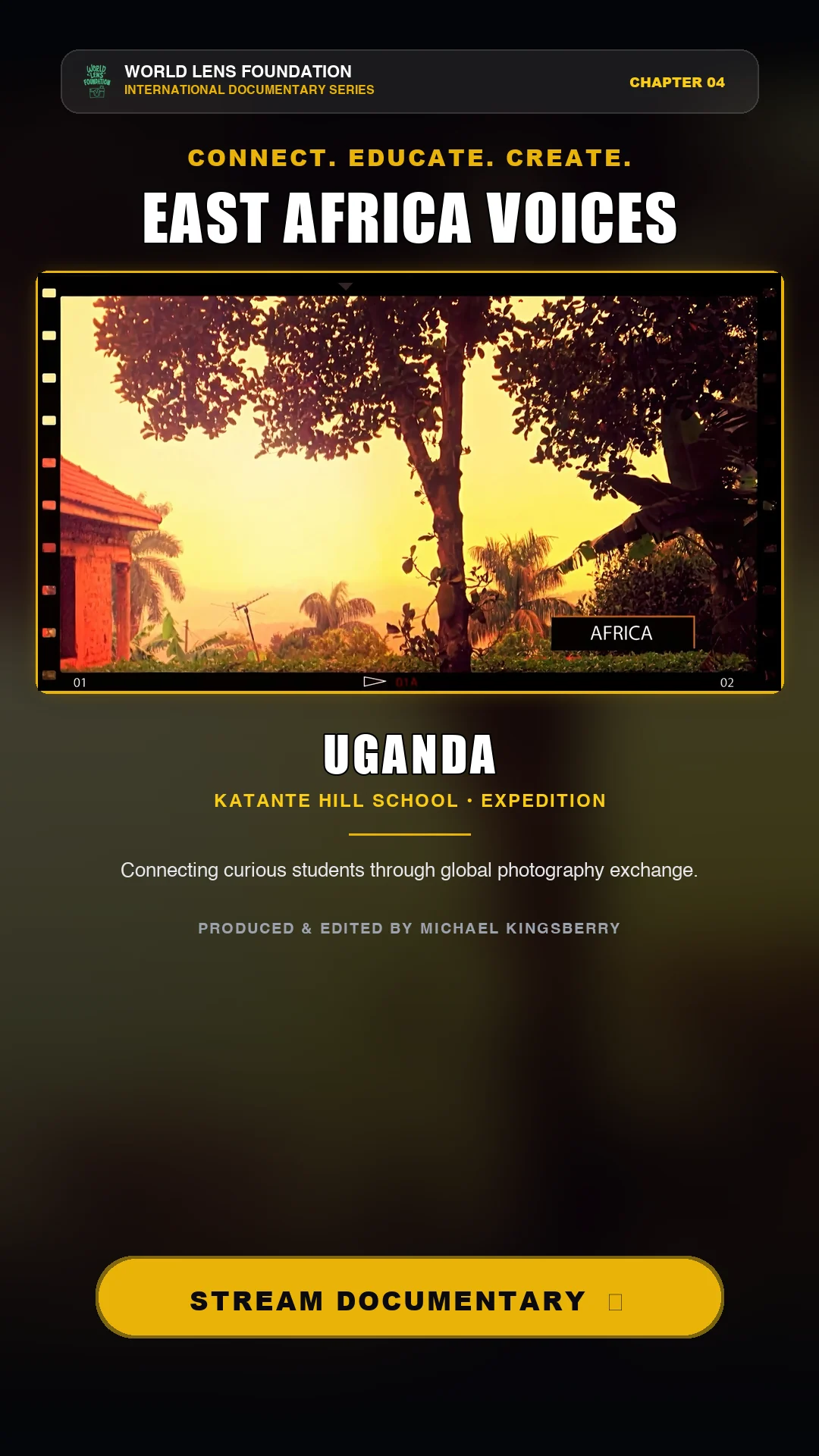
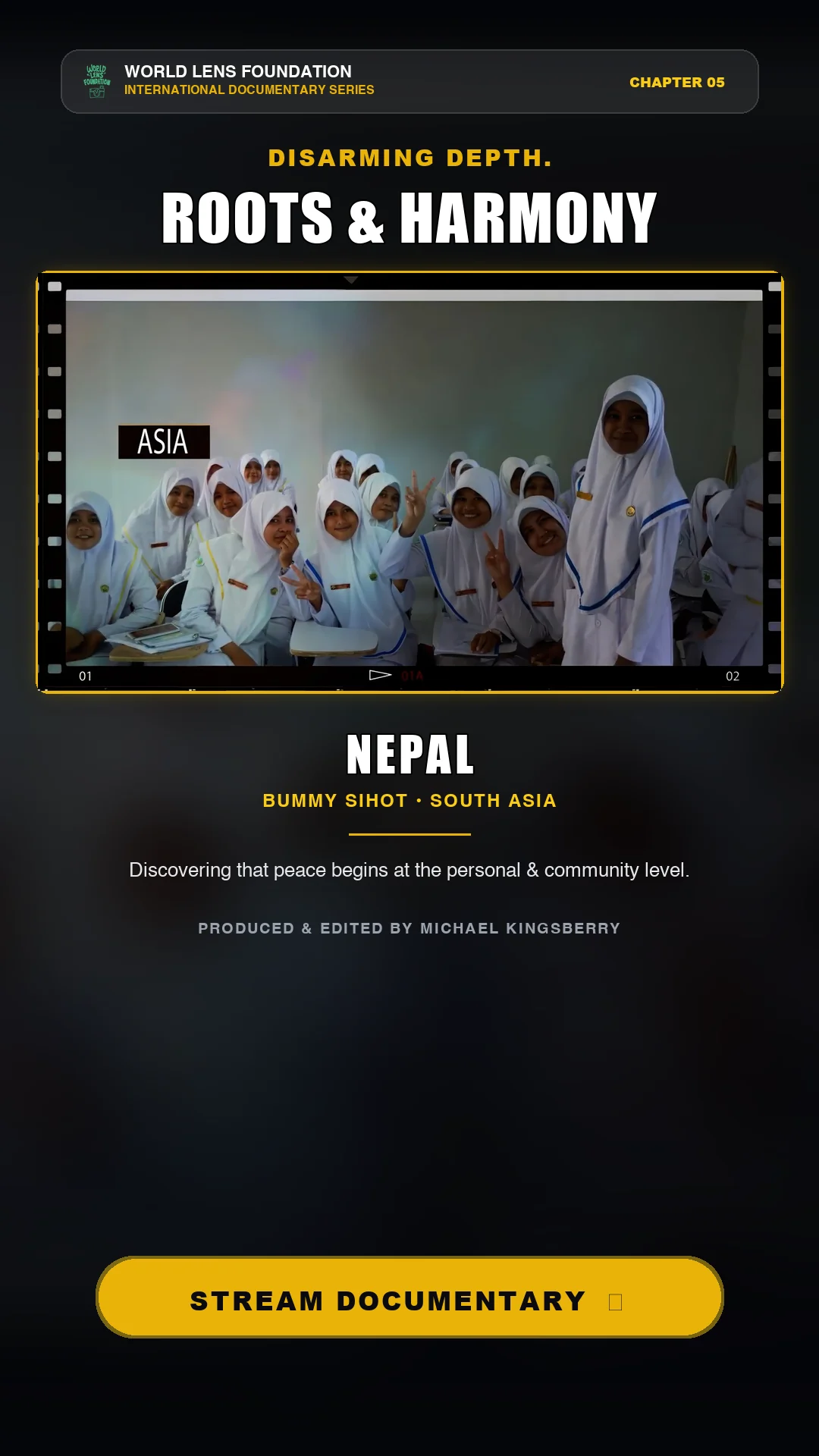
A five-part vertical campaign for Facebook, Instagram, and TikTok.
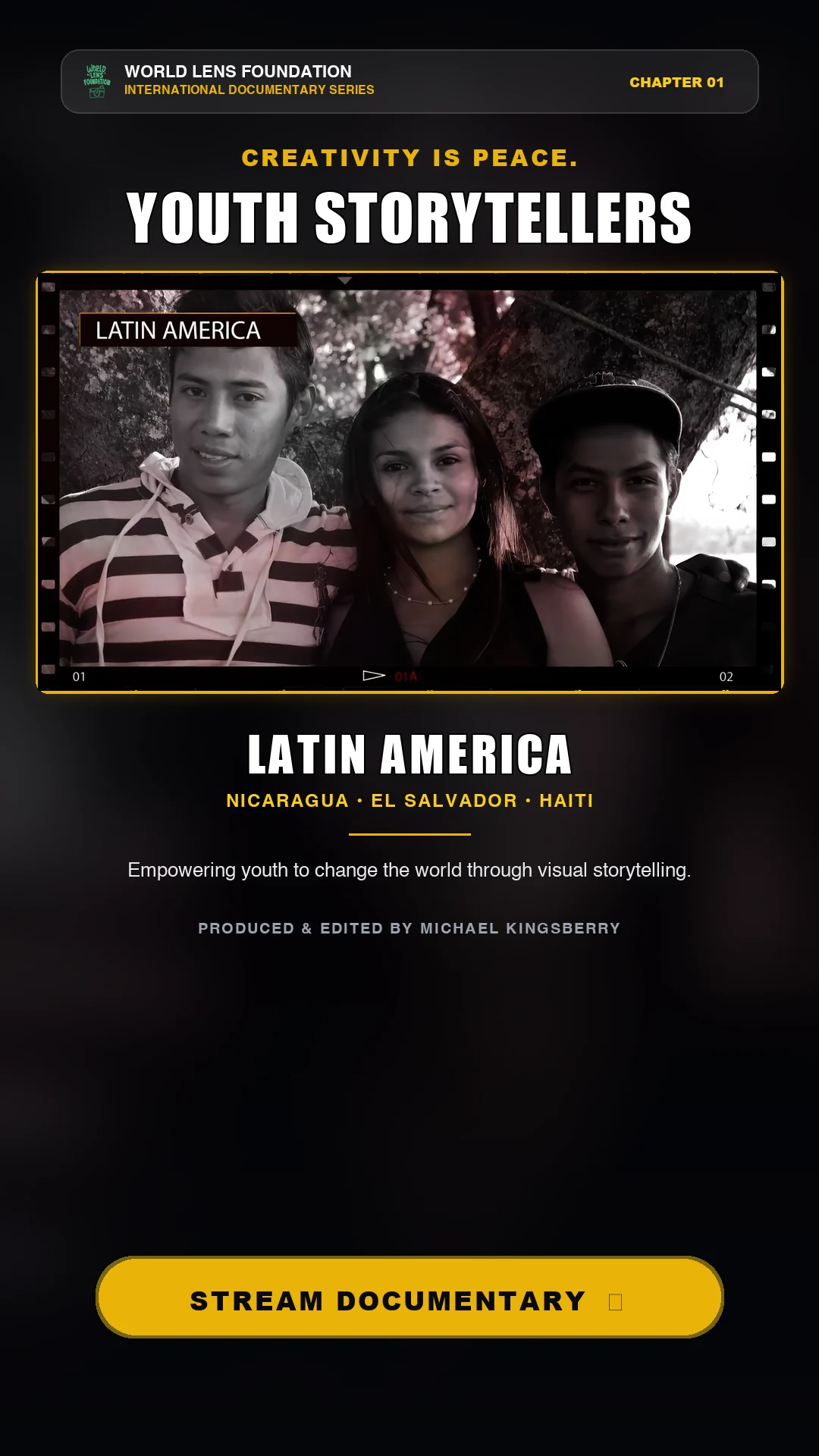
Five 9:16 campaign ads translated chapters of the documentary into platform-ready vertical creative while maintaining consistent typography, film-frame treatment, campaign hierarchy, and streaming CTA.
Youth Storytellers — Latin AmericaRadical Community — HaitiReykjavik Creative — IcelandEast Africa Voices — UgandaRoots & Harmony — Nepal
06 — INTEGRATED CAMPAIGN SYSTEM
One story, multiple audience touchpoints.
Documentary13:51 global film, multilingual editorial, subtitles, audio restoration, color, and finishing.
B2B & SalesPartnership proposal, sales collateral, program positioning, and audience communication.
Digital & PrintWeb marketing, poster, postcard, QR integration, and multi-format campaign design.
SocialFive vertical chapter ads designed for Facebook, Instagram, and TikTok.
The Challenge
The source material represented multiple countries, languages, communities, and visual environments, while the campaign needed to present one coherent World Lens Foundation story to audiences ranging from documentary viewers to organizational partners and social media users.
Approach & Creative Direction
I used the documentary as the narrative foundation and built a modular visual system around it. Consistent typography, controlled color, documentary imagery, structured information hierarchy, and repeatable campaign components allowed the work to move between long-form film, B2B communication, web, print, and vertical social formats without losing the core identity.
Outcome & Impact
The final system demonstrates an integrated campaign approach rather than a single-film deliverable: one documentary narrative extended into partnership communications, sales enablement, a scalable design system, web marketing, print promotion, and a coordinated five-part social campaign.
PROJECT OVERVIEW
A connected visual system for a technical music-production platform.
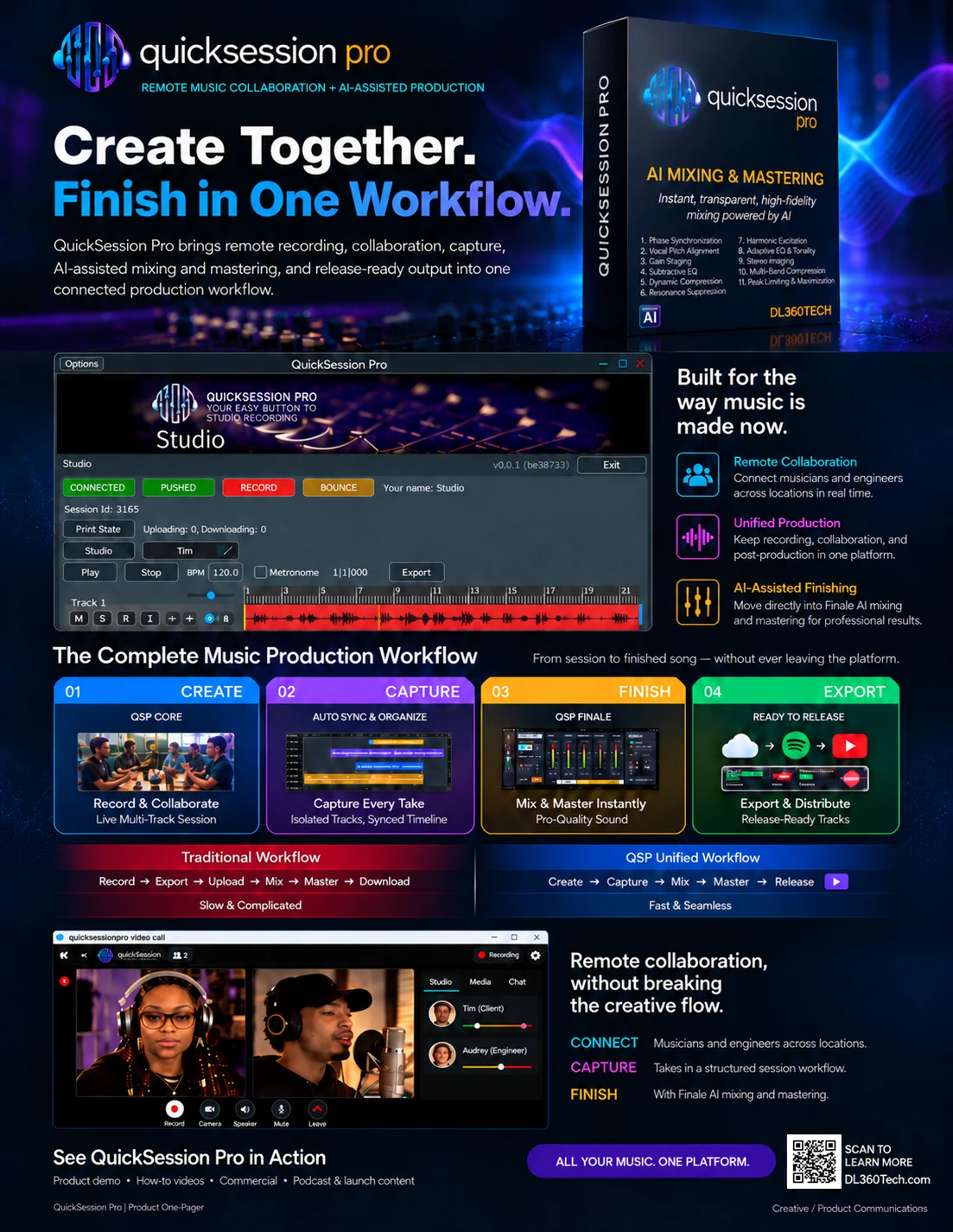
QuickSession Pro is a remote music collaboration and AI-assisted production platform developed under DL360Tech. I helped translate the product into a cohesive visual communications system spanning B2B product marketing, software demonstrations, event collateral, branded applications, and supporting media.
01 — PRODUCT COMMUNICATION
Turning a technical workflow into a clear product story.
The product one-pager organizes QuickSession Pro around a simple create-to-release progression, combining the real software interface, remote collaboration, AI-assisted finishing, and a direct product CTA in one market-facing piece.
QuickSession Pro Product One-Pager — B2B sales collateral combining product positioning, workflow communication, real product UI, AI capabilities, and a scannable CTA.
MY ROLE & CONTRIBUTION
• Developed product communications across a B2B one-pager, software demonstrations, event collateral, branded apparel applications, and promotional media.
• Translated the QuickSession Pro workflow into a clear story spanning remote collaboration, capture, AI-assisted finishing, and release-ready output.
• Extended the DL360Tech identity into live-event and physical brand applications.
• Generative AI tools — supporting asset ideation within a human-directed creative workflow
02 — EVENT & TRADE SHOW COMMUNICATIONS
Extending the product story into a live environment.
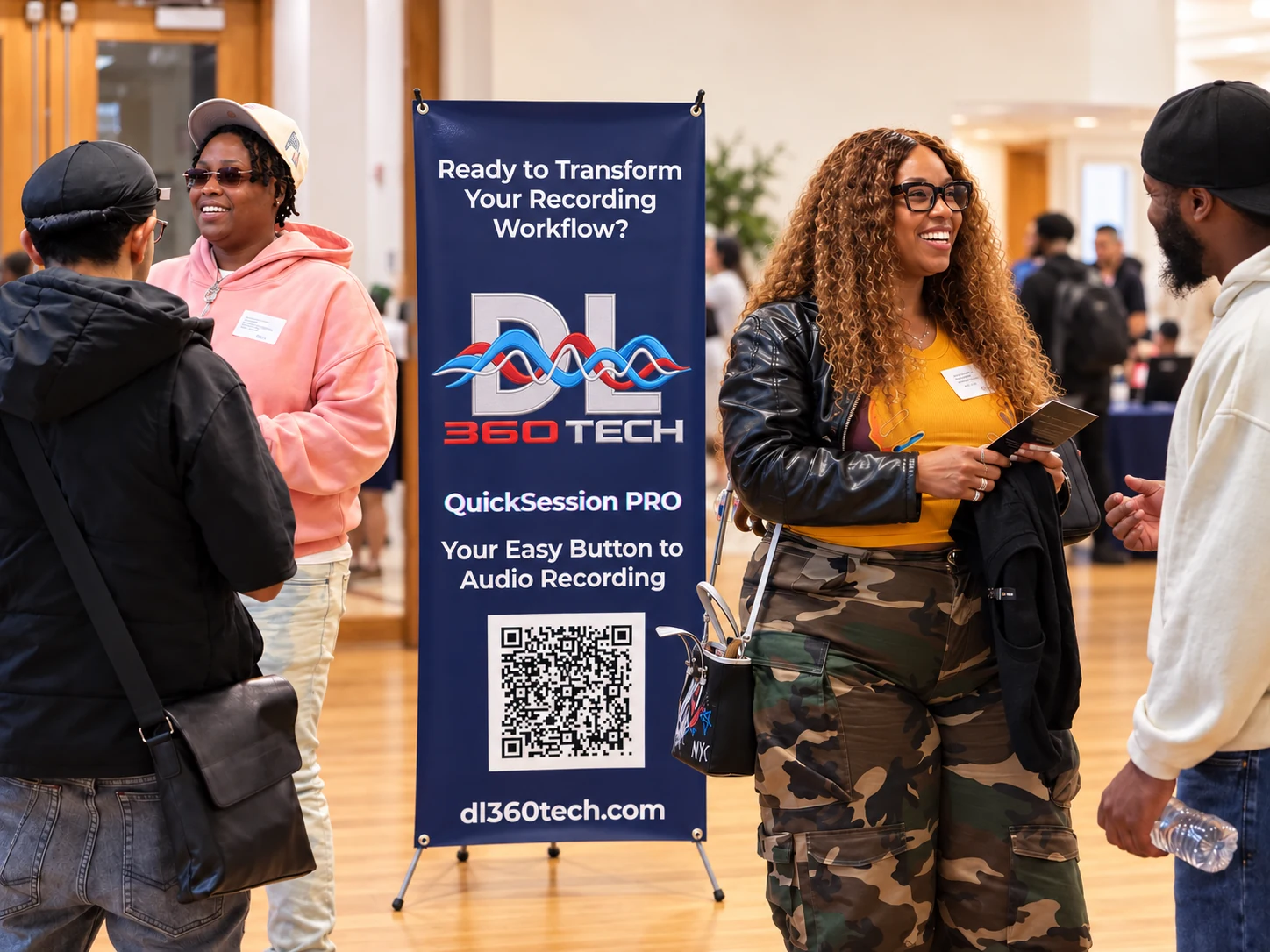
Event communications connected the DL360Tech identity with QuickSession Pro using a simple, distance-readable message and QR-enabled product access. The resulting visual system was designed to support conversation and product discovery in a live setting.
Live Event Deployment — DL360 Tech DMV Music Innovation Summit September 26, 2026 | Silver Spring Civic Building, Silver Spring, MD QuickSession Pro event branding shown in use during a live networking and product-promotion event.
03 — BRAND APPLICATIONS
Taking the DL360Tech identity beyond the screen.
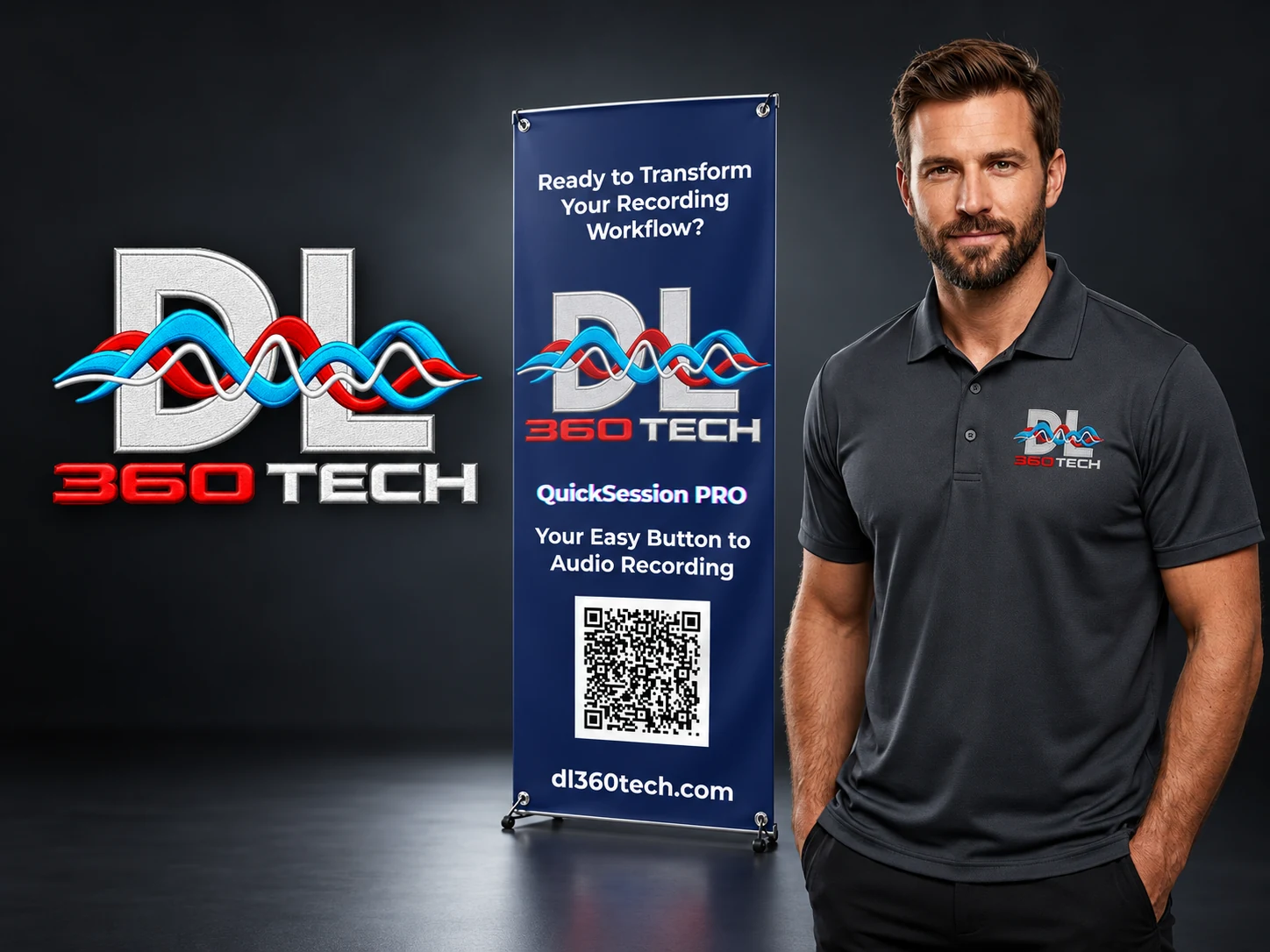
The identity was adapted for event signage and embroidered staff apparel, demonstrating how the brand could carry across digital, environmental, and physical applications while remaining recognizable and production-ready.
Brand Applications — DL360Tech identity, event banner, and staff-apparel visualization shown as a coordinated brand system.
AI-ENABLED PRODUCT PROMO
Every track. One mix.
A short-form Finale promo combining generative video, preserved product artwork, music-driven editing, and sound design. Watch the finished widescreen and portrait versions and explore the production workflow.
A one-minute Halloween horror promo built around a late-night remote music session. Explore the finished widescreen cut, square social adaptation, and the direction, shot selection, editing, and sound work behind the piece.
A presenter-led episode exploring music technology, supported by HeyGen presentation, Suno music, chapter graphics, and square and vertical social communications.
One product story across design, technology, and media.
Product & SalesOne-pager, workflow communication, software/UI presentation, and product demonstrations.
EventLarge-format signage, QR-enabled communications, and live-event visual support.
Brand ApplicationsEmbroidery-ready identity and staff-apparel visualization.
MediaCommercial, promo video, product how-to, event presentation, and podcast content.
The Challenge
QuickSession Pro needed to be presented as more than a software interface. The product story had to communicate a complex remote-recording and AI-assisted production workflow while remaining clear, credible, and visually consistent across digital sales collateral, live-event materials, video, and physical brand applications.
Approach & Creative Direction
I treated the work as a connected visual communications system rather than a collection of isolated assets. The product one-pager organized the platform around a simple Create, Capture, Finish, and Export progression; event materials reduced the message for distance and quick recognition; and apparel applications carried the identity into a physical production environment.
Outcome & Impact
The resulting body of work presents QuickSession Pro as a cohesive market-facing product across B2B sales collateral, software demonstrations, live events, branded apparel, promotional video, how-to content, and podcast production. It demonstrates how I connect branding, product communication, design systems, and hands-on media production across multiple channels.
Documenting a 600+ Inuit Artwork Collection Through Controlled Studio Photography
Controlled studio and multi-angle photography documenting a private collection of 600+ Inuit artworks, including production assets for interactive 360° viewing.
02 — COLLECTION OVERVIEW
Documenting a 600+ Artwork Collection
Private art collections require consistent visual documentation to preserve cultural heritage, support cataloging, and provide reliable reference imagery. This project established a repeatable photographic approach for documenting more than 600 three-dimensional Inuit artworks across a wide range of materials, forms, sizes, and surface characteristics.
03 — STUDIO CAPTURE
Controlled Studio Photography
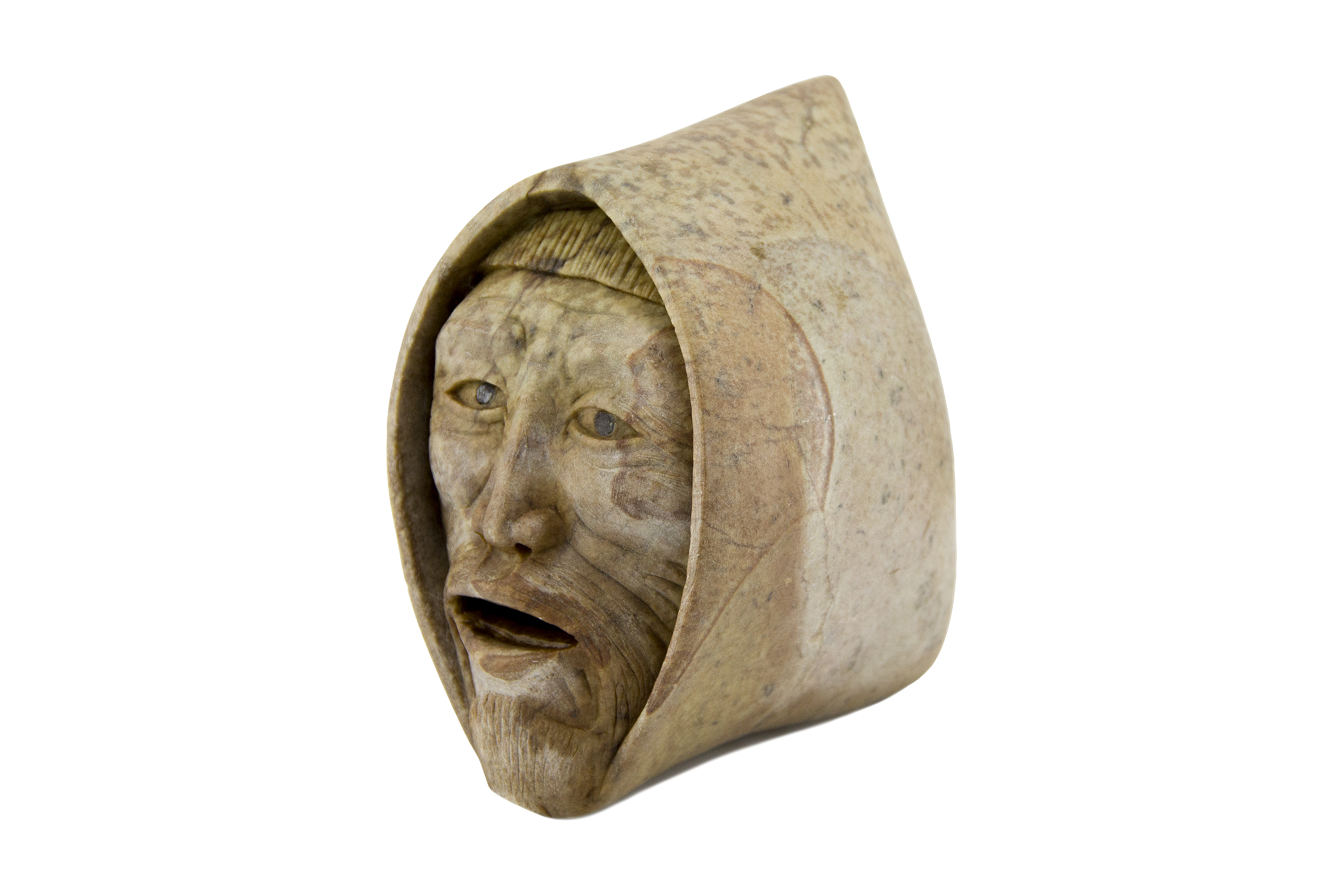
Studio photography designed to preserve form, surface character, dimensional detail, and material differences across a diverse collection.
Balanced directional lighting emphasizing raw tool marks, volumetric mass, and monumental presence.
MINIMALIST PROFILE
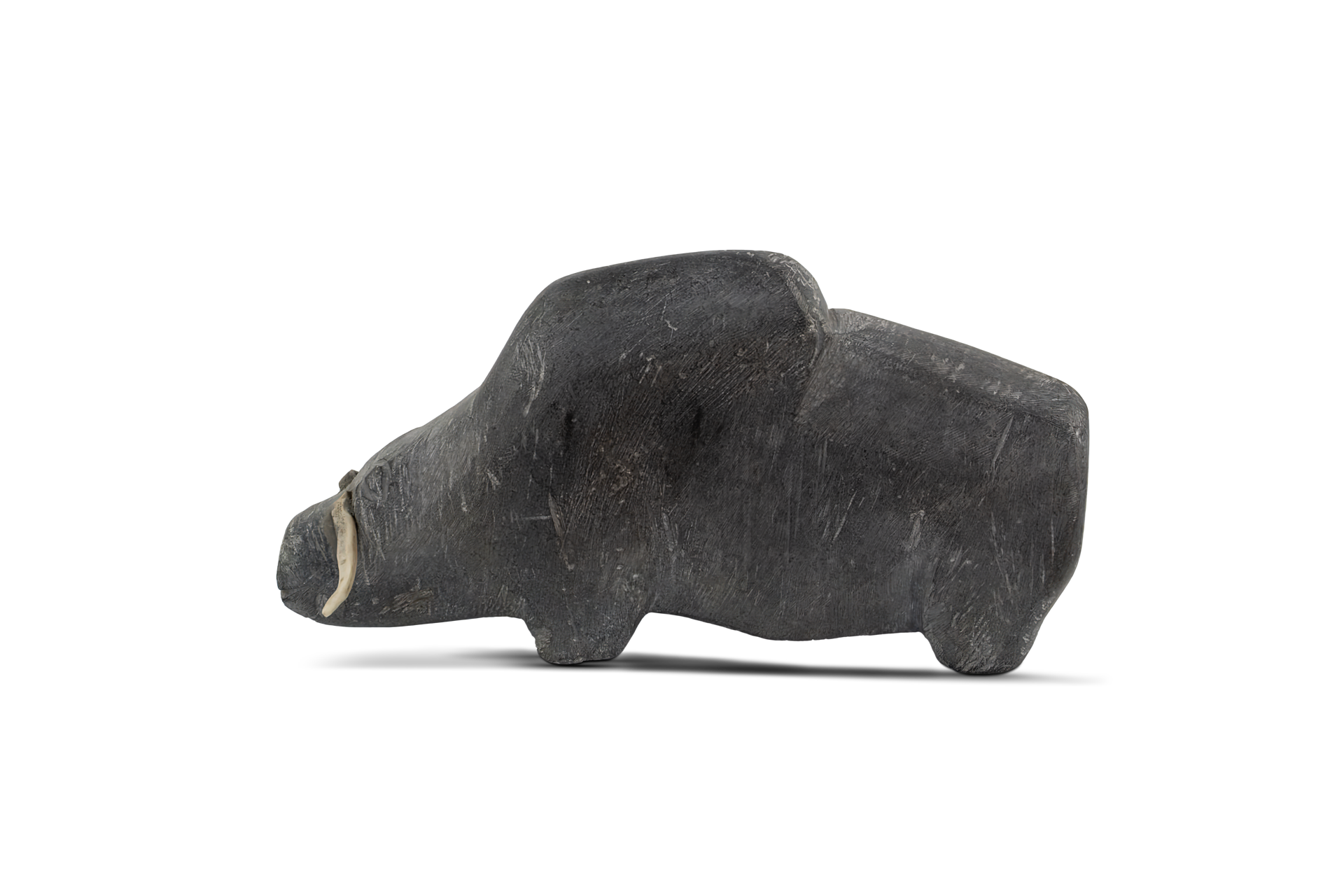
Caribou — Andy Miki
Neutral studio background separation highlighting iconic abstract silhouettes and stone grain.
04 — MULTI-ANGLE STUDY
Multi-Angle Artwork Documentation
12-view Mother and Child study showing the sculpture from multiple documented viewpoints.
View 01
View 02
View 03
View 04
View 05
View 06
View 07
View 08
View 09
View 10
View 11
View 12
05 — INTERACTIVE ROTATION
Interactive 360° Sculpture Visualization
Click and drag to rotate the sculpture through an interactive 360° view, providing a closer look at dimensional form, surface detail, and carving.
06 — ASSET PREPARATION
Background Isolation & Digital Asset Preparation
Preparing clean, isolated artwork assets for publication, digital cataloging, presentation, and interactive viewing.
ASSET 0002
ASSET 0119
ASSET 0185
ASSET 0238
07 — DOCUMENTATION OUTCOME
A Consistent Visual Record Across a Diverse Collection
Through controlled illumination, exposure consistency, and multi-format asset preparation, this studio documentation workflow established a uniform visual record for 600+ sculptures.
Individual Photography
High-resolution studio master frames capturing tactile material characteristics.
Multi-Angle Viewpoints
Sequential multi-view documentation detailing sculpture dimensions and profile geometry.
Isolated Digital Assets
Transparent PNG assets prepared for publishing, print collateral, and web integration.
Interactive 360° Viewing
Web-ready 360° turntable rotational embeds for remote study and digital presentation.
08 — PLATFORM FOUNDATION
From Photography to Digital Collection
Selected studio documentation assets produced during this project became part of the visual foundation for the companion ICAS digital collection platform.